System
License
"System"→"License"
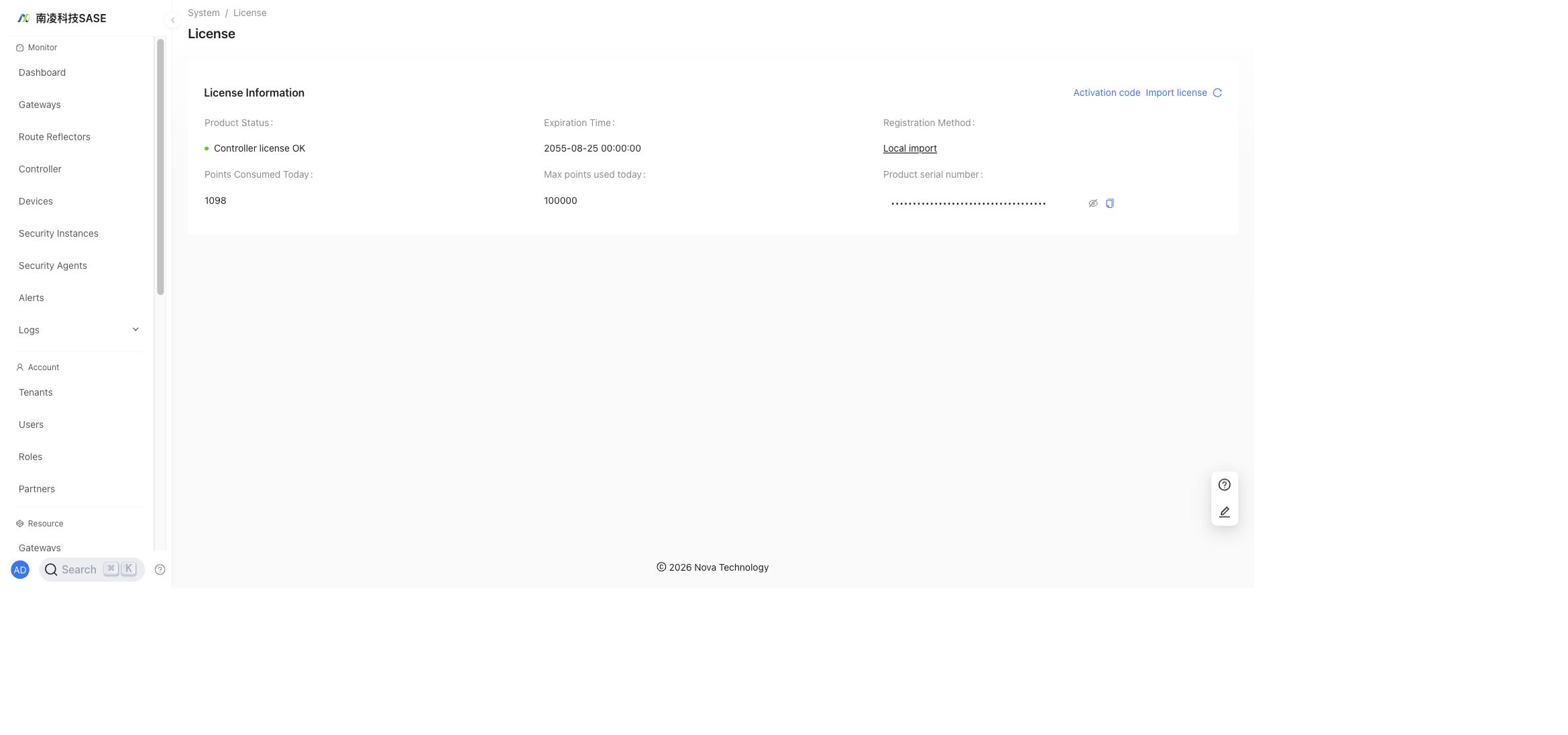
The License page shows license allocation, usage, expiration, and remaining resources.
Images
"System"→"Images"
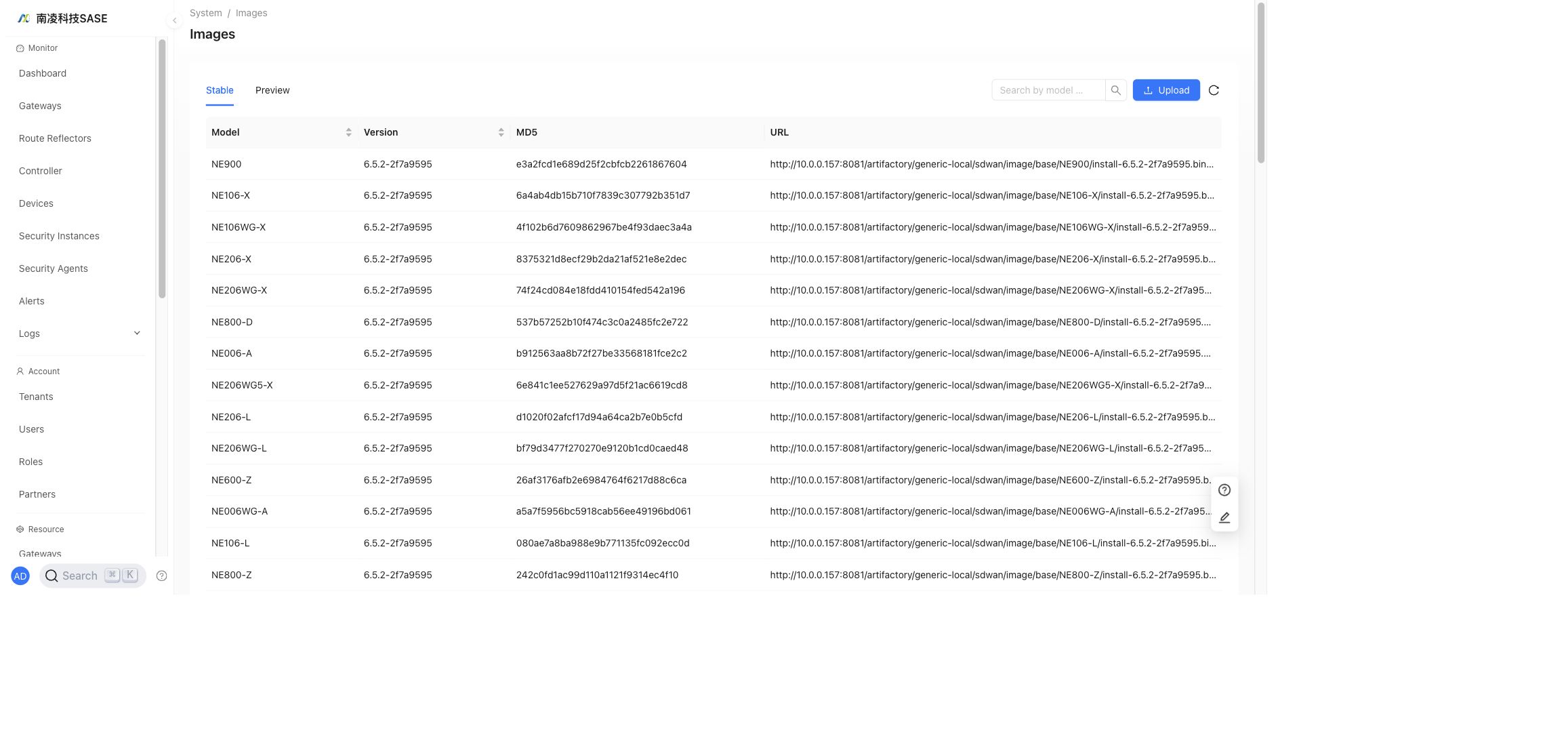
Administrators can upload and manage device images. The page includes Stable and Preview image lists and supports uploading new images.
NSC supports the following image release types:
- Stable: recommended for production after full testing and verification.
- Preview: used for new features or early validation when tenants need to try a new capability.
Upload History
Uploaded images are shown in the image list with model, version, MD5, and URL information.
Packages
"System"→"Packages"
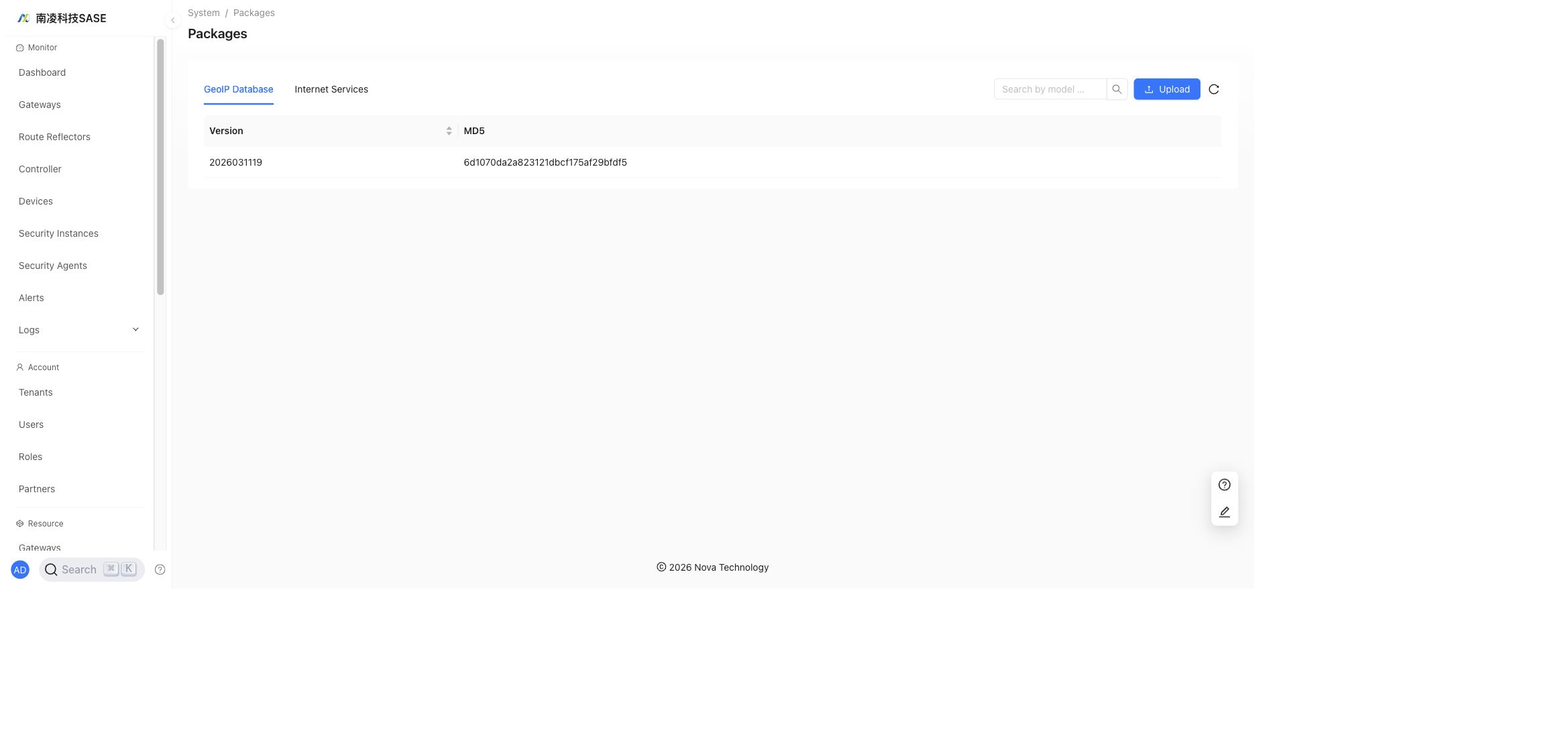
Administrators can publish address databases and service packages to controllers. When devices use related country/region or Internet service configurations, the packages can be upgraded automatically.
API
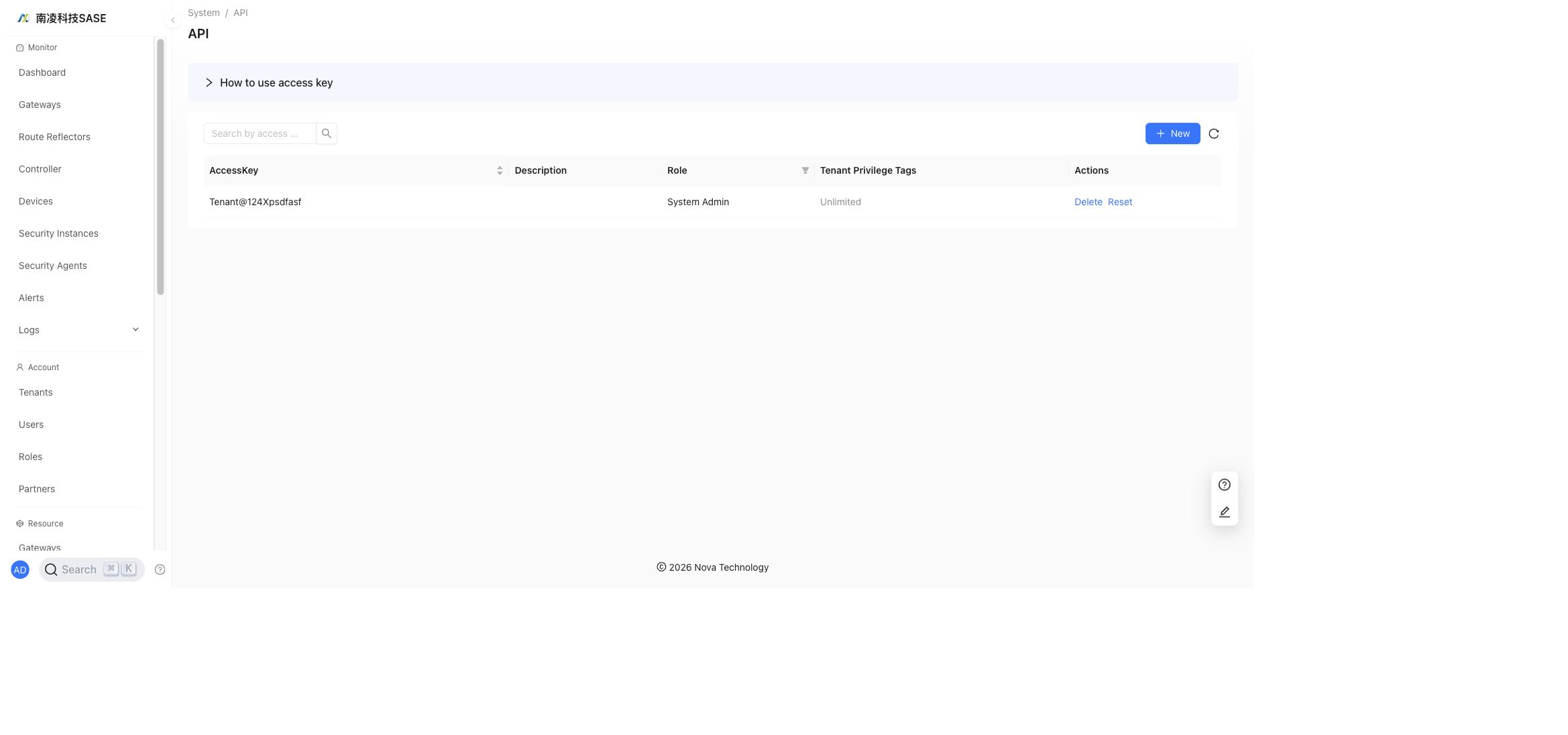
"System"→"API"
The API page manages third-party API access configuration.
System Settings
"System"→"System Settings"
System Settings contains provider-level settings such as alert settings, banner messages, and customization.
Alert Settings
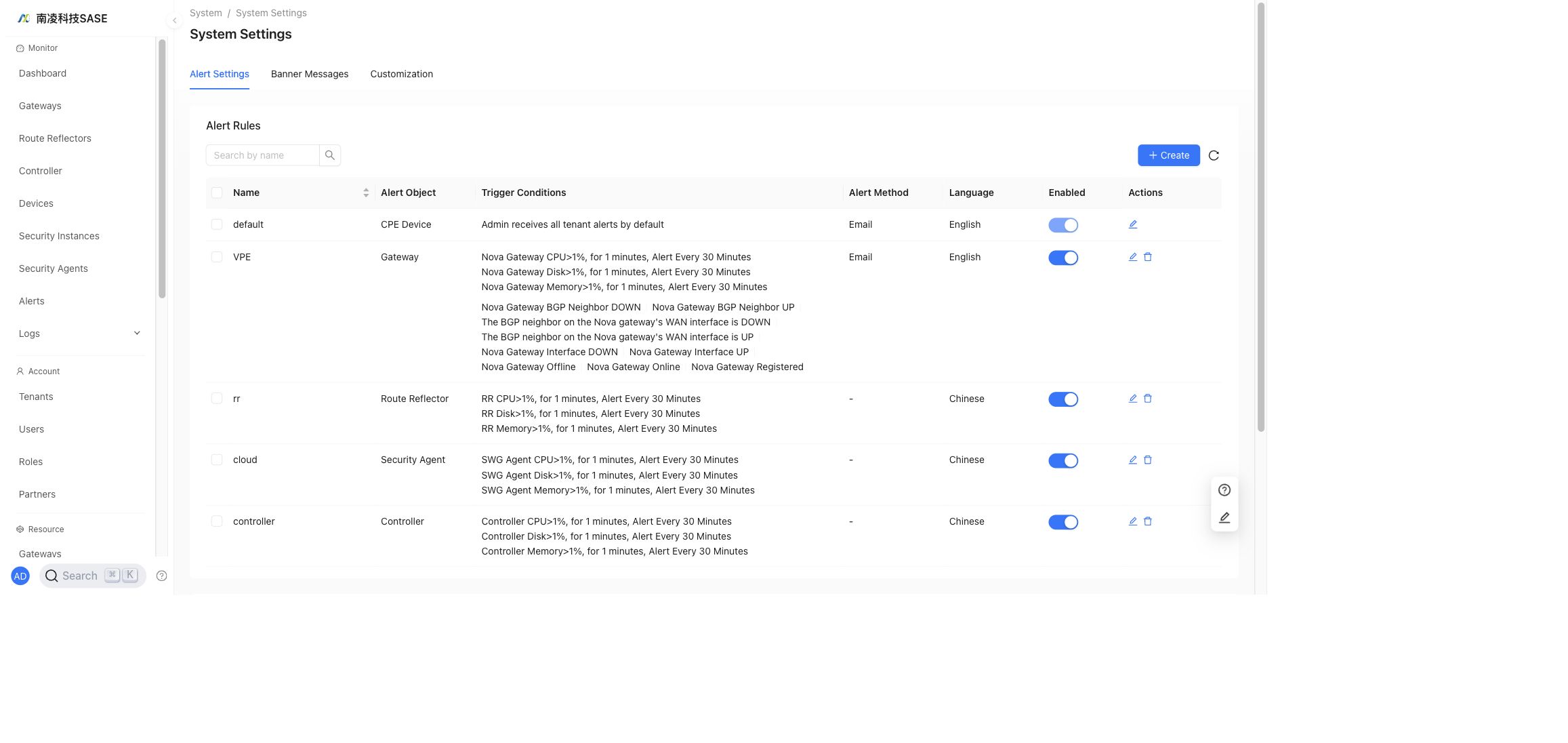
"System"→"System Settings"→"Alert Settings"
After alert rules are configured, generated alerts are shown under Monitor by default. To receive alerts through external channels, configure alert methods as well.
Alert Rules
"System"→"System Settings"→"Alert Settings"→"Alert Rules"→"New"
Alert rules define which objects generate alerts and how alert thresholds or reporting intervals are applied.
- Each alert object can have only one alert rule.
- The provider administrator receives tenant alerts by default.
- Nova Gateway and Controller objects support metric-based alerts.
- Other objects use default event delay reporting.
Supported alert objects include Devices, Nova Gateway, Security Agents, Controller, and Other.
Alert Methods
"System"→"System Settings"→"Alert Settings"→"Alert Methods"→"New"
Alert methods define how alerts are delivered. Supported methods include Email, Enterprise WeChat, SMS, Syslog, and Webhook.
Test Alert
After configuring an alert method, send a test alert to verify that the alert receiver can receive messages.
Banner Messages
"System"→"System Settings"→"Banner Messages"→"New"
System administrators can publish banner messages that are displayed at the top of NSC.
Customization
"System"→"System Settings"→"Customization"
Customization is used for provider-level UI branding and display settings.
User Settings
"System"→"User Settings"
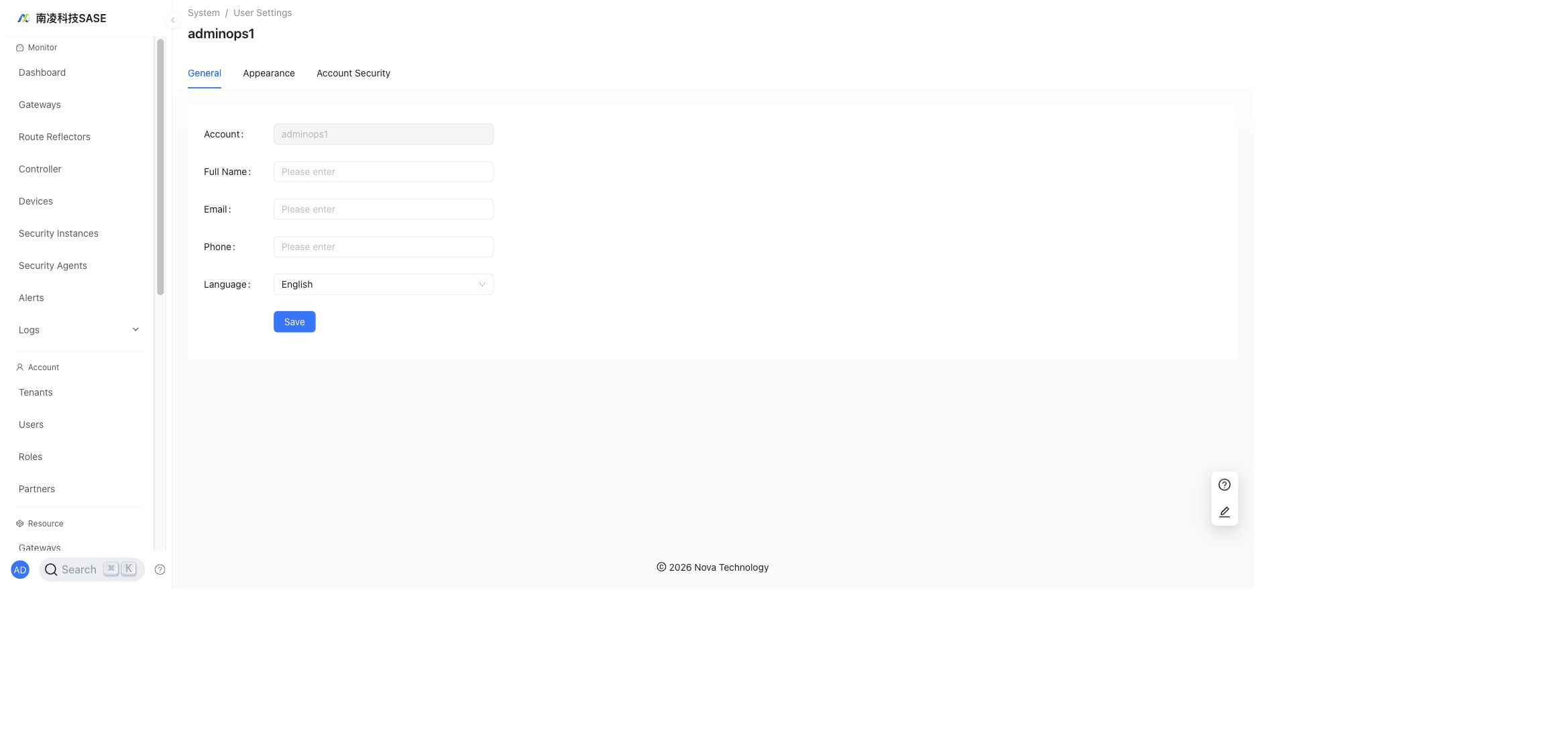
User Settings contains personal profile, appearance, and account security settings.