Monitor
Dashboard
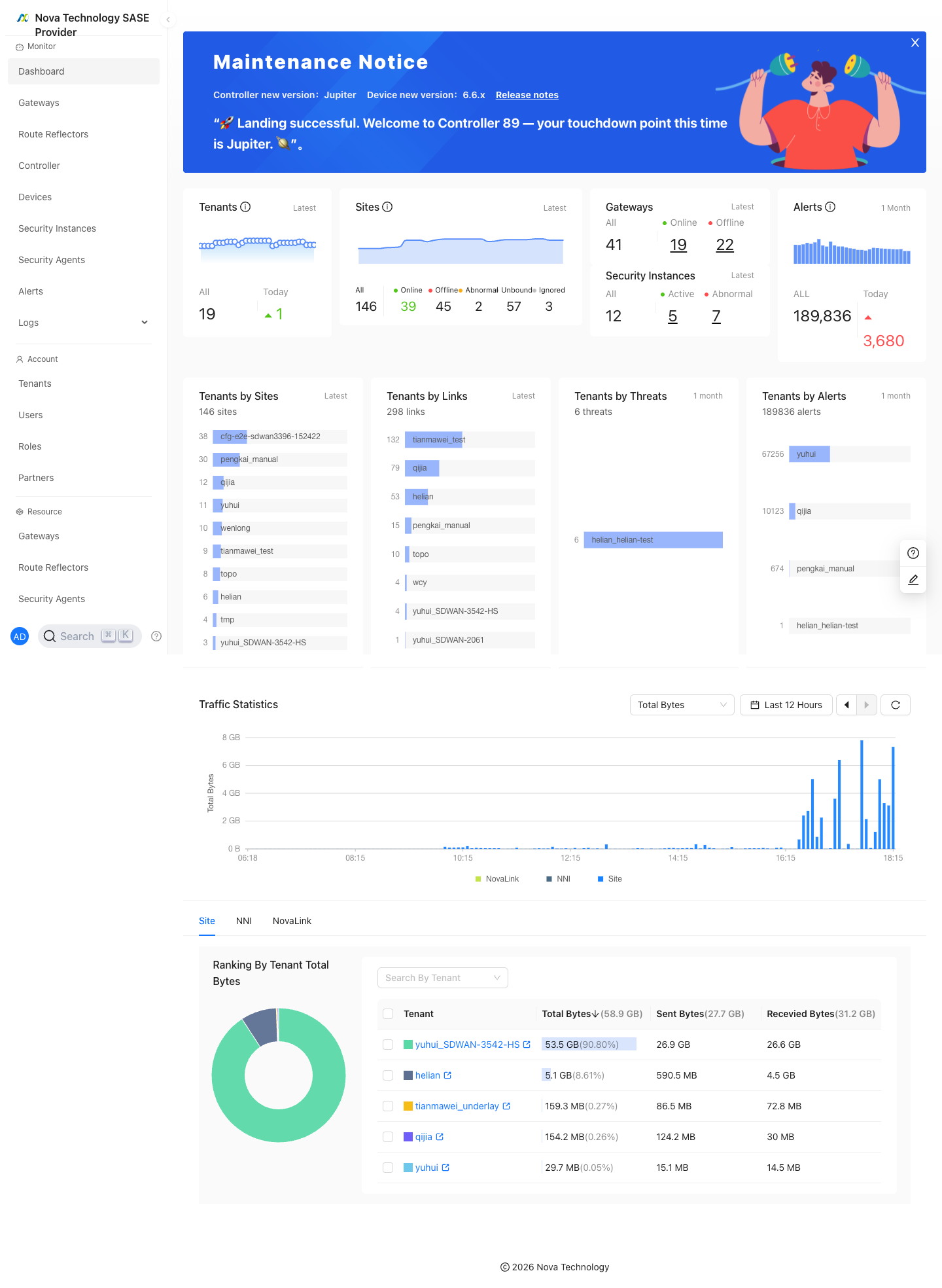
"Monitor"→"Dashboard"
The dashboard shows tenant, site, gateway, security instance, alert, traffic, and ranking statistics.
Gateways
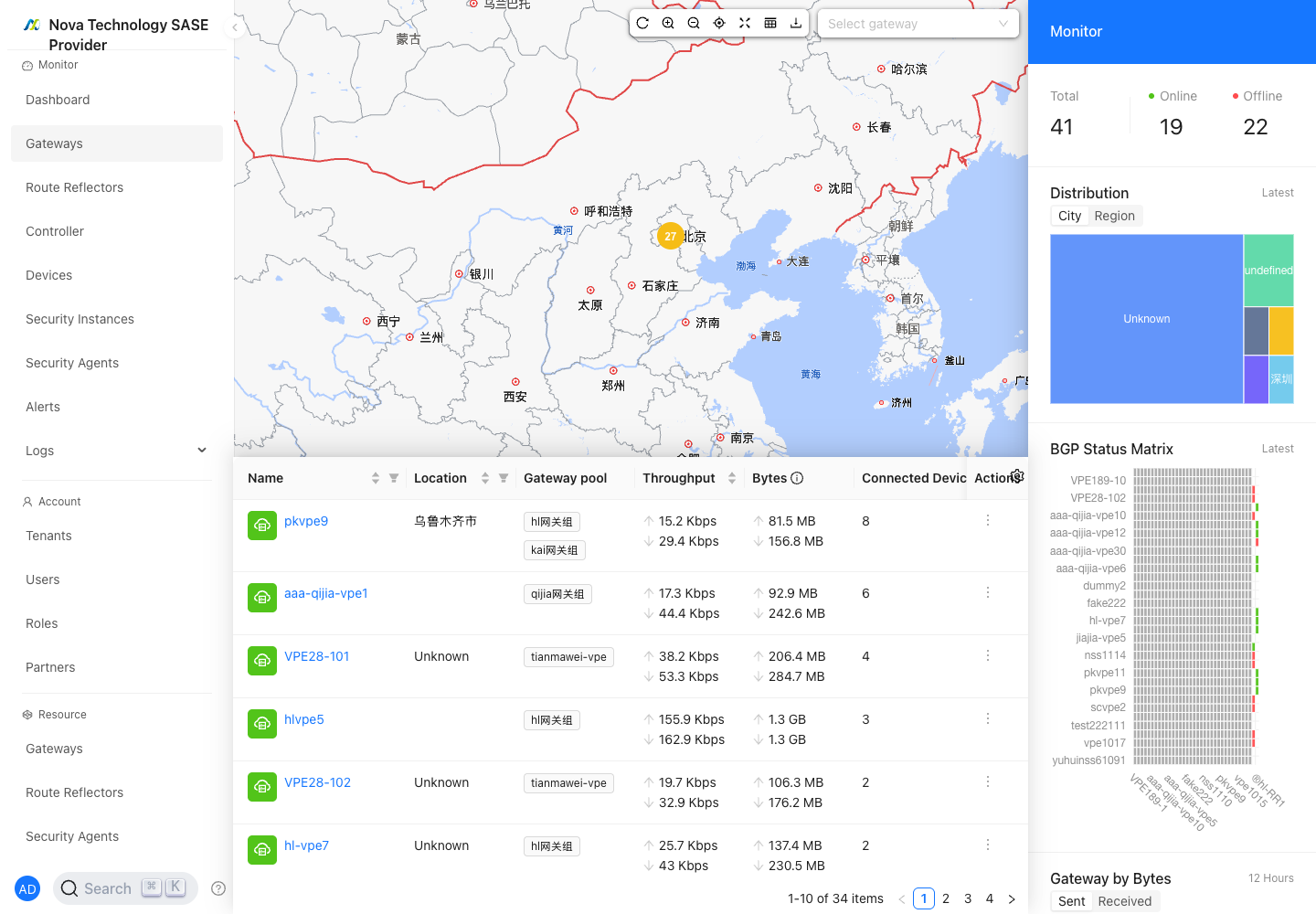
"Monitor"→"Gateways"
The Gateways page shows gateway status, uptime, traffic, tenant/VRF usage, and available actions. Click a gateway name to open gateway details.
Gateway Details
Gateway details include System, Ports, BGP Neighbors, diagnostic tools, and gateway maintenance controls.
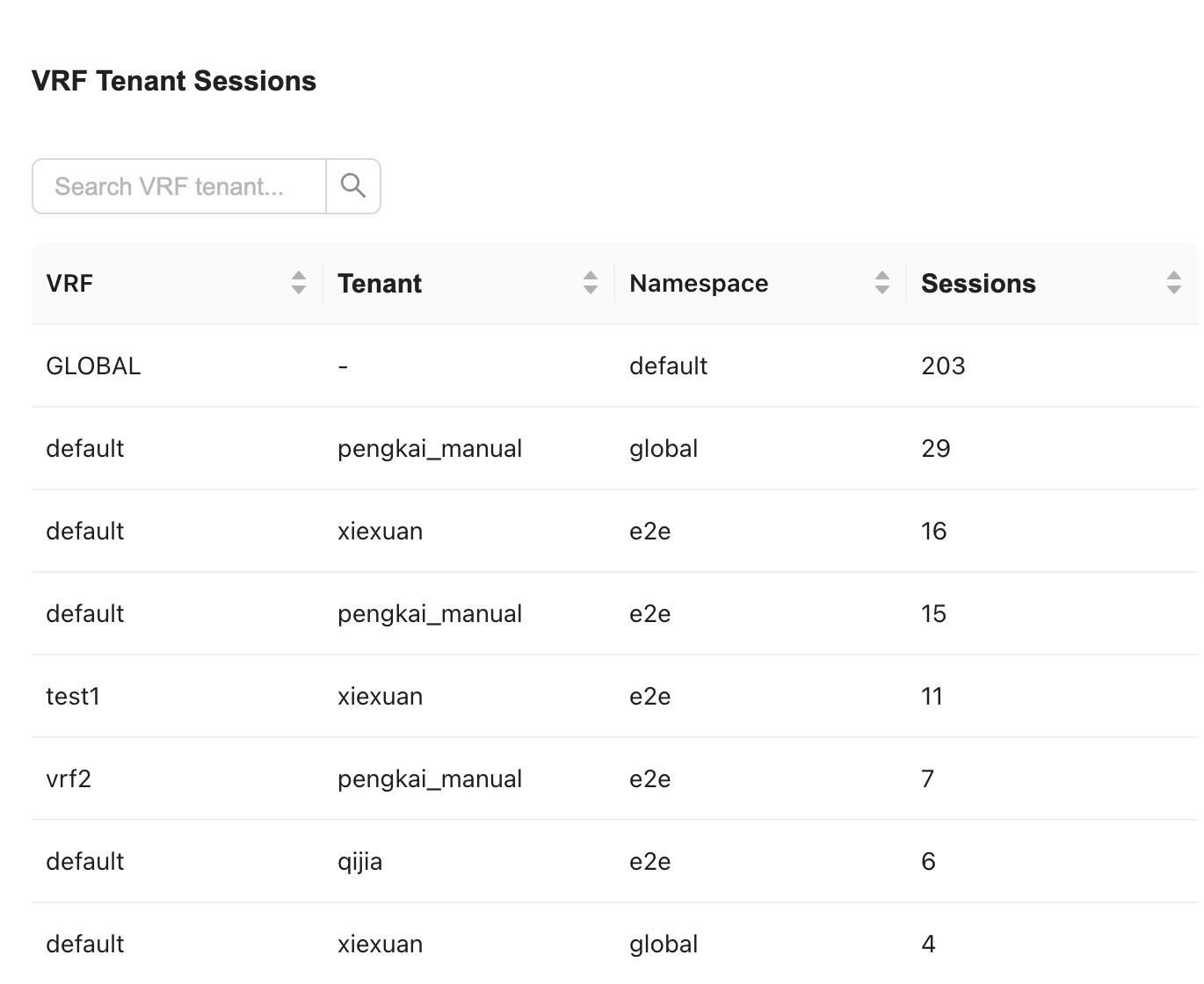
VRF Tenant Sessions
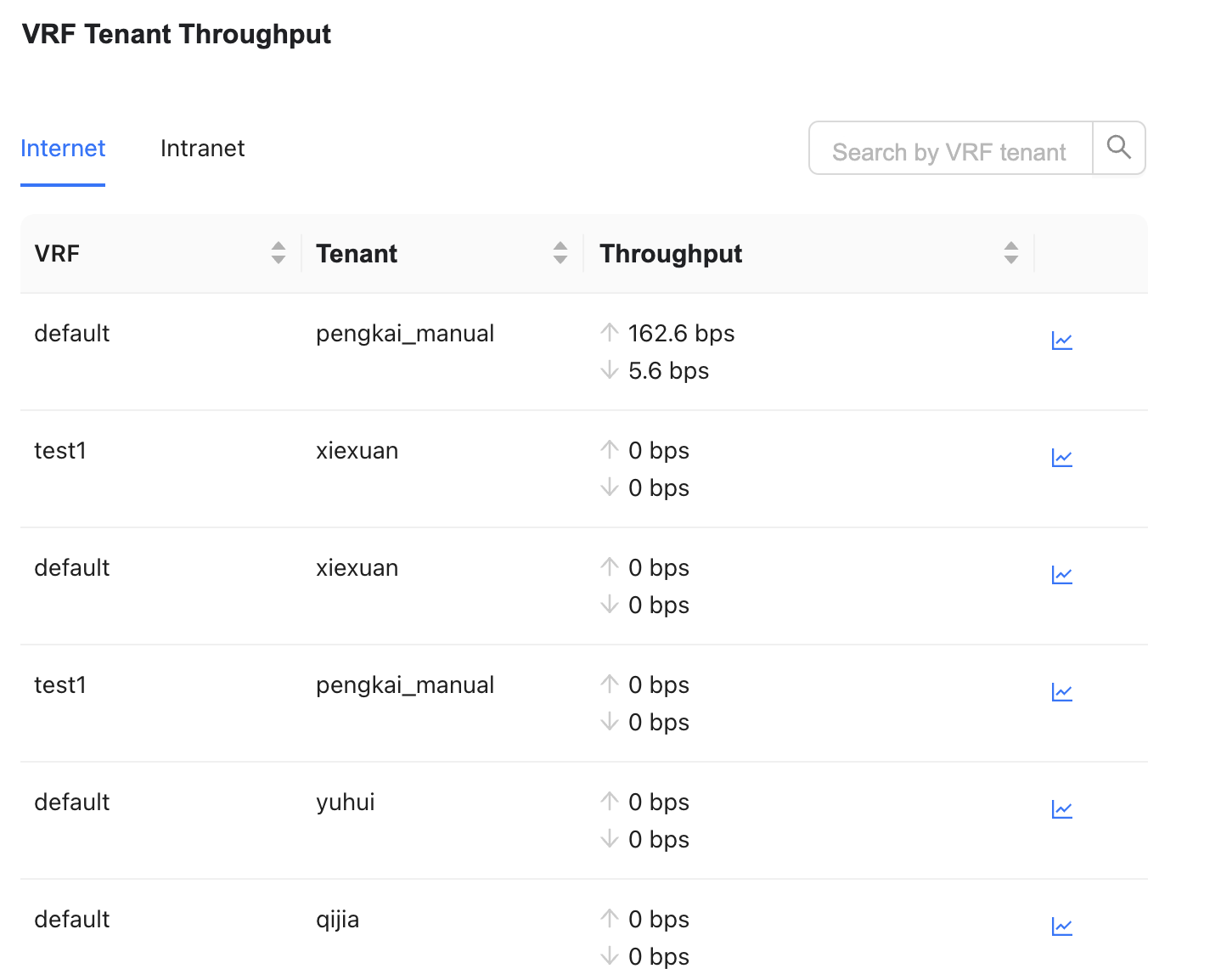
VRF Tenant Throughput
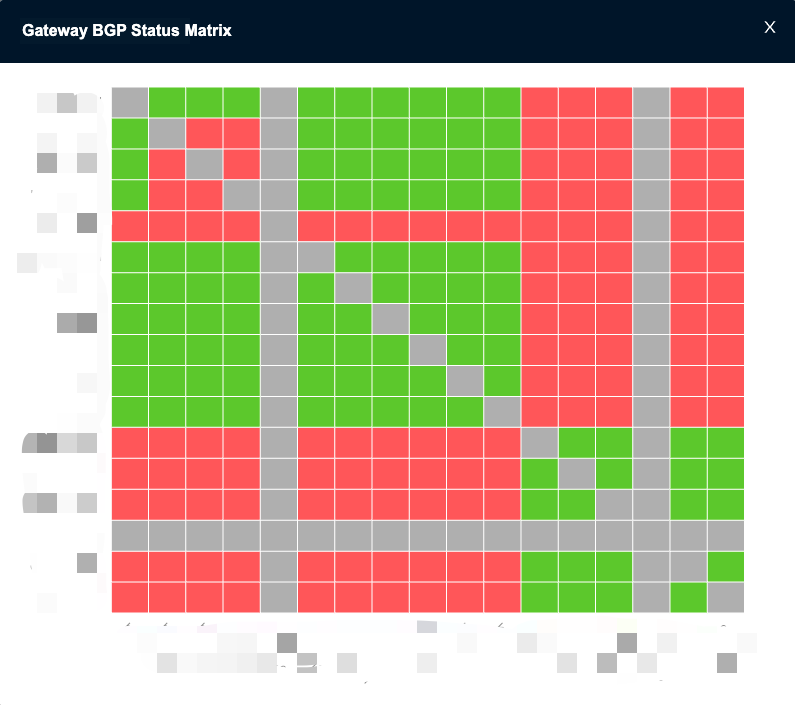
BGP Neighbor Status
Hover over the BGP status diagram to view the enlarged BGP topology.
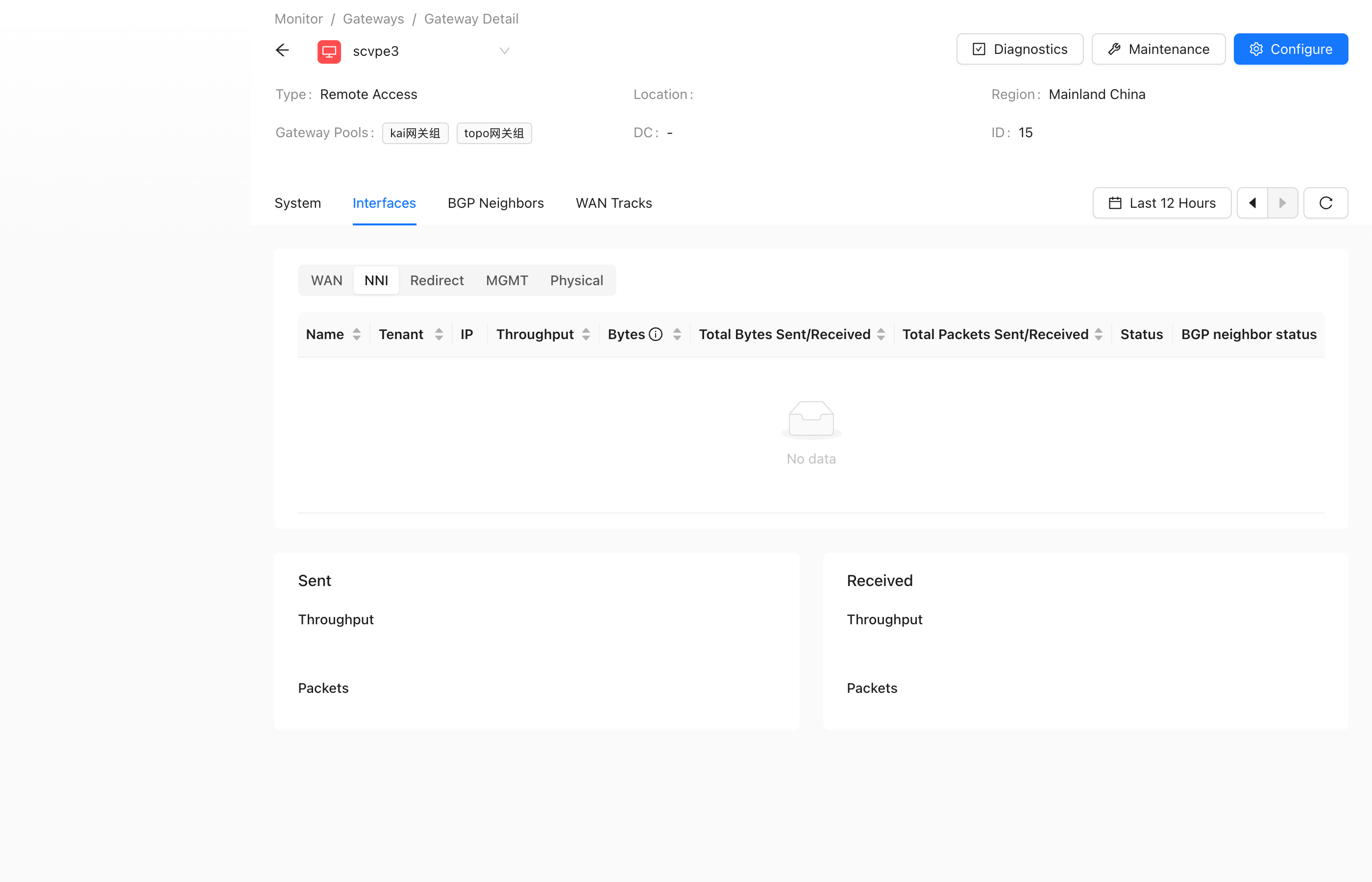
Port
The port view shows NNI BGP neighbor status and related port information.
Gateway Diagnostics
"Monitor"→"Gateways"→"Gateway Detail"→"Gateway Diagnosis"
Gateway diagnostics provide common network troubleshooting tools, including Ping, Traceroute, HTTP, MTR, NSlookup, DNS Cache Lookup, MTU Detection, ARP, Route Table, DHCP Hosts, Active Flows, TOP Flows, NC Tool, and Reset BGP Neighbor Connection.
Ping
Tests the quality and latency of the gateway network connection.

Traceroute
Traces the path from the gateway to the target host.

HTTP

MTR
Combines Traceroute and Ping for path and packet-loss checks.

DNS Cache Lookup
Query the relationship between an IP address and a domain name.
DNS cache information can be queried after traffic hits a policy that references a domain address group.

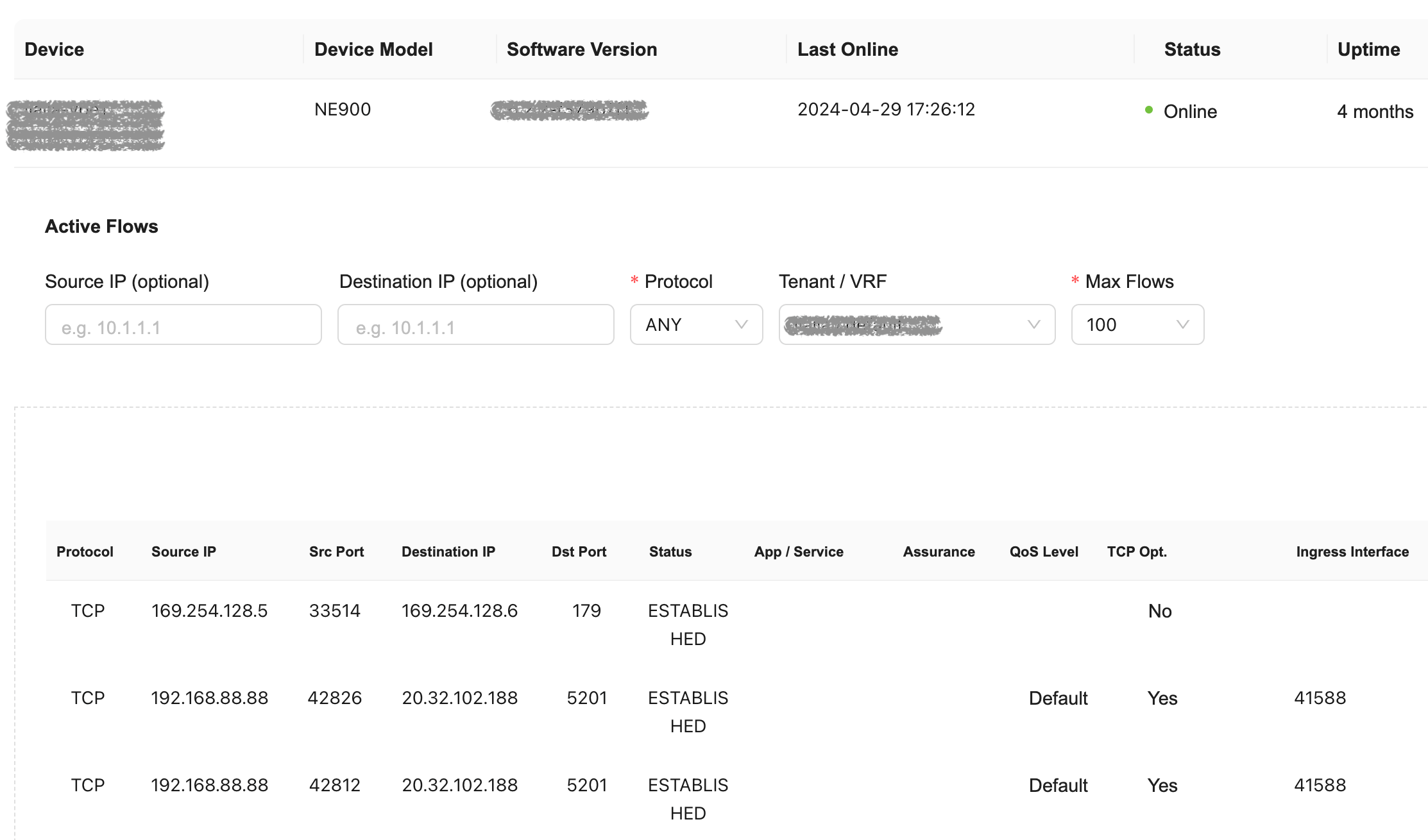
Active Flows
Use active flows to check whether traffic is being proxied and which path it takes.
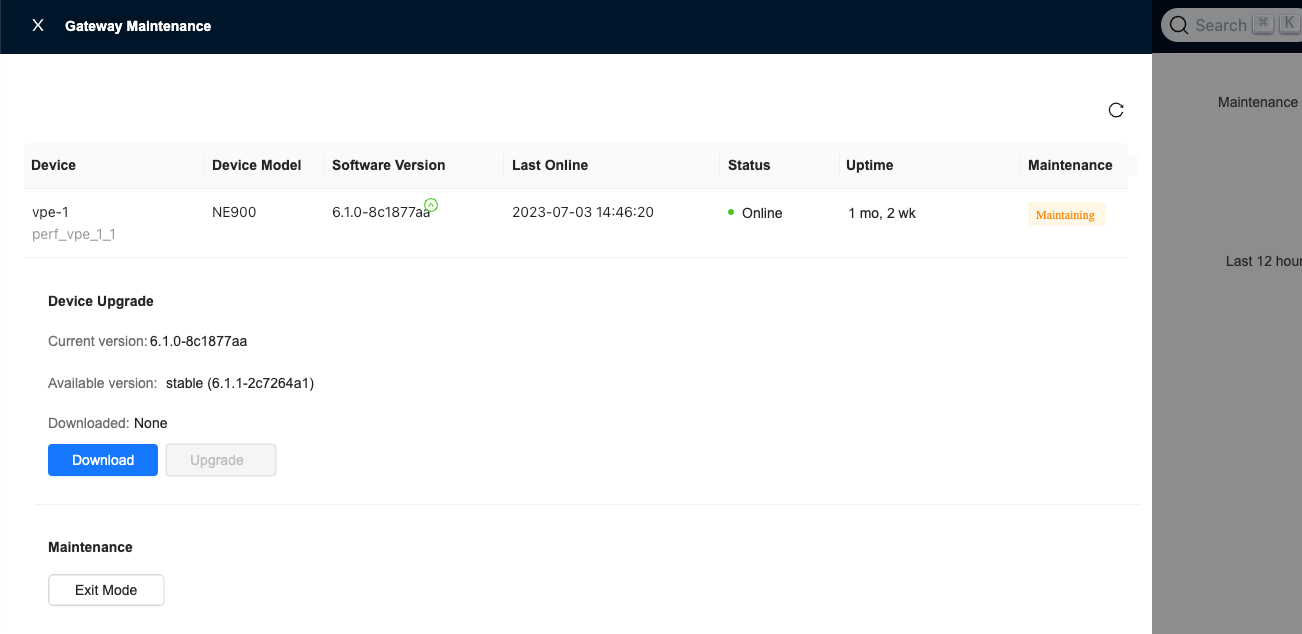
Maintenance Mode
"Monitor"→"Gateways"→"Gateway Detail"→"Gateway Maintenance"
When a gateway enters maintenance mode during upgrade, it lowers the priority of its advertised routes. This helps avoid service interruption caused by tunnel rebuilds or BGP route flapping. After the upgrade is complete and maintenance mode is disabled, the route priority is restored automatically. Maintenance mode is supported by gateway version 6.1.2 and later.
Route Reflectors
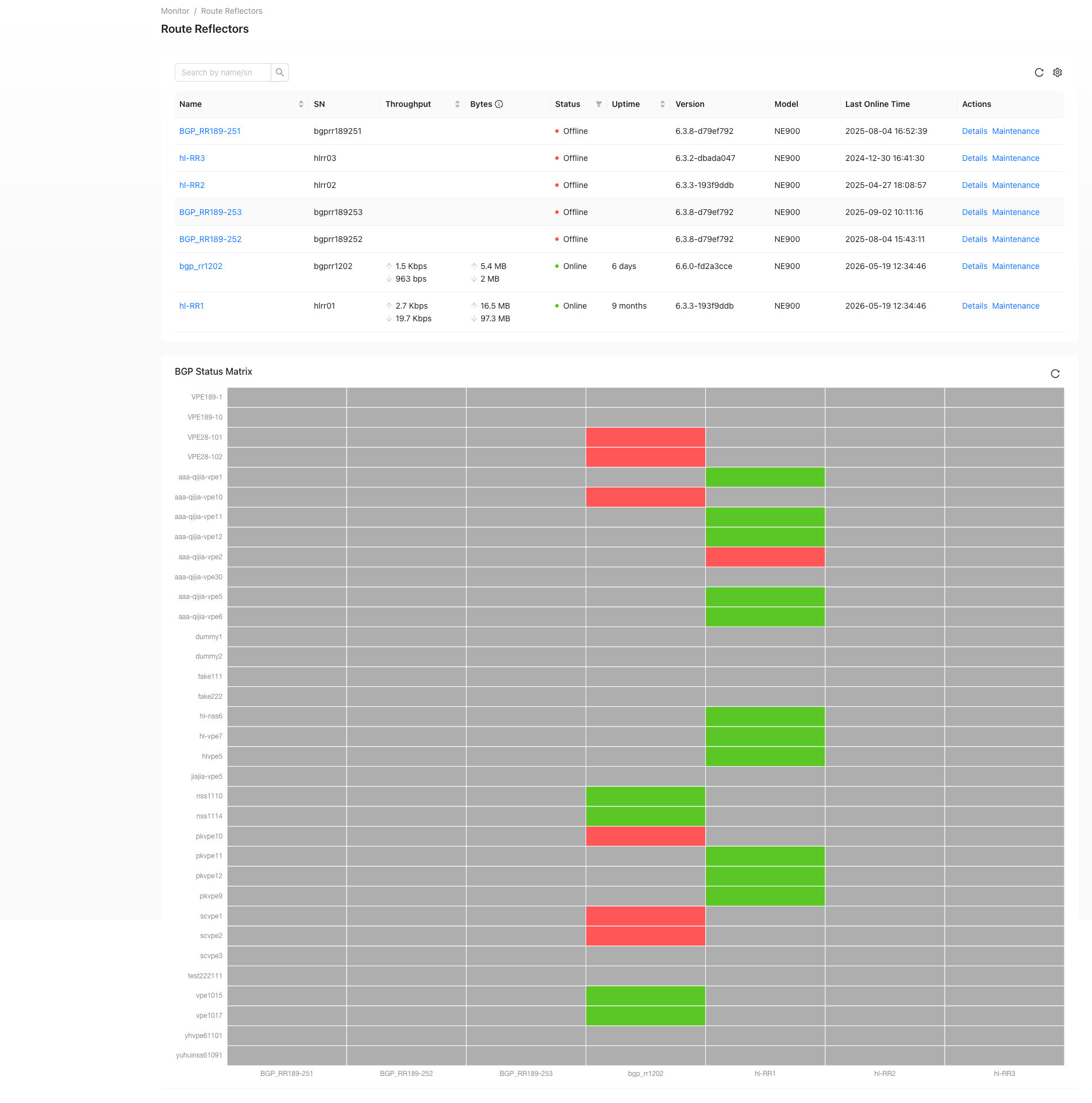
"Monitor"→"Route Reflectors"
The Route Reflectors page shows route reflector status, uptime, and BGP status. Click a route reflector name to view system, port, and BGP neighbor information.
Controller
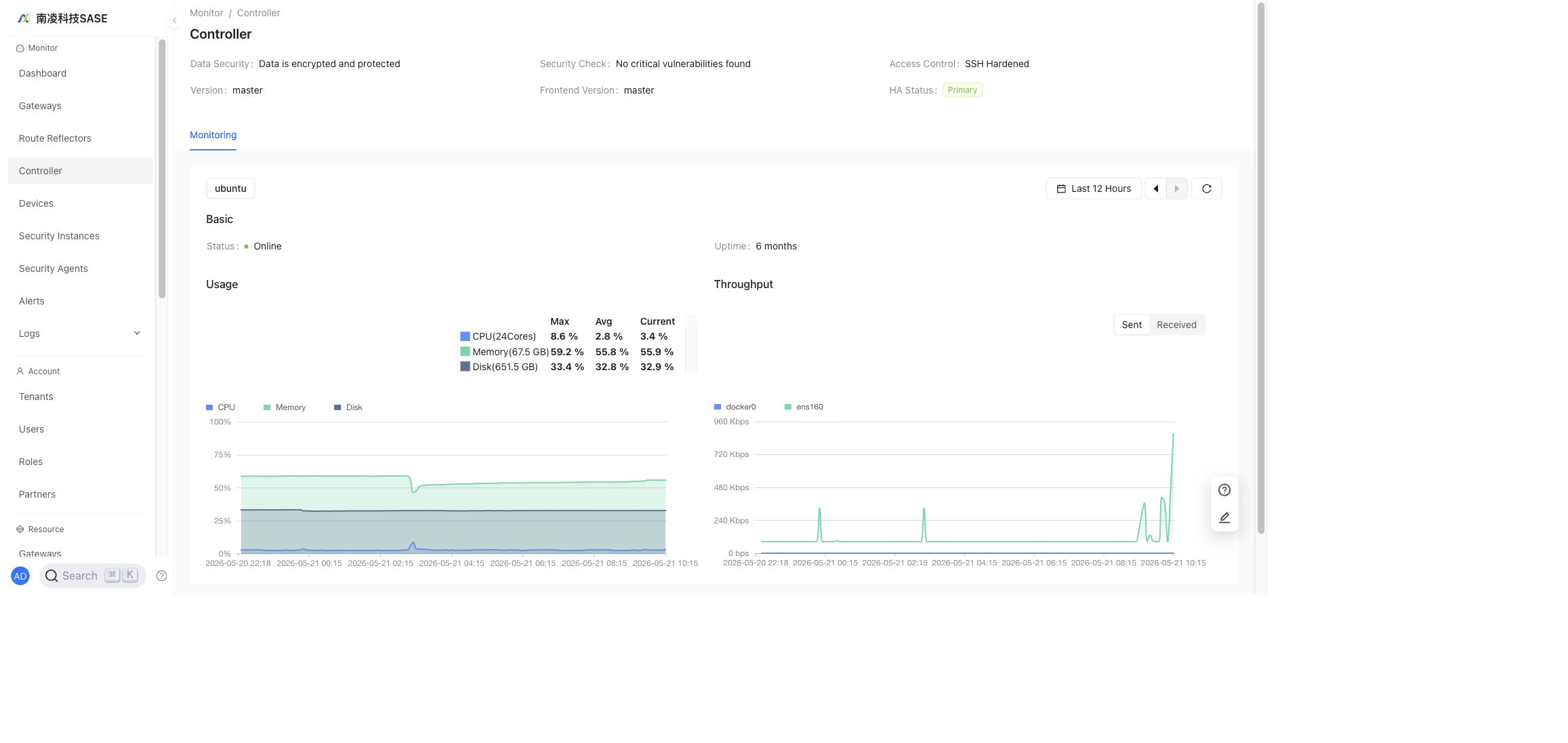
"Monitor"→"Controller"
View controller server status, version, HA status, resource usage, and security check information.
Devices
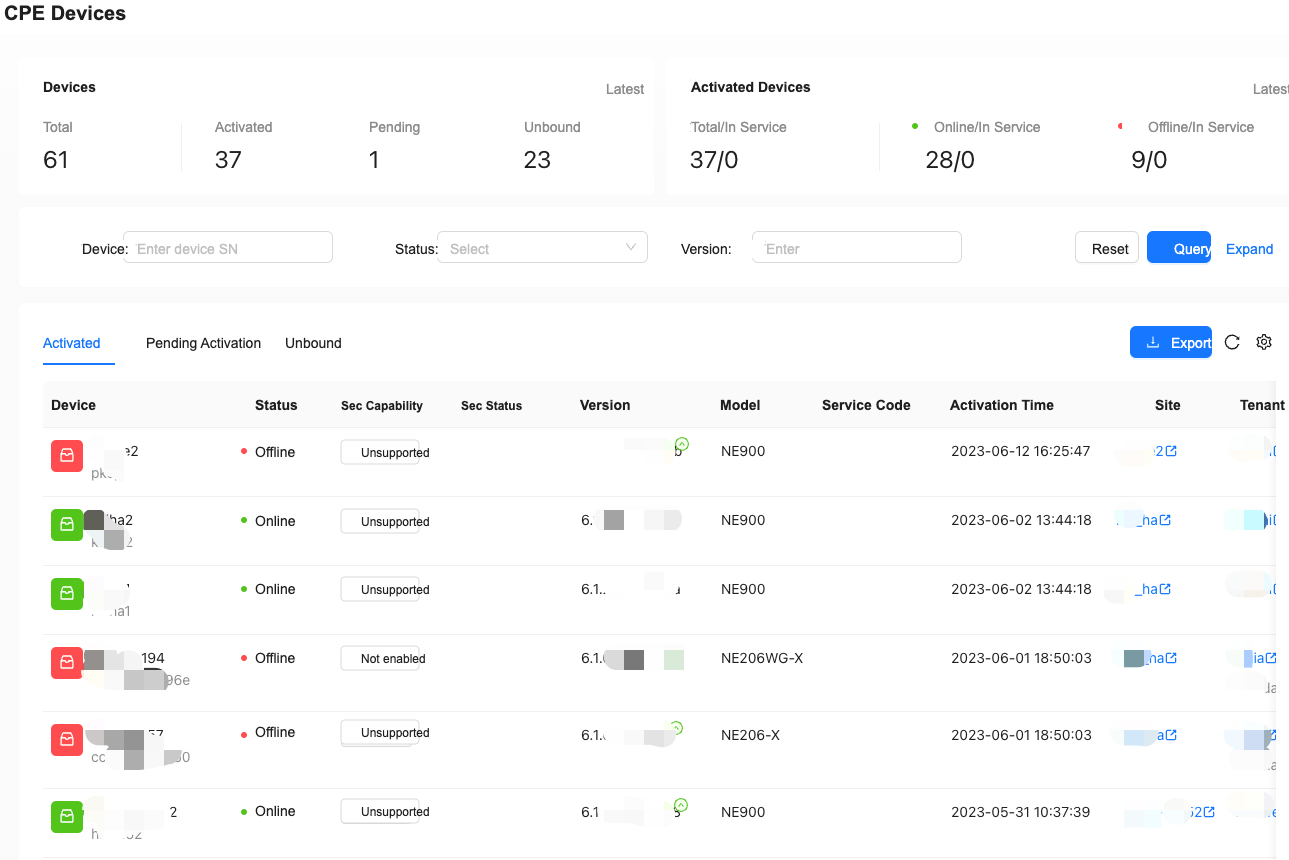
"Monitor"→"Devices"
View CPE device monitoring information.
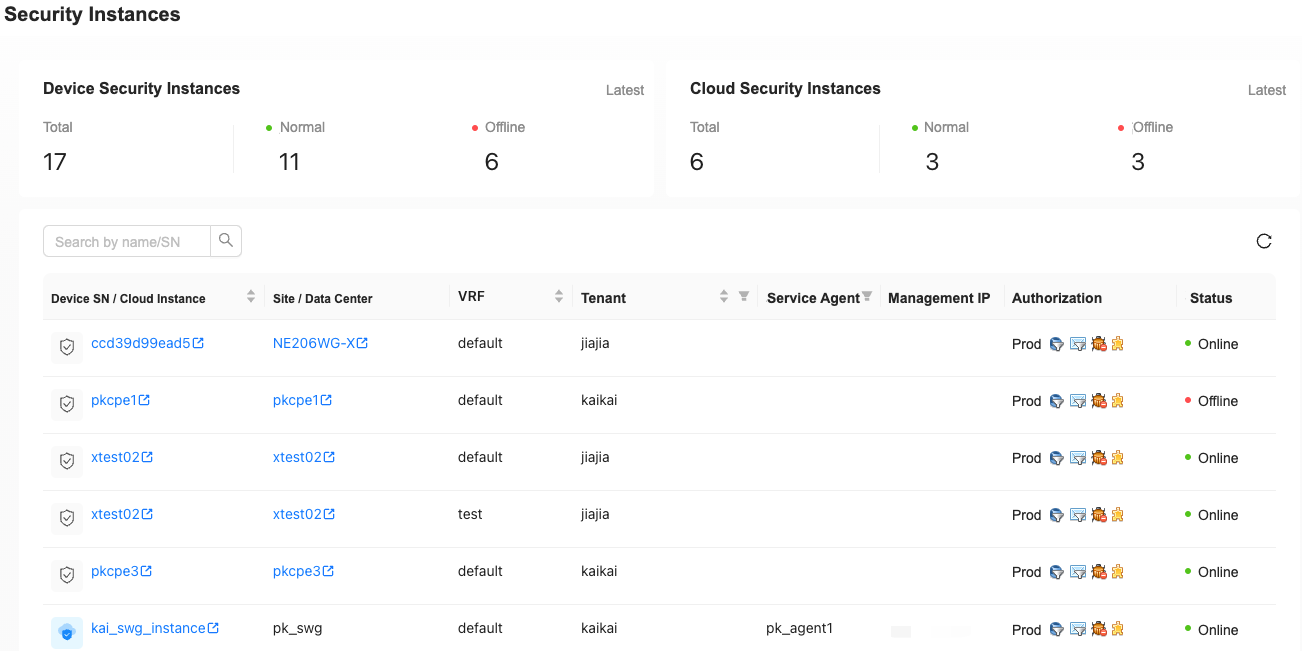
Security Instances
"Monitor"→"Security Instances"
View device security instance and cloud security instance monitoring information.
Security Agents
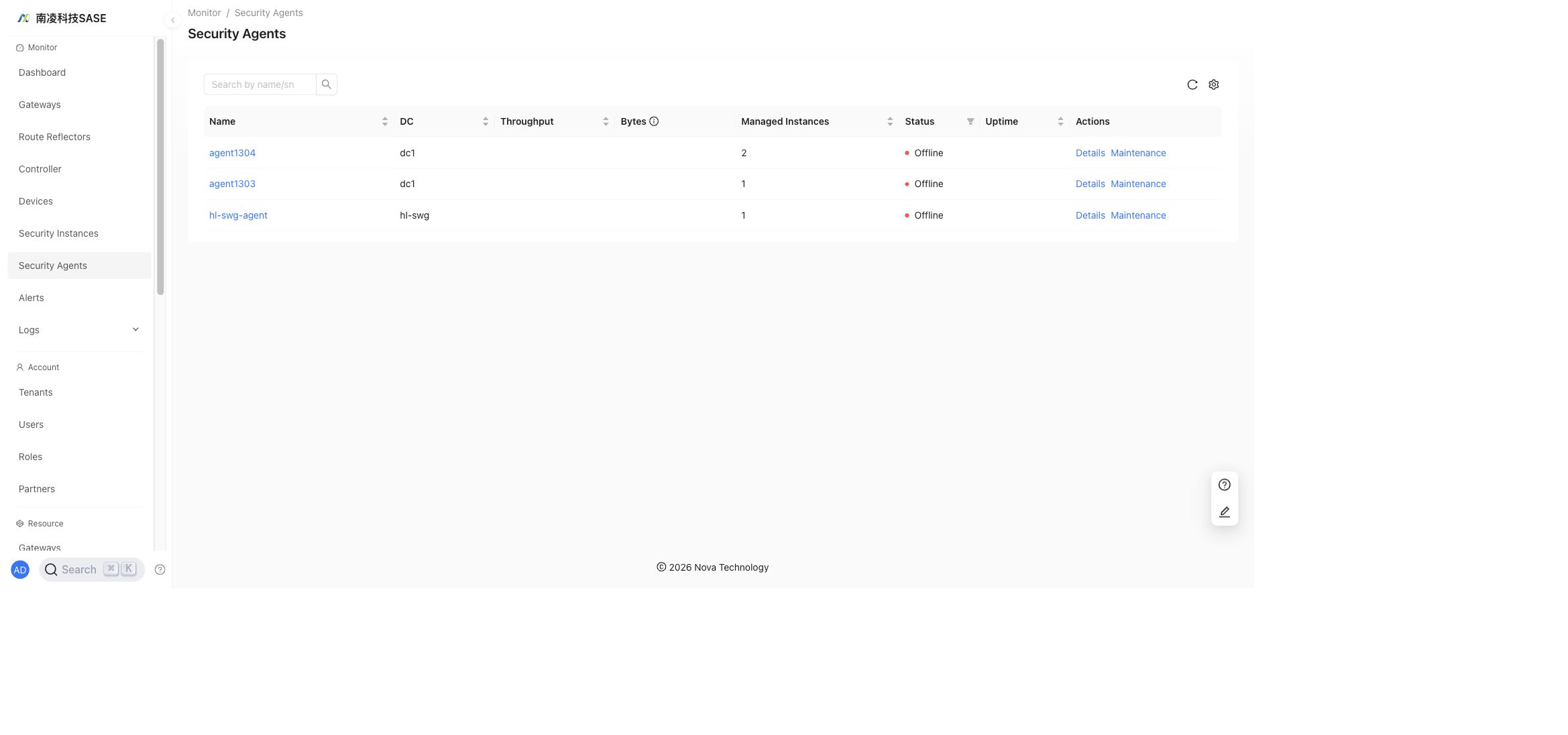
"Monitor"→"Security Agents"
View security agent data center, throughput, managed instance count, status, uptime, and available actions.
Alerts
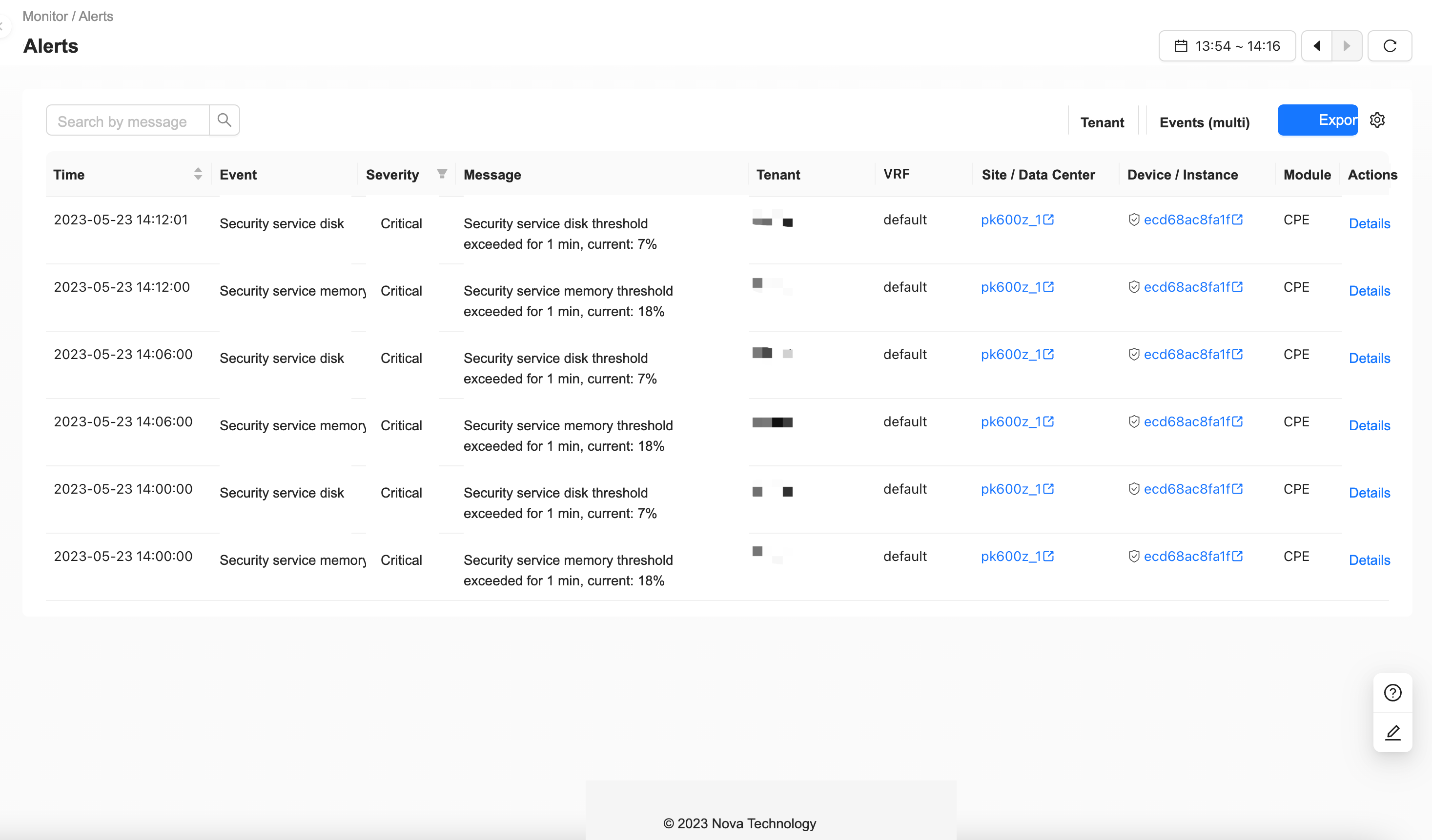
"Monitor"→"Alerts"
Filter alarms by tenant and security event.
Logs
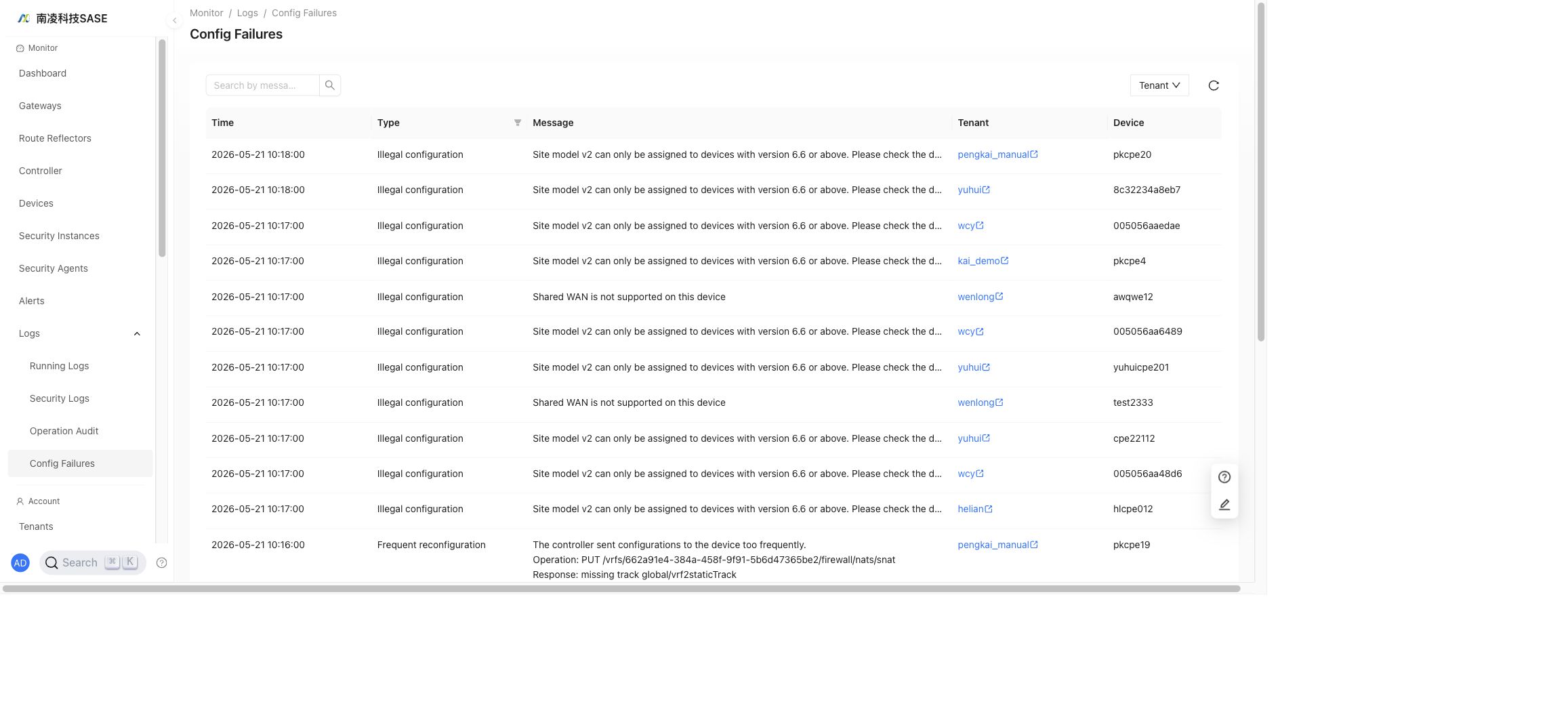
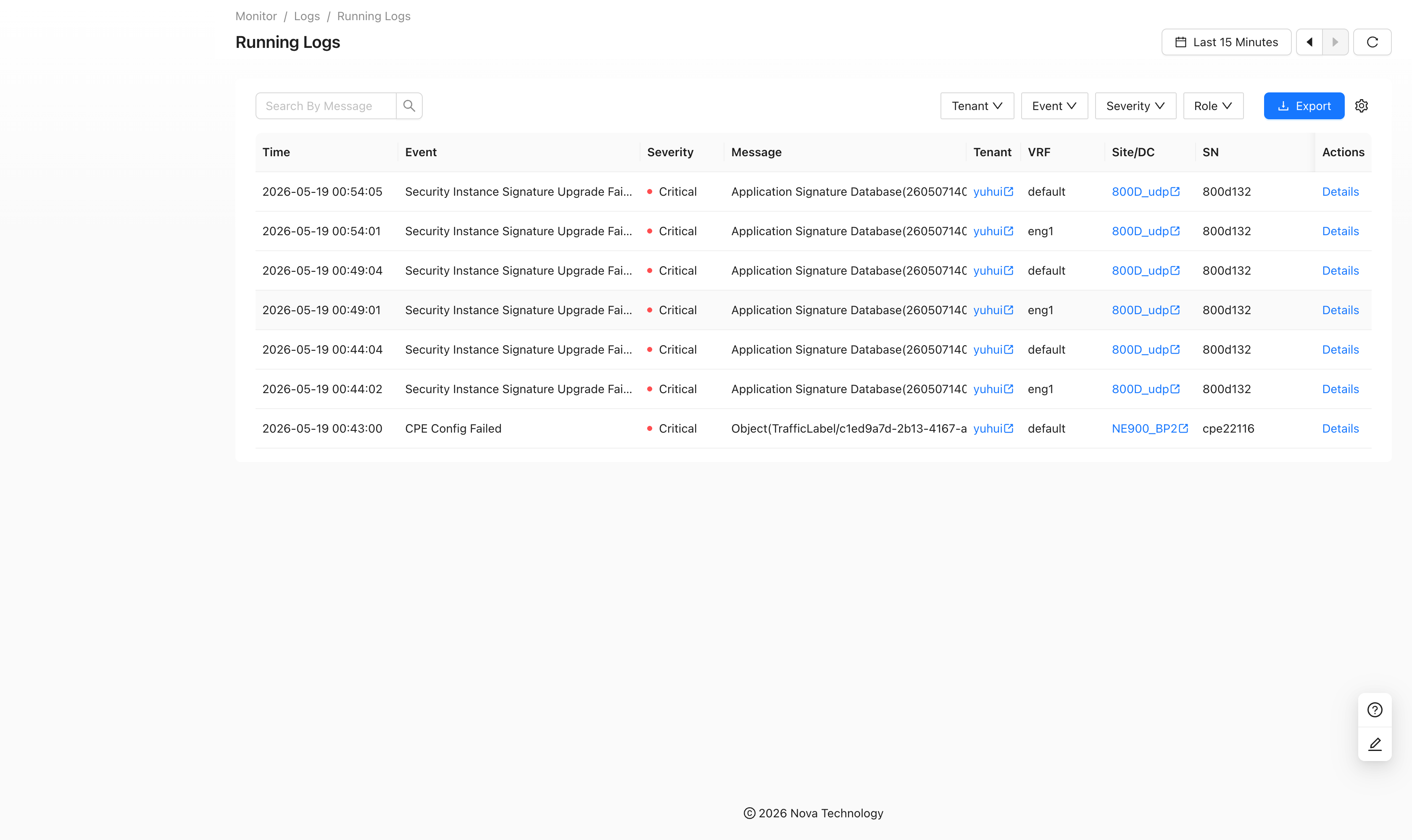
"Monitor"→"Logs"
Running Logs
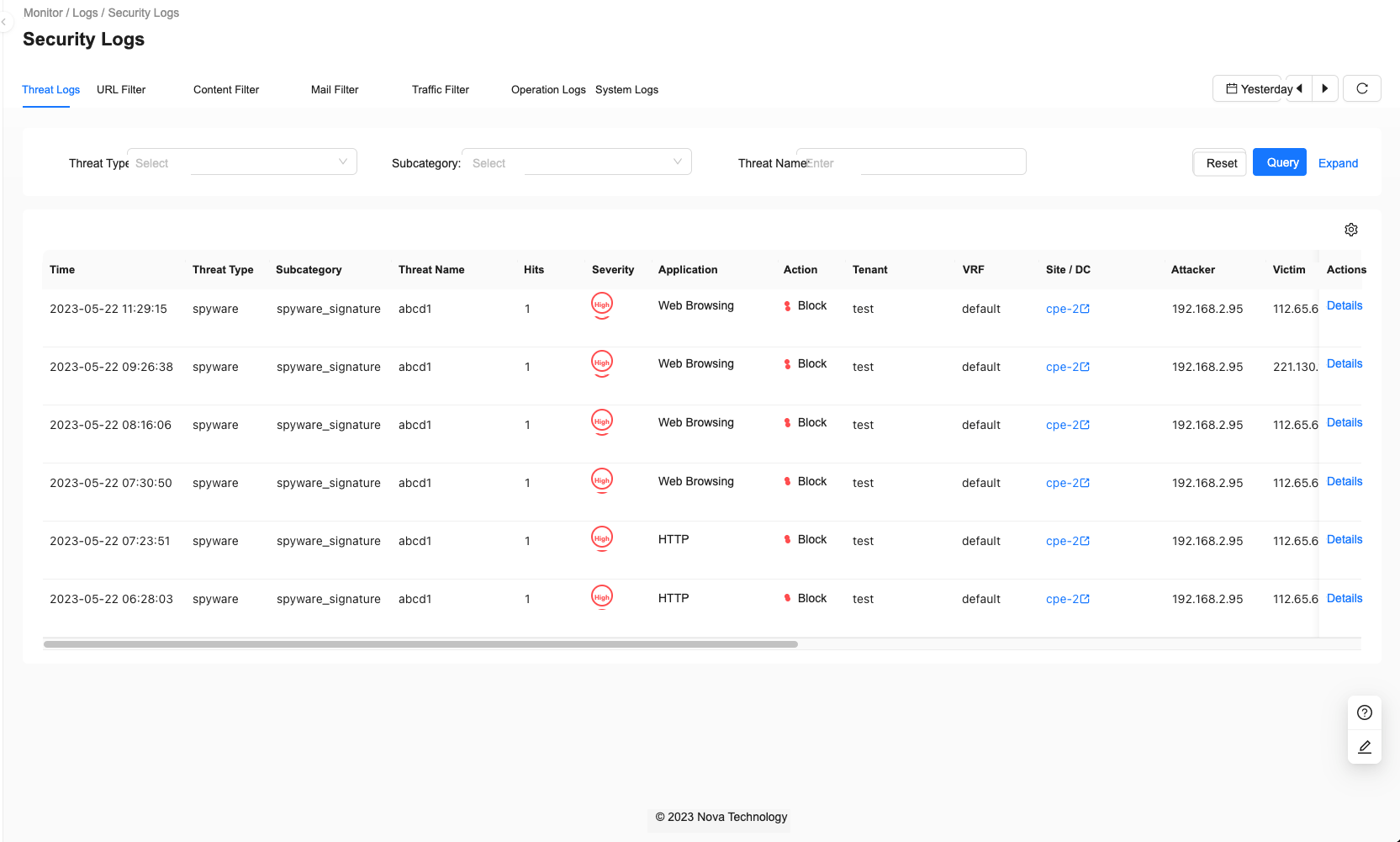
Security Logs
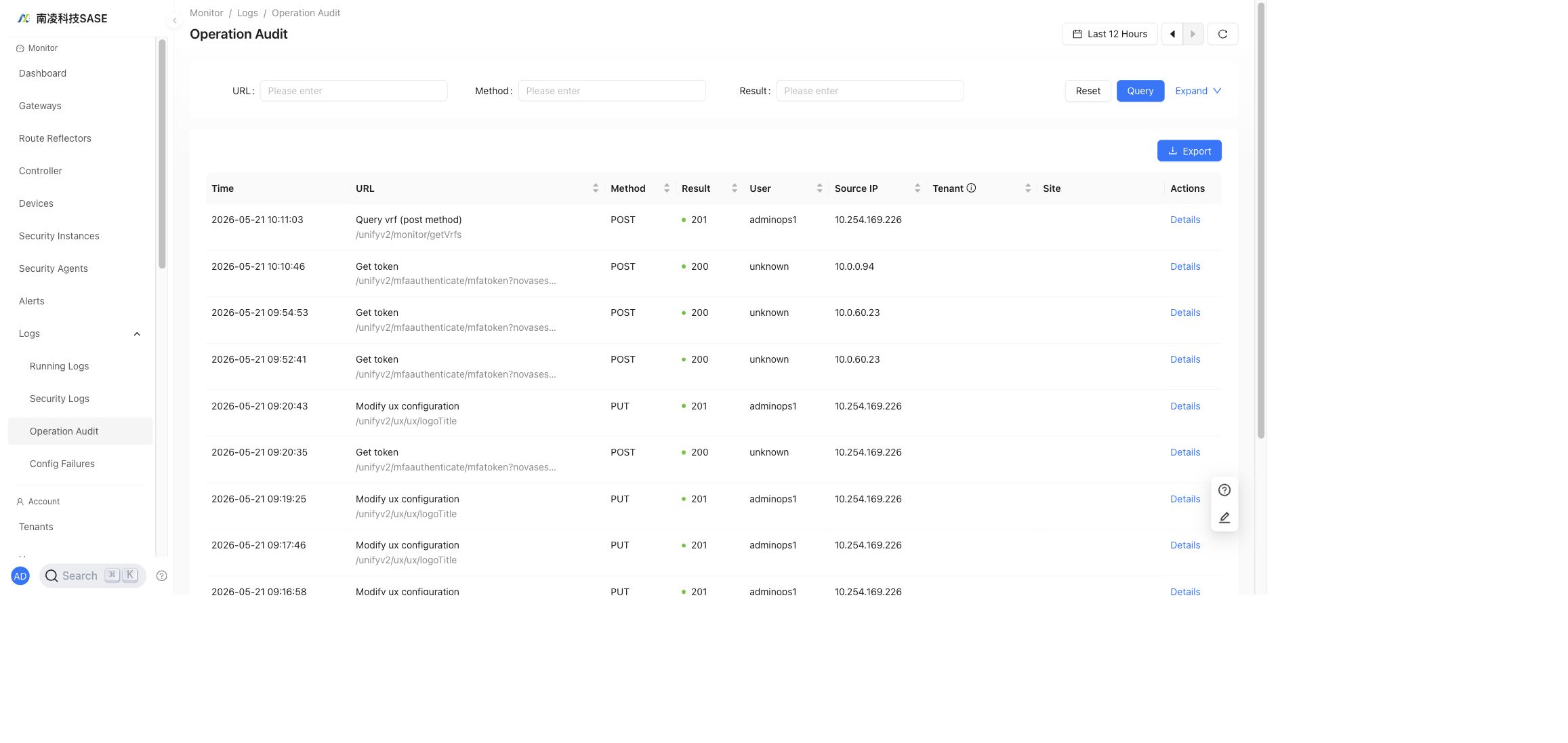
Operation Audit
Config Failures