Resource
Gateways
"Administrator"→"Resource"→"Gateways"
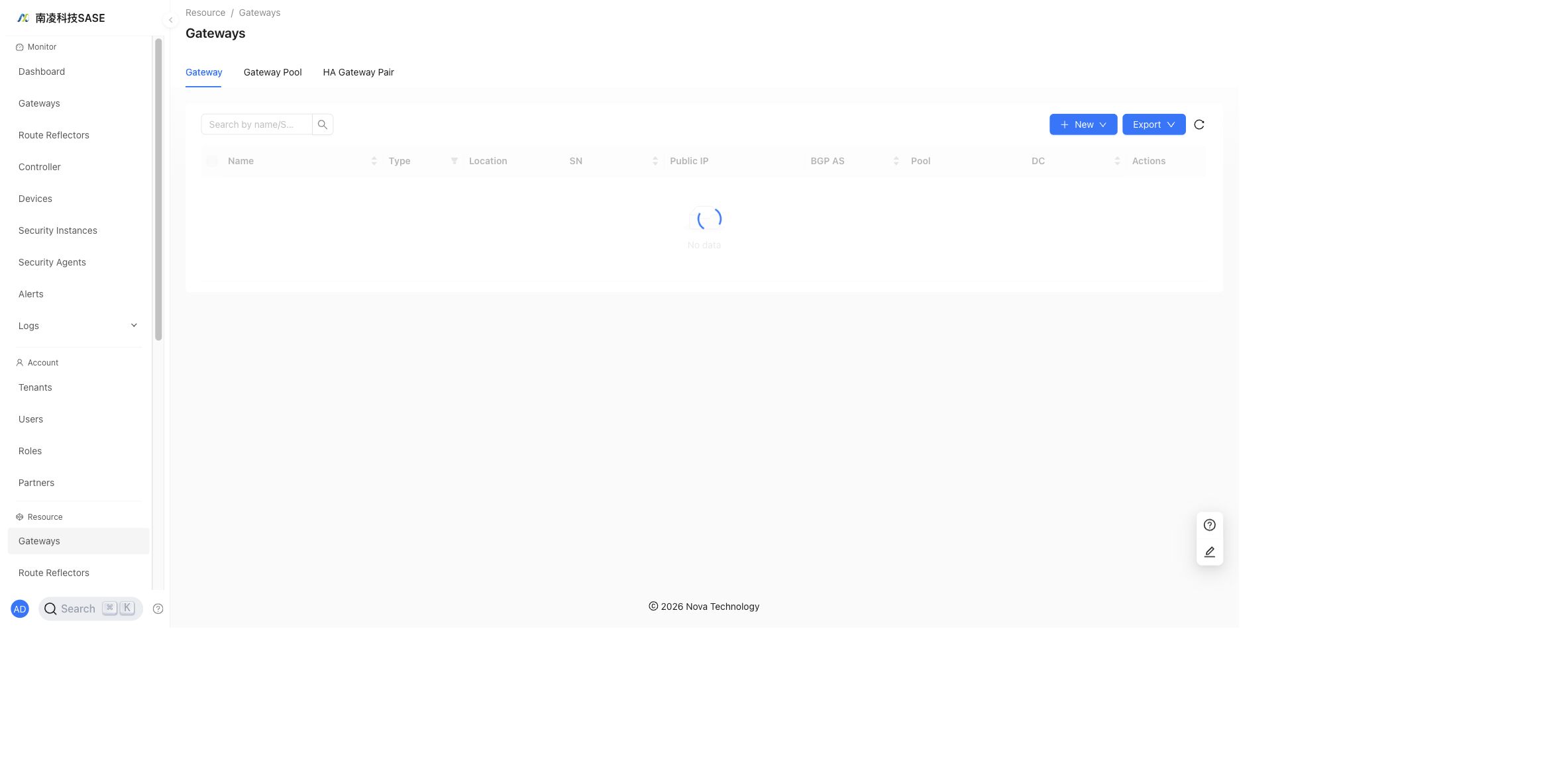
The Gateways page contains three tabs: Gateway, Gateway Pool, and HA Gateway Pair.
Gateway
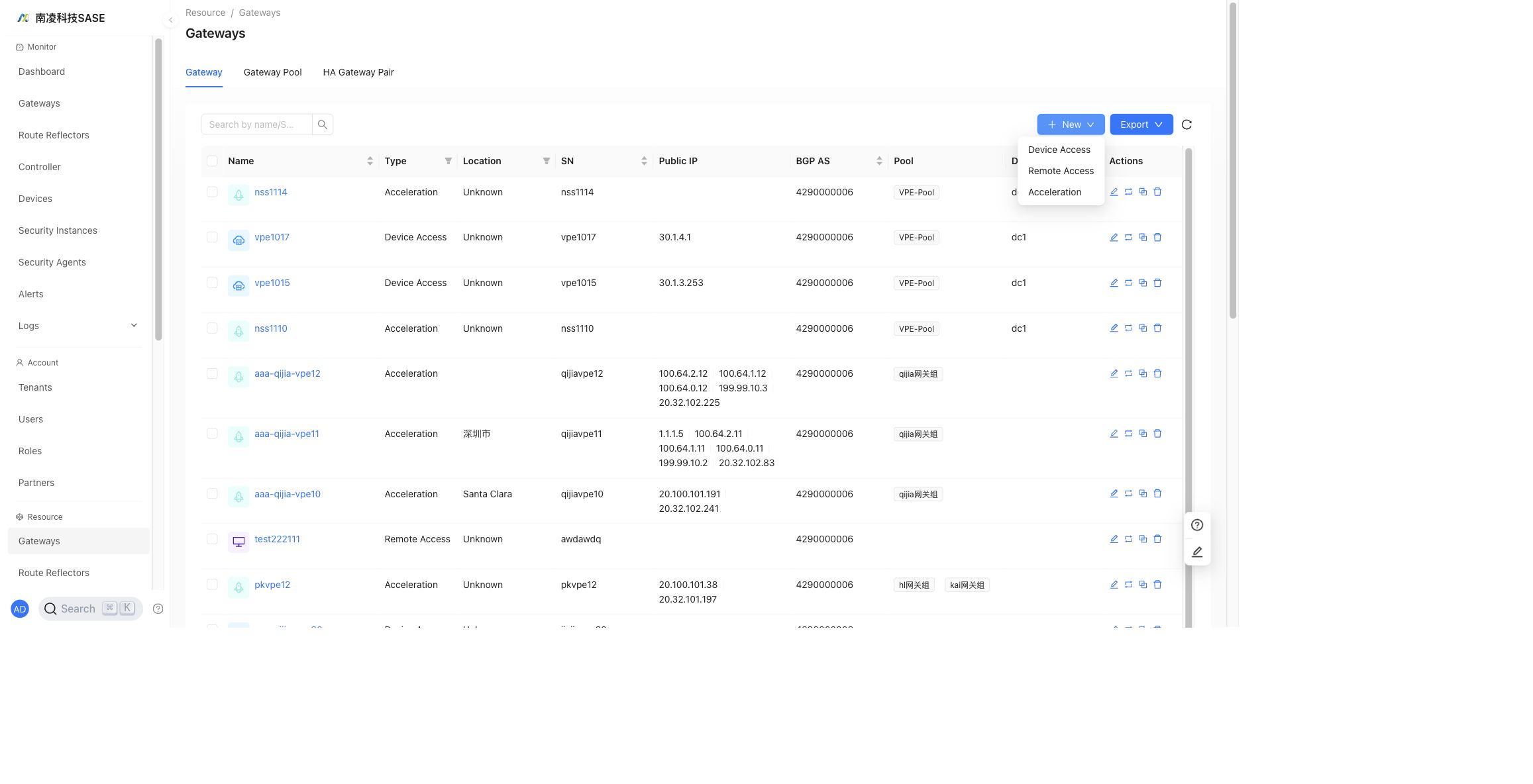
The Gateway tab lists all gateways. The main columns are Name, Type, Location, SN, Public IP, BGP AS, Pool, DC, and Actions.
Create a Gateway
Click New and select a gateway type. The available gateway types are Device Access, Remote Access, and Acceleration.
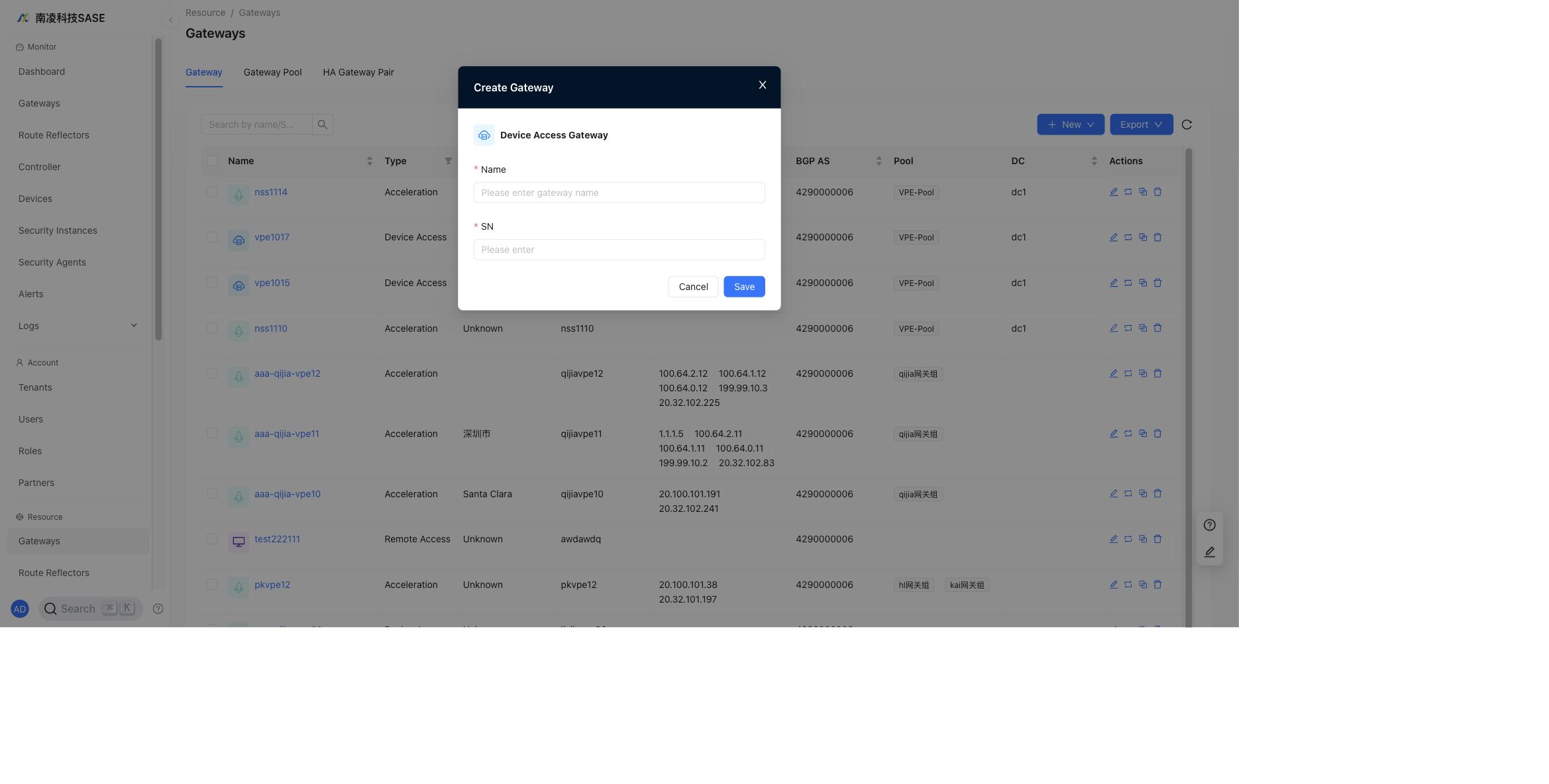
Device Access Gateway
Device Access gateways establish tunnels with CPE devices.
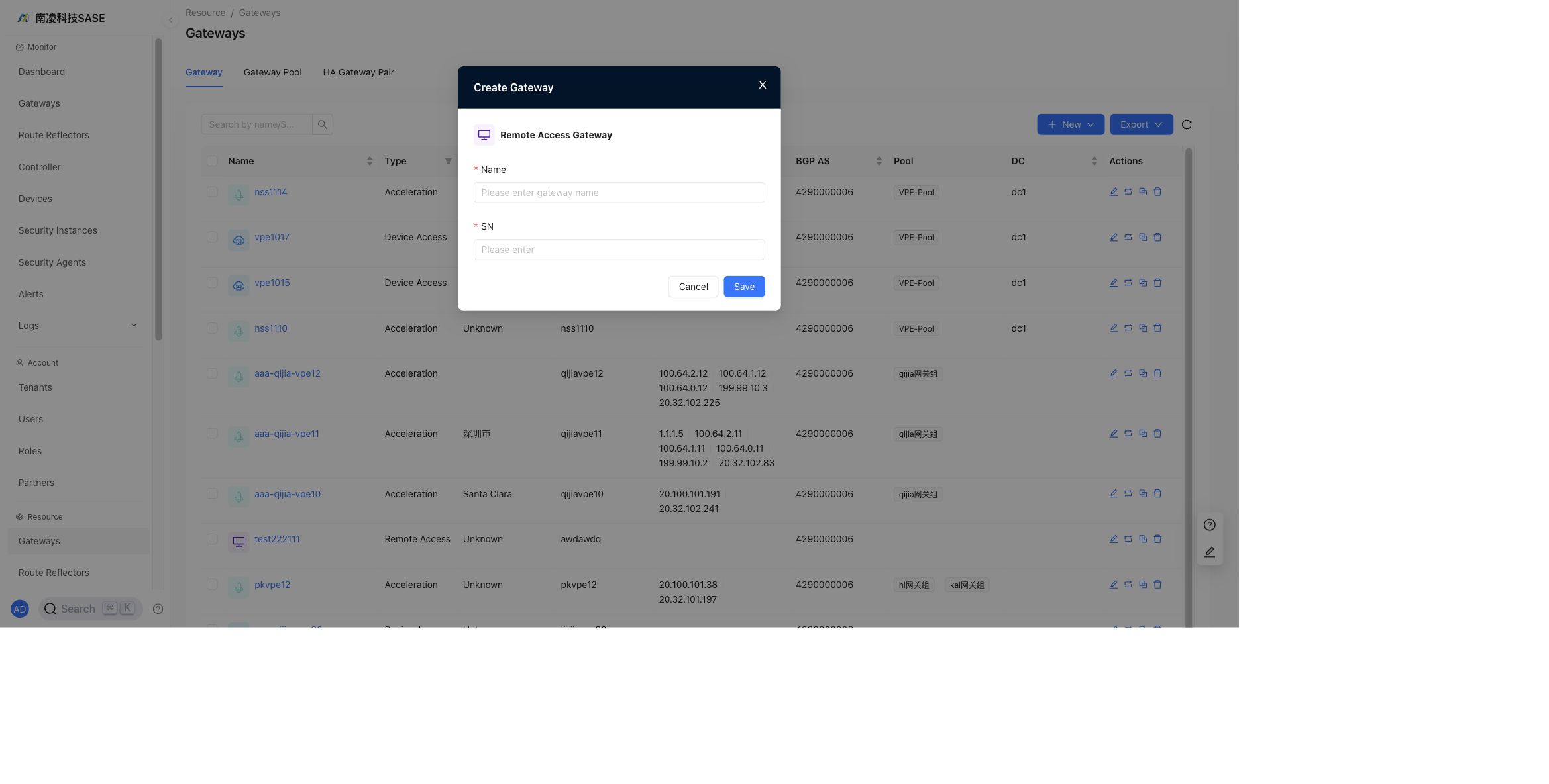
Remote Access Gateway
Remote Access gateways are used for VPN access and do not establish tunnels with CPE devices.
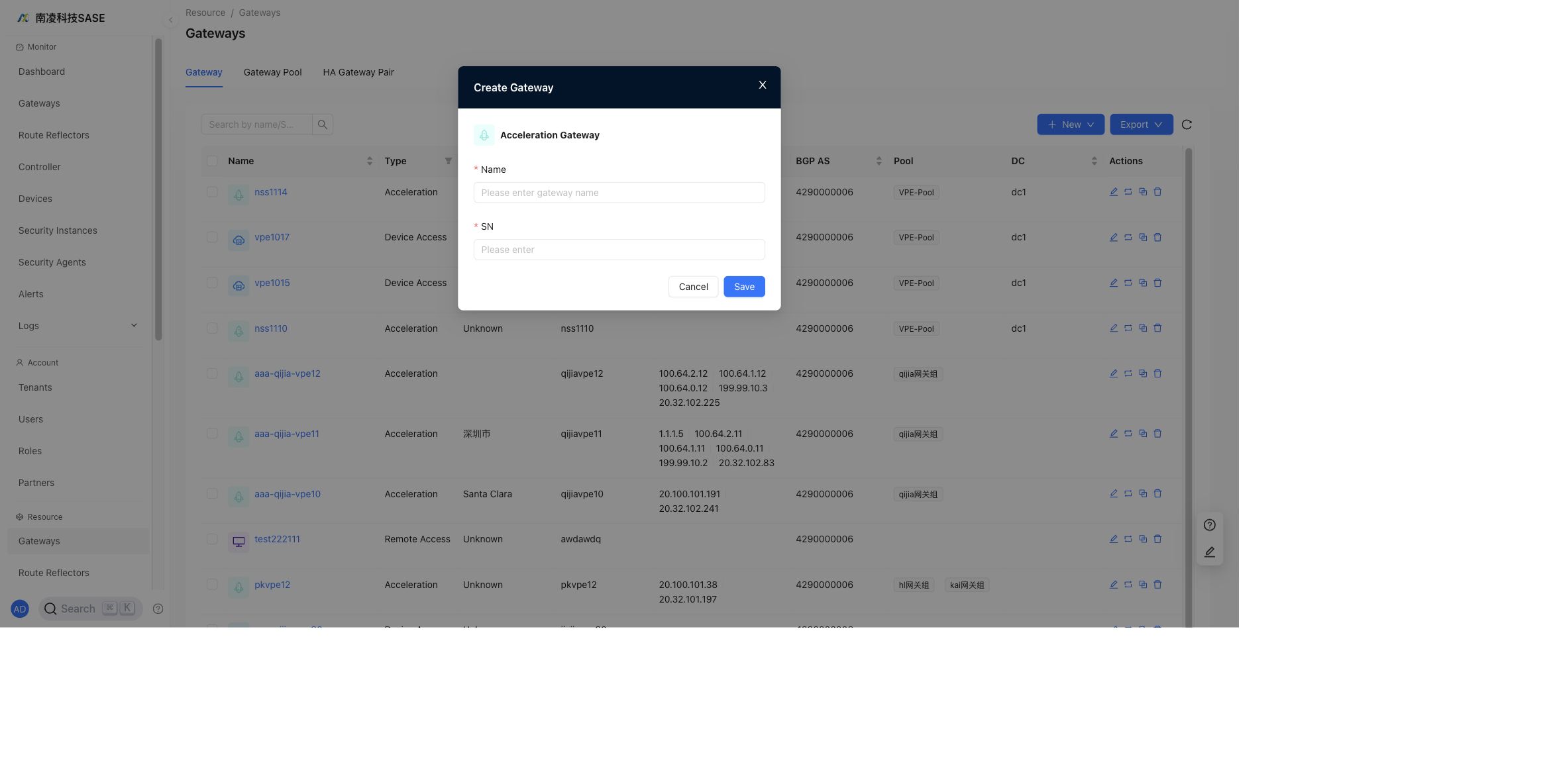
Acceleration Gateway
Acceleration gateways are used for application acceleration.
Remote Access and Acceleration gateways cannot be used for NSE access.
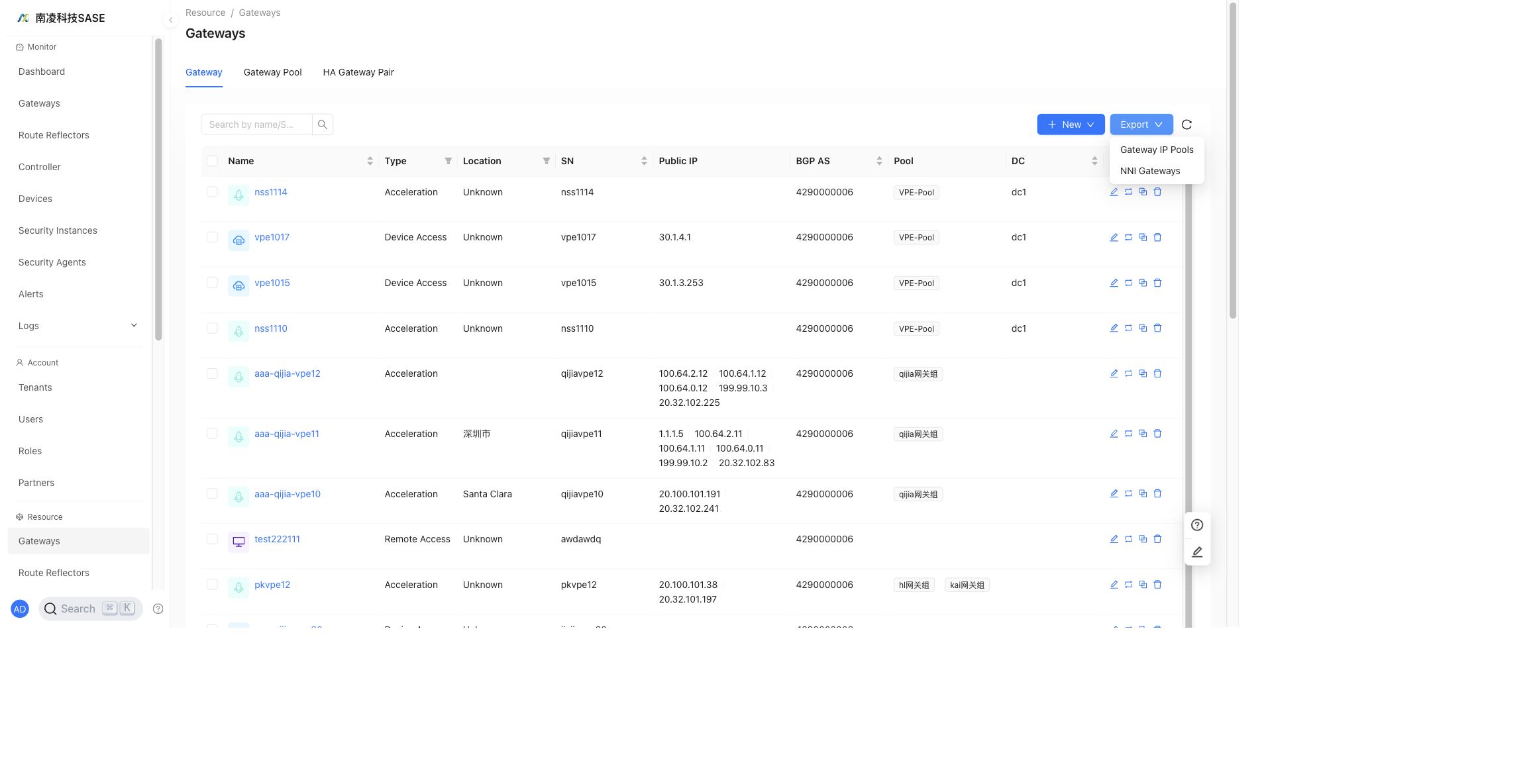
Export
Click Export to export Gateway IP Pools or NNI Gateways.
Edit Gateway
"Administrator"→"Resource"→"Gateways"→"Edit Gateway"
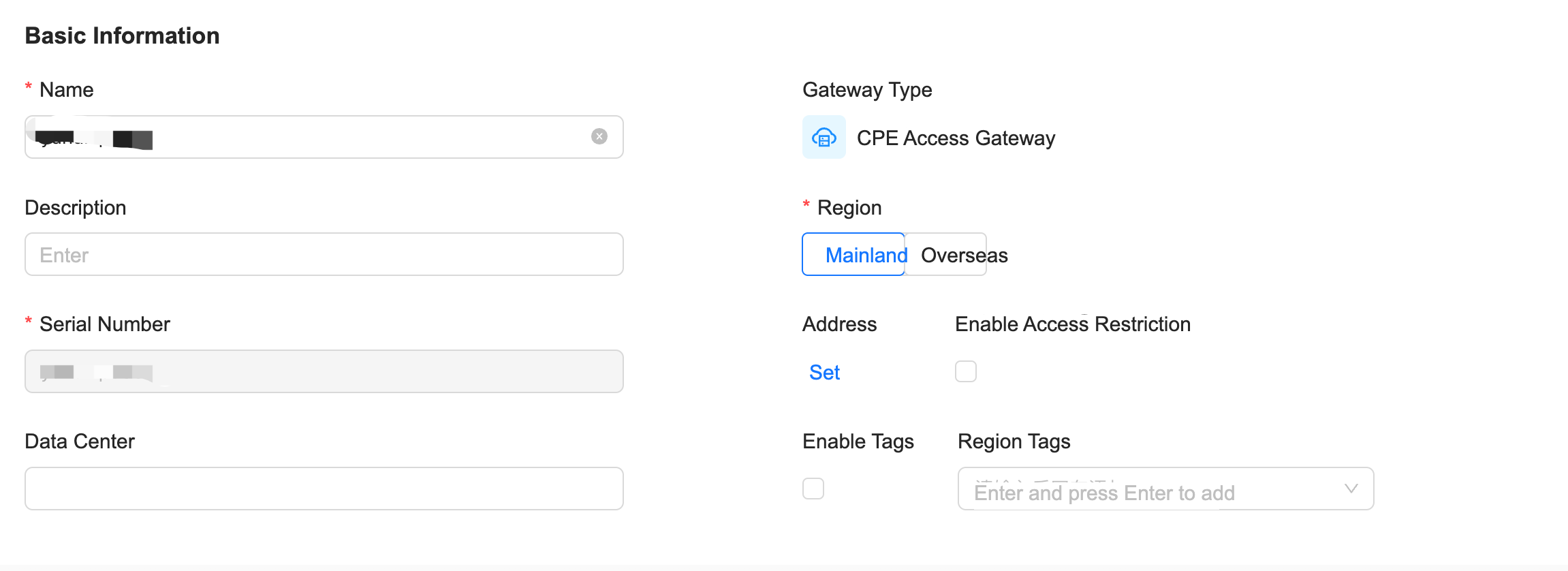
The gateway edit page contains common gateway settings and advanced settings.
General
Region Label
- By default, a gateway can interconnect with other gateways.
- When Region Label is enabled, gateway interconnection is determined by whether the region labels match.
Access Prohibited
- When access is prohibited, the gateway can only be removed from an existing topology and cannot be selected for topology configuration.
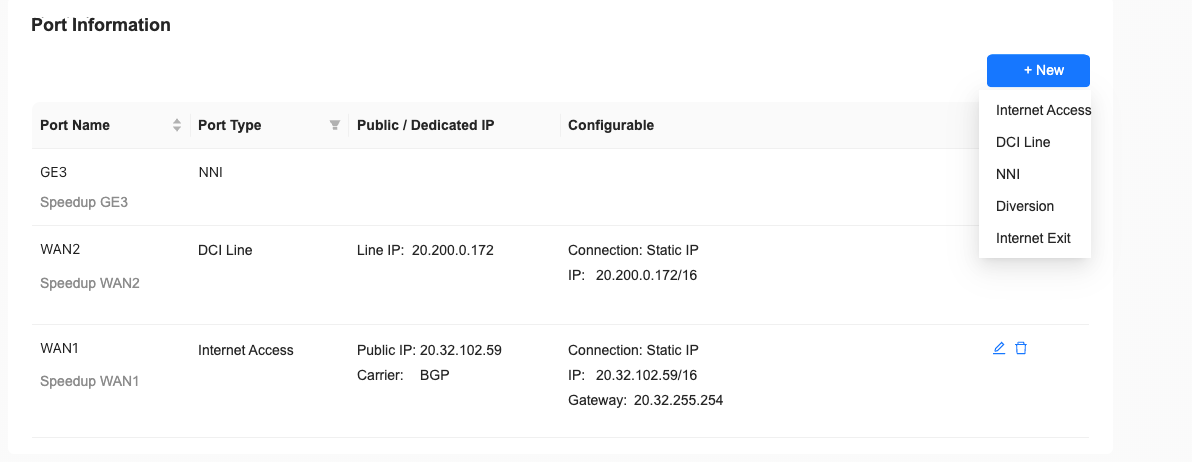
Port Type
- Internet Access: used for NSE Internet access.
- Internet Egress: used for NSE Internet egress.
- Private Line Access: used for NSE private-line access.
- DCI Private Line: used for NSG interconnection through the backbone network.
- NNI: used to configure NNI between NSG and PE.
- Traffic Steering: sends VPE traffic to the cloud security resource pool.
The port ID must match the device interface ID.
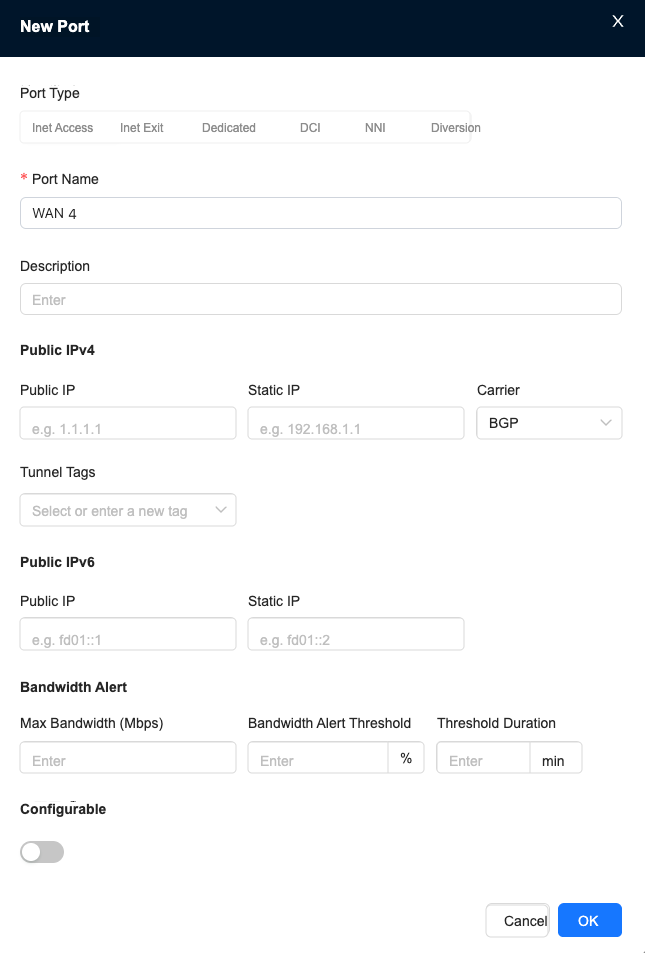
Descriptions can be added when creating gateway ports.
WAN Subinterface
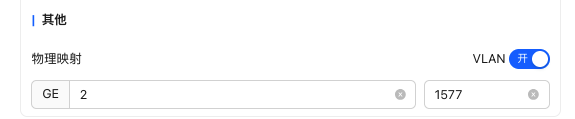
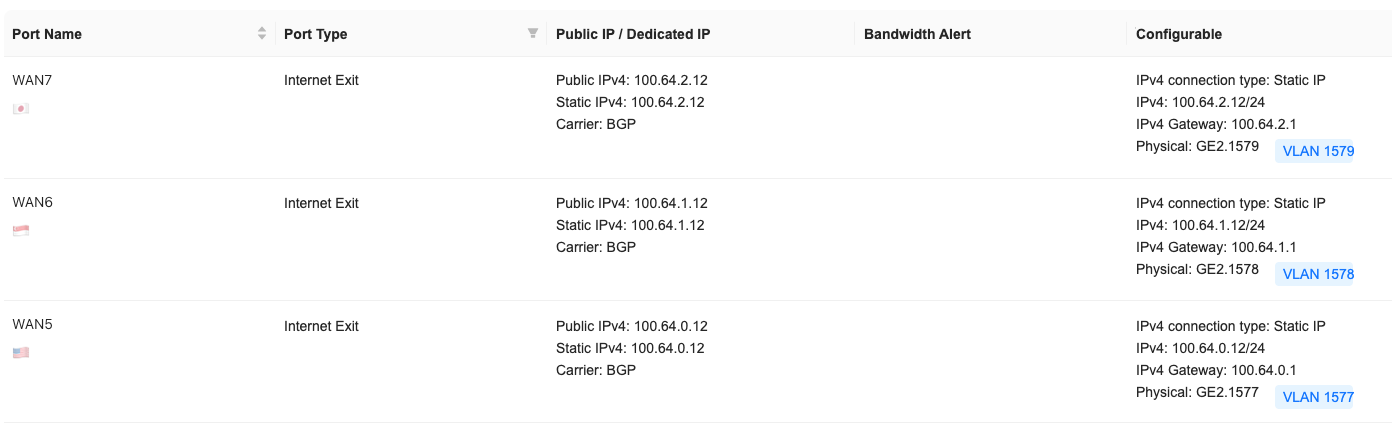
The WAN interface of an acceleration gateway supports VLAN subinterfaces. Multiple logical links can be carried on the same physical WAN port by using different VLAN IDs. This is useful for multi-carrier access, service isolation, and multi-egress deployment scenarios.
- Supported by device version 6.5.1 and later.
- The same physical WAN interface cannot be configured as both a Layer 3 physical interface and a VLAN subinterface.
Advanced
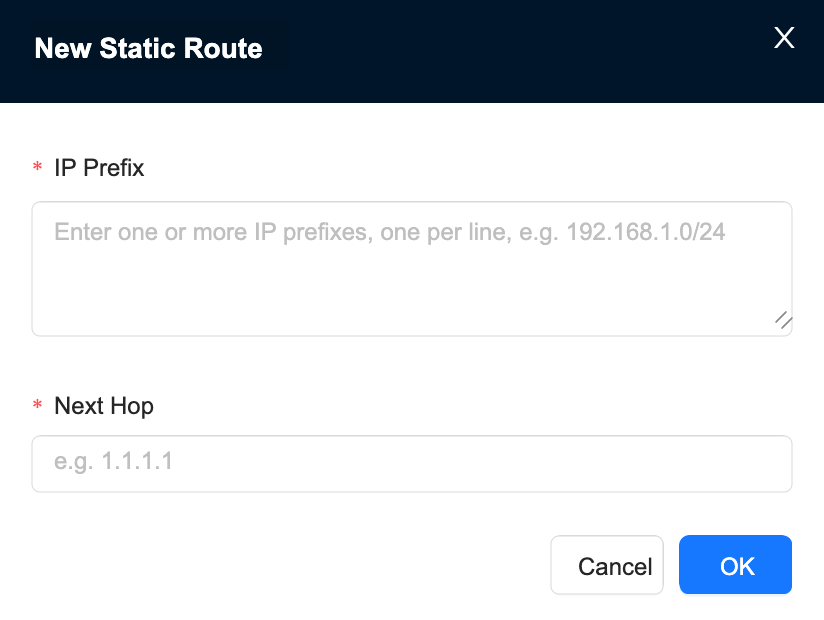
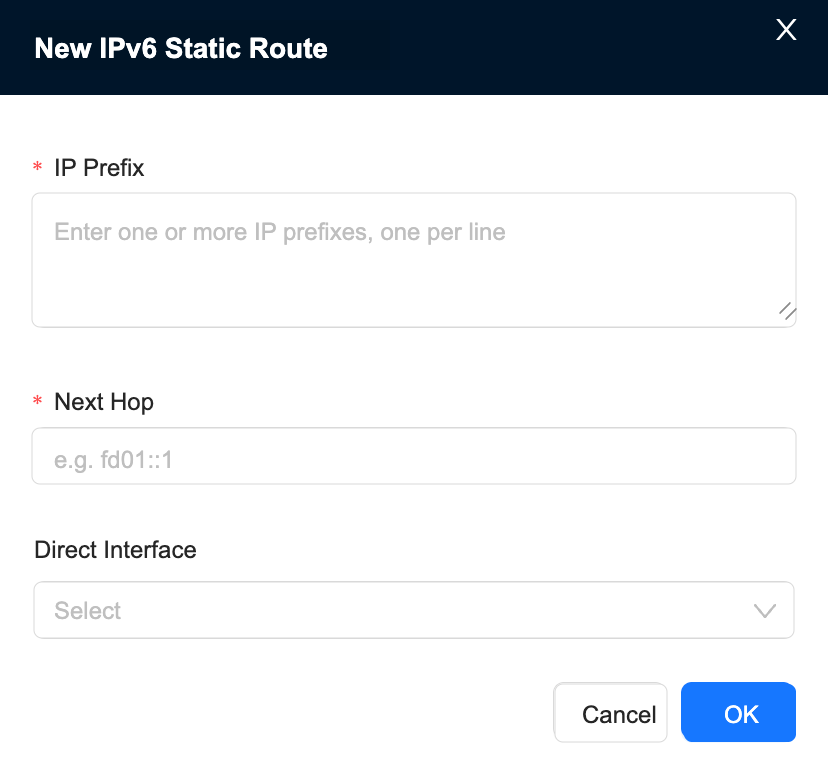
Static Routing
"Administrator"→"Resource"→"Gateways"→"Edit Gateway"→"Advanced"→"Static Routing"
WAN Detection
"Administrator"→"Resource"→"Gateways"→"Edit Gateway"→"Advanced"→"WAN Detection"
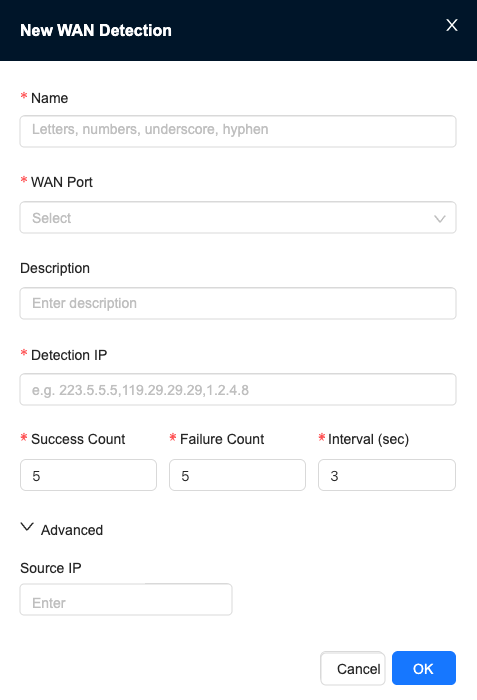
- Each probe is bound to a specified WAN interface.
- Multiple probe IPs are supported. Separate IPs with English commas.
- If any probe IP succeeds, the detection is considered successful.
- Detection interval, failure threshold, source IP, and other parameters can be configured.
BGP
"Administrator"→"Resource"→"Gateways"→"Edit Gateway"→"Advanced"→"BGP"
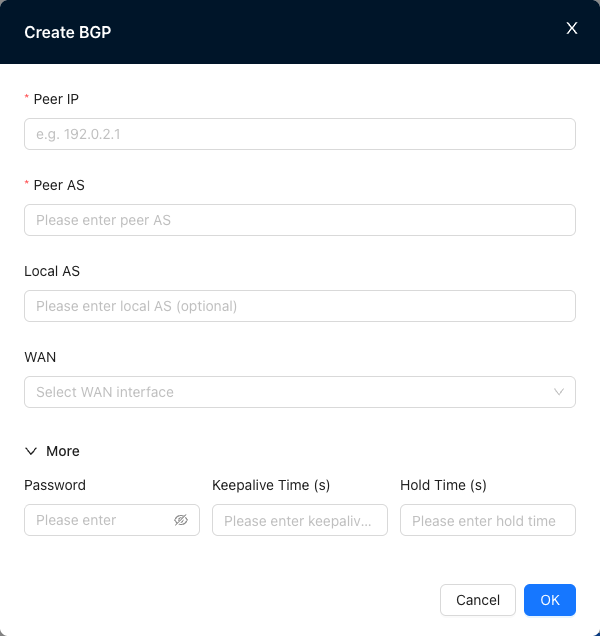
Proper BGP parameter configuration can shorten fault detection and active/standby switchover time while maintaining network stability.
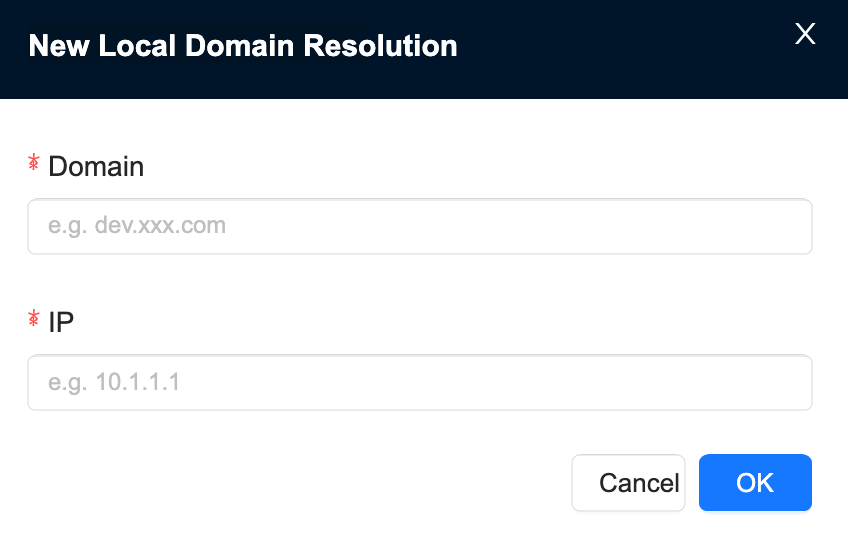
Local Domain Name Resolution
"Administrator"→"Resource"→"Gateways"→"Edit Gateway"→"Advanced"→"Local Domain Name Resolution"
SNMP
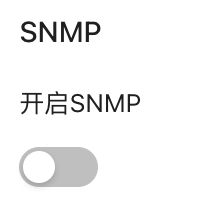
"Administrator"→"Resource"→"Gateways"→"Edit Gateway"→"Advanced"→"SNMP"
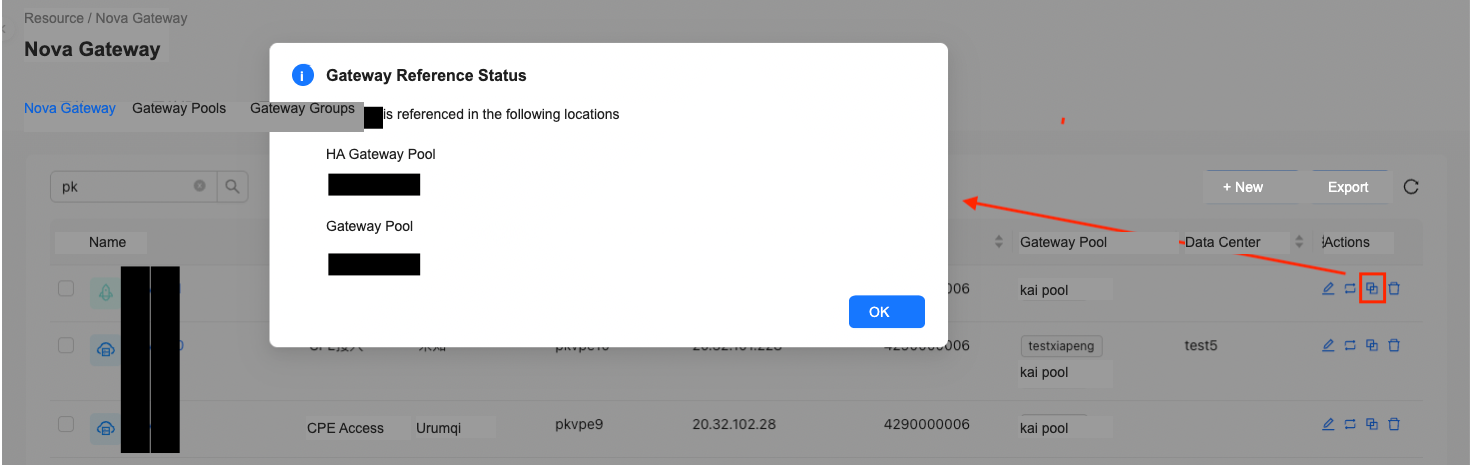
Gateway Reference Status
Click the reference-status action to view where the gateway is referenced.
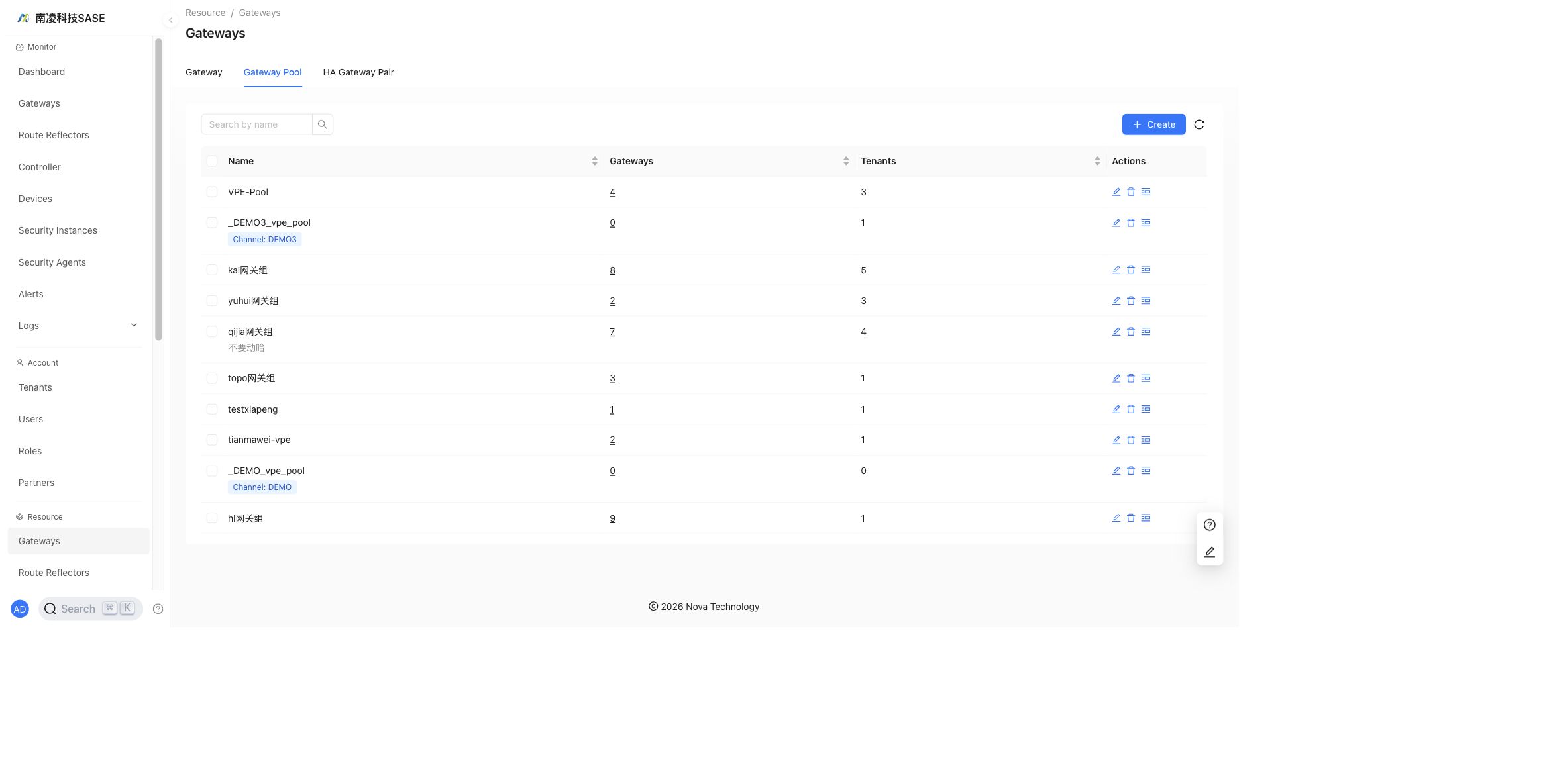
Gateway Pool
The Gateway Pool tab manages gateway pools and gateway assignment.
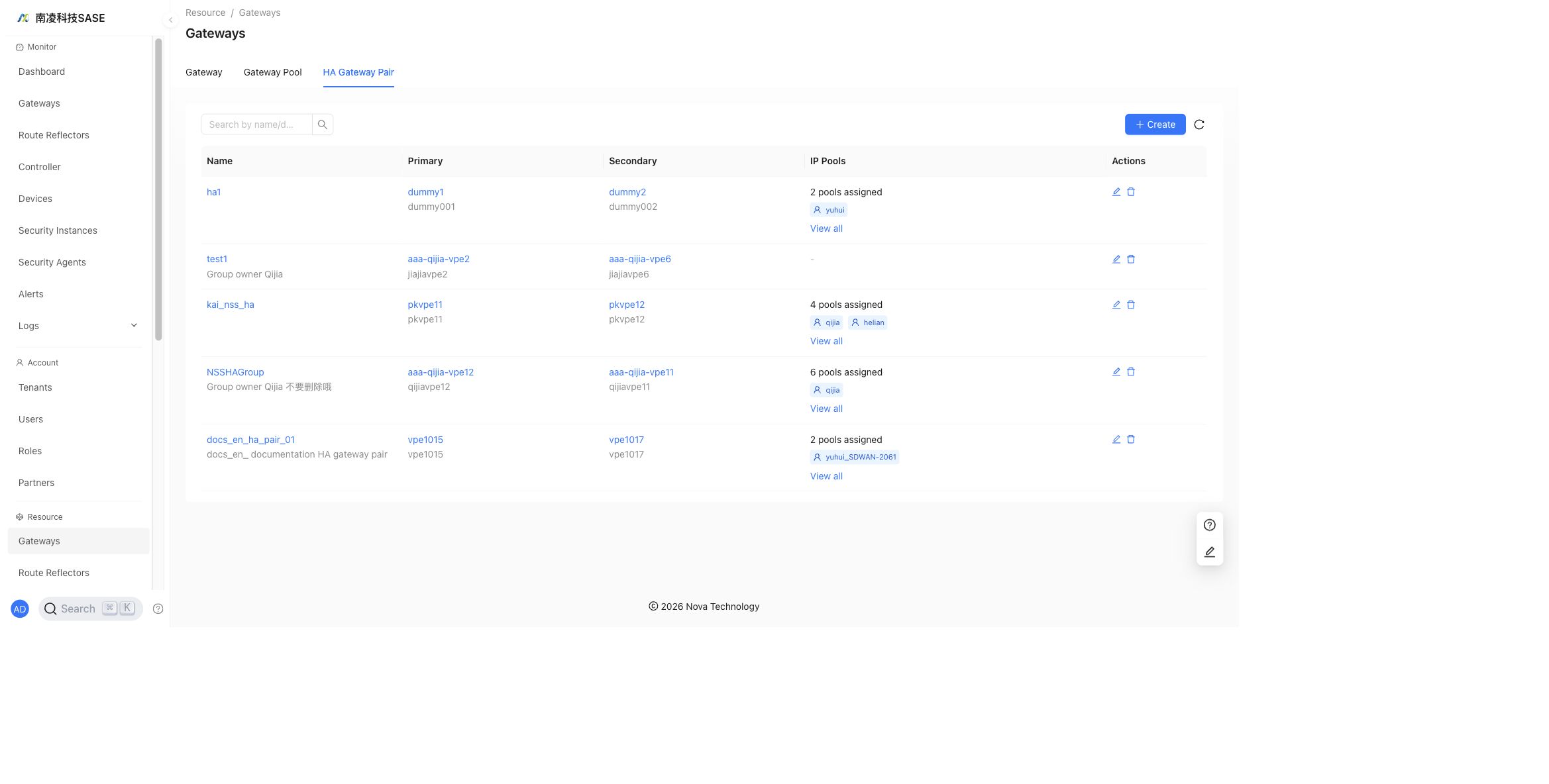
HA Gateway Pair
- Supported by device version 6.3.1 and later.
- Function Description
The HA Gateway Pair tab manages high-availability gateway pairs.
Route Reflectors
"Administrator"→"Resource"→"Route Reflectors"
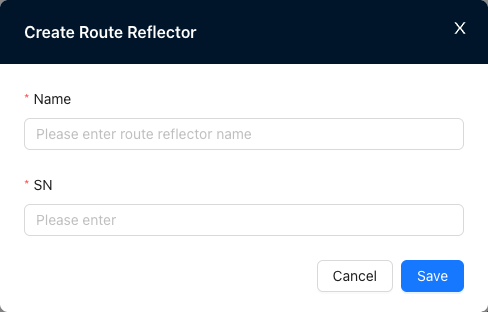
Create a New Route Reflector
"Administrator"→"Resource"→"Route Reflectors"→"New"
Edit Route Reflector
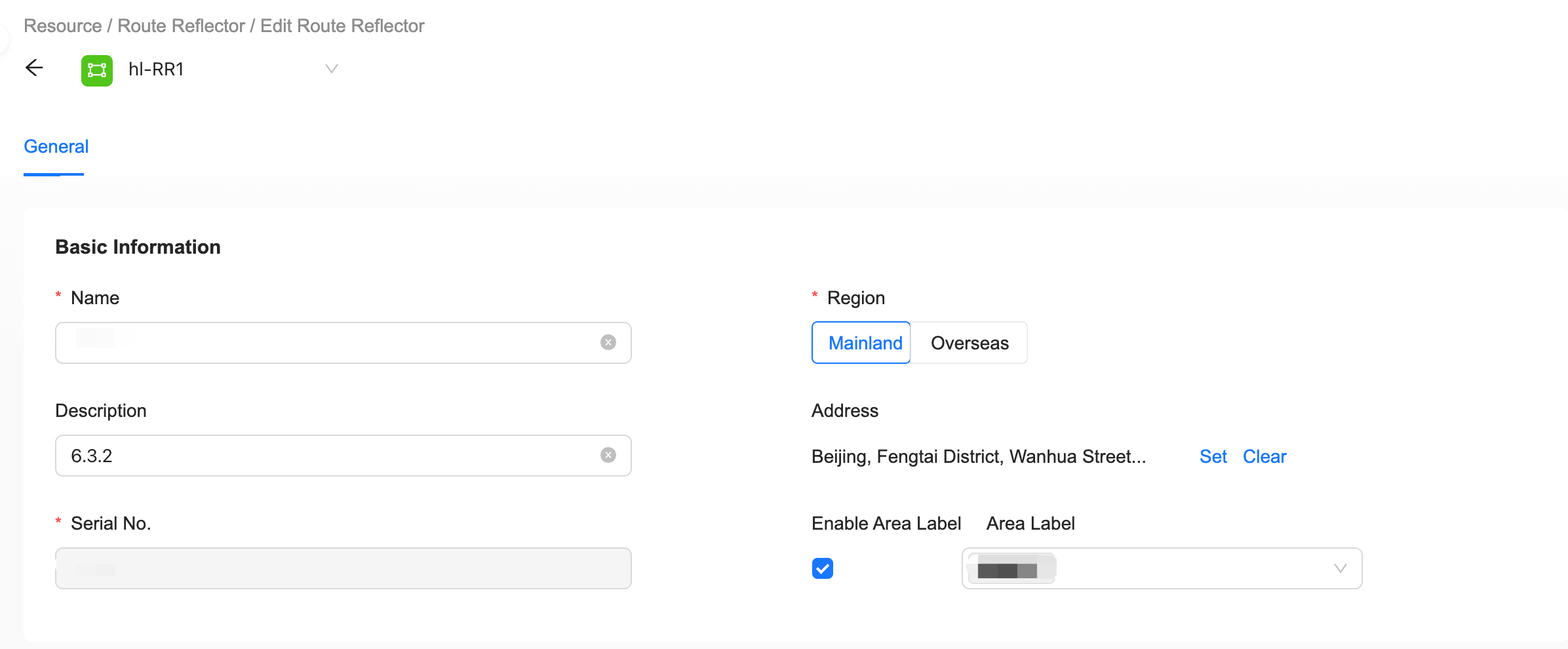
"Administrator"→"Resource"→"Route Reflectors"→"Edit"
General
Region Label
- By default, a route reflector can interconnect with other gateways.
- When Region Label is enabled, interconnection is determined by whether the region labels match.
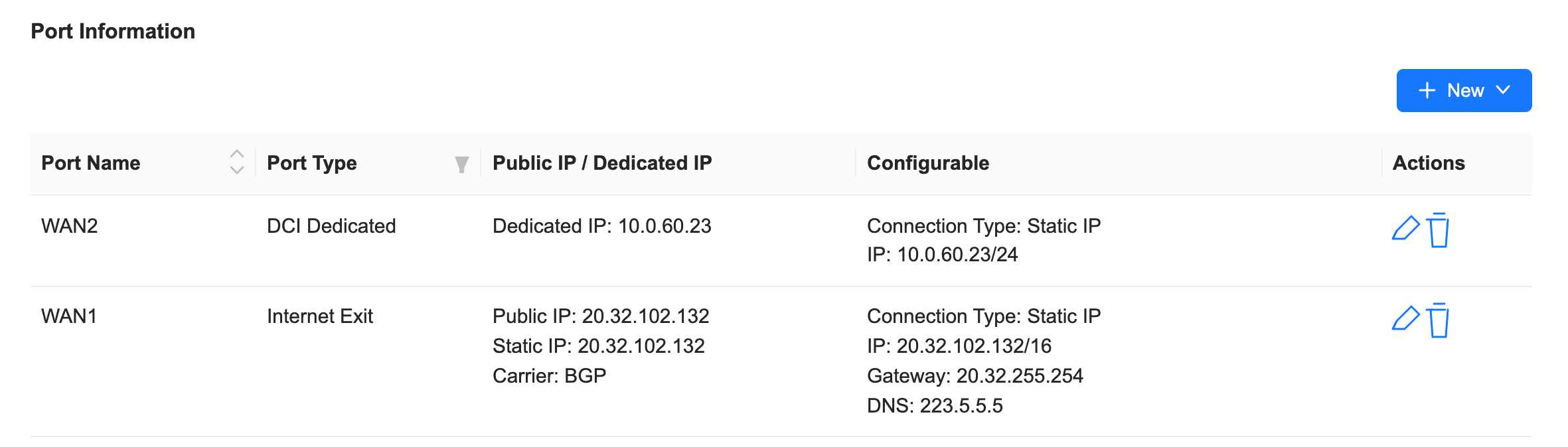
Port Type
- Internet Egress: used for RR Internet egress.
- DCI Private Line: used for RRG and NSG networking through the backbone network.
The port ID must match the device interface ID.
Security Agents
"Administrator"→"Resource"→"Security Agents"
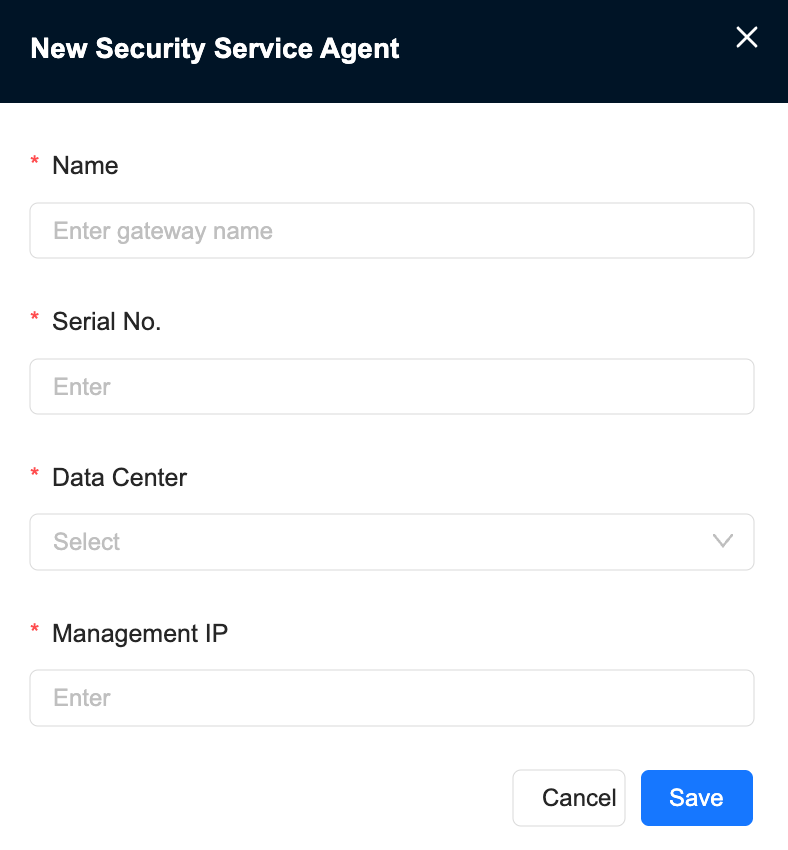
Create a New Security Agent
"Administrator"→"Resource"→"Security Agents"→"New"
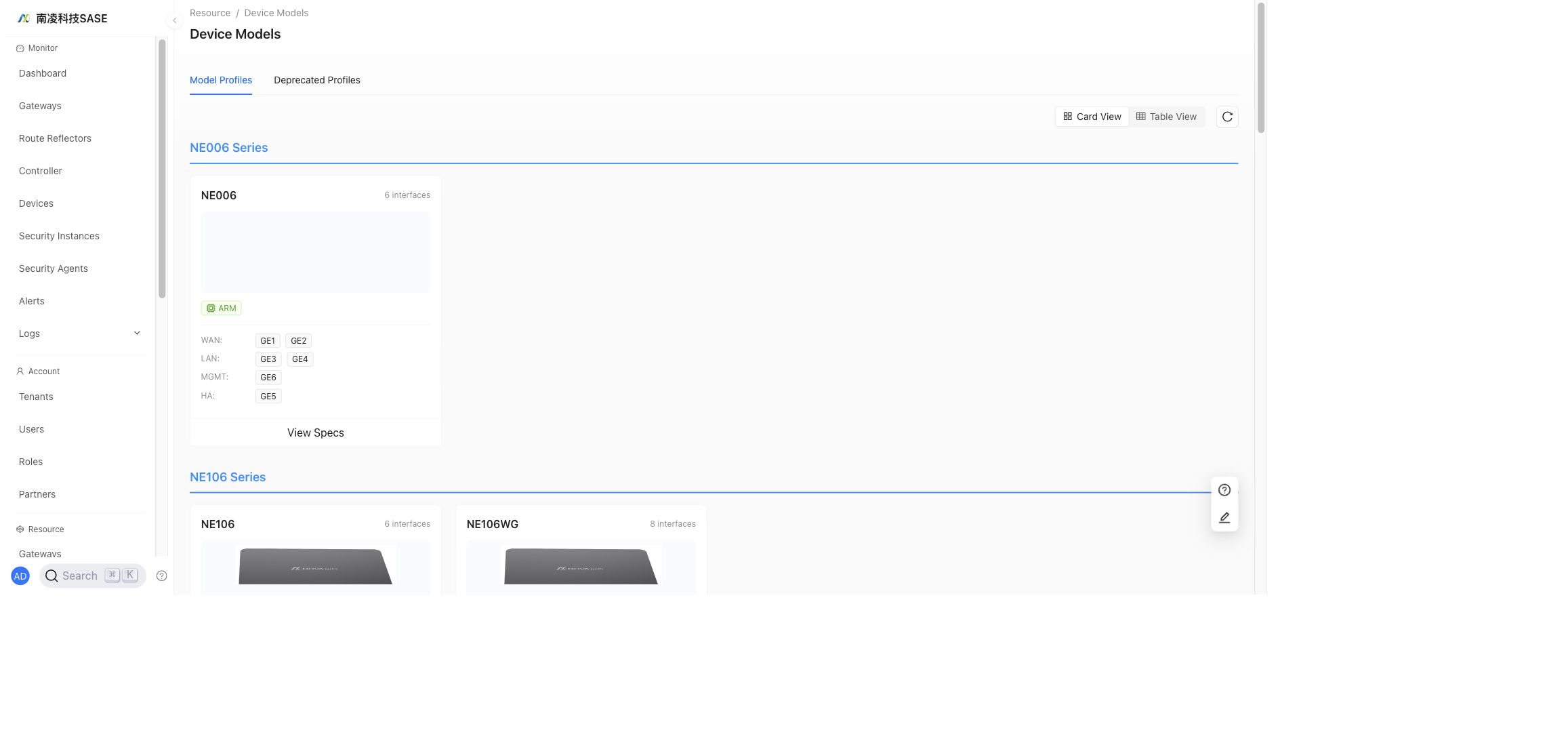
Device Models
"Administrator"→"Resource"→"Device Models"
Device models are predefined based on the actual port count and port type of hardware devices, and can only be viewed.
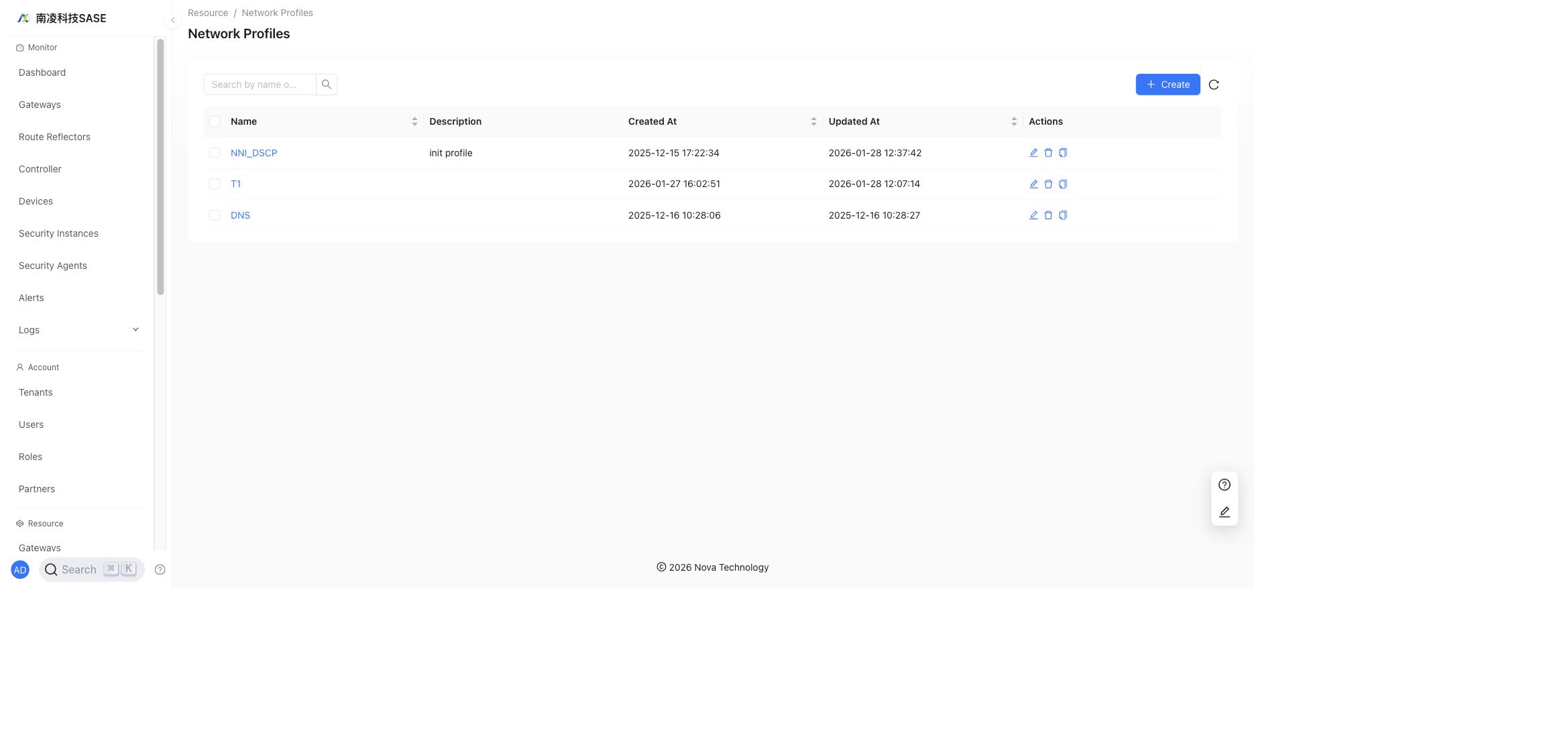
Network Profiles
"Administrator"→"Resource"→"Network Profiles"
Network profiles are the same type of configuration used in tenant configuration. They can be referenced when creating network profiles for tenants.
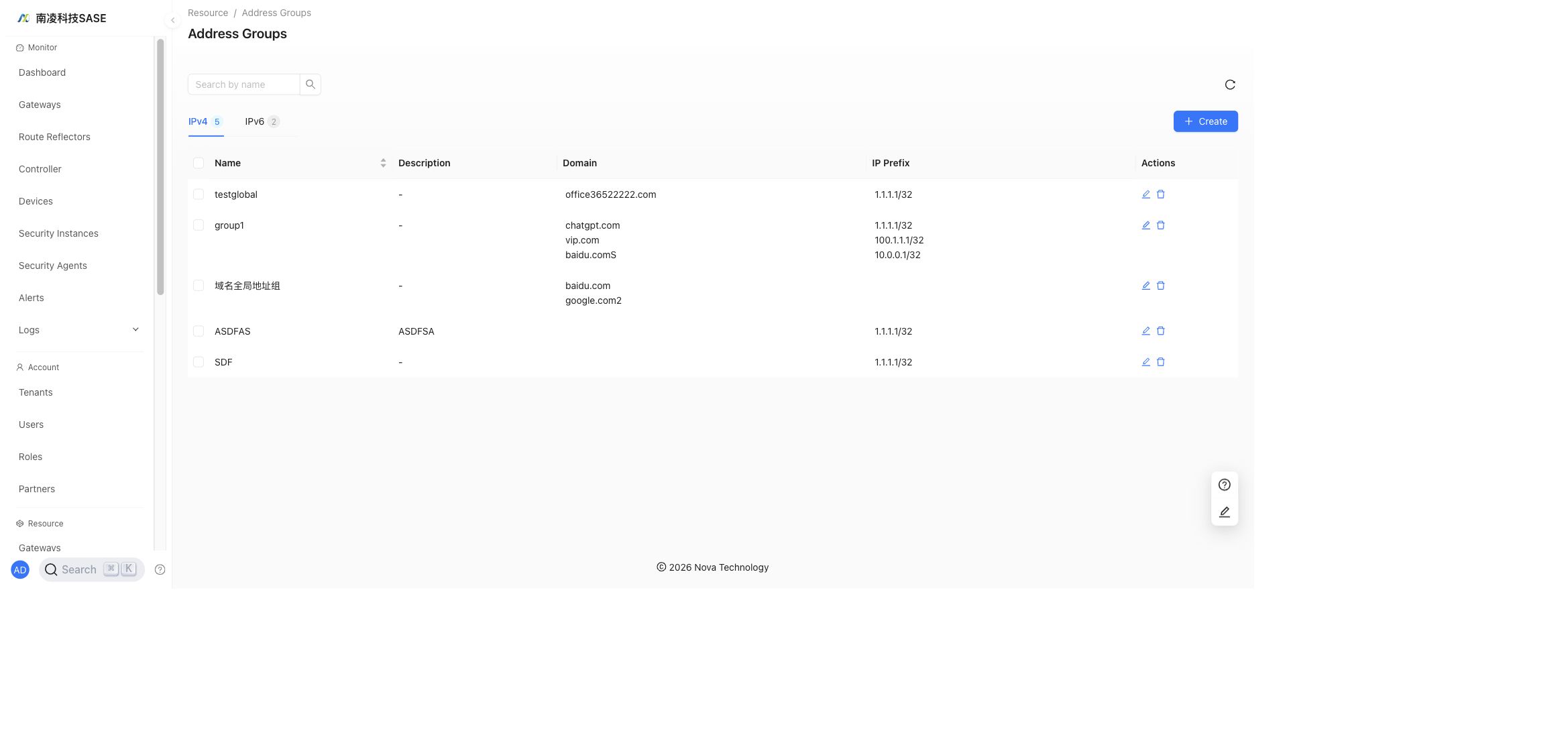
Address Groups
"Administrator"→"Resource"→"Address Groups"
Address Groups manage global address objects that can be referenced by policies and resource configurations.
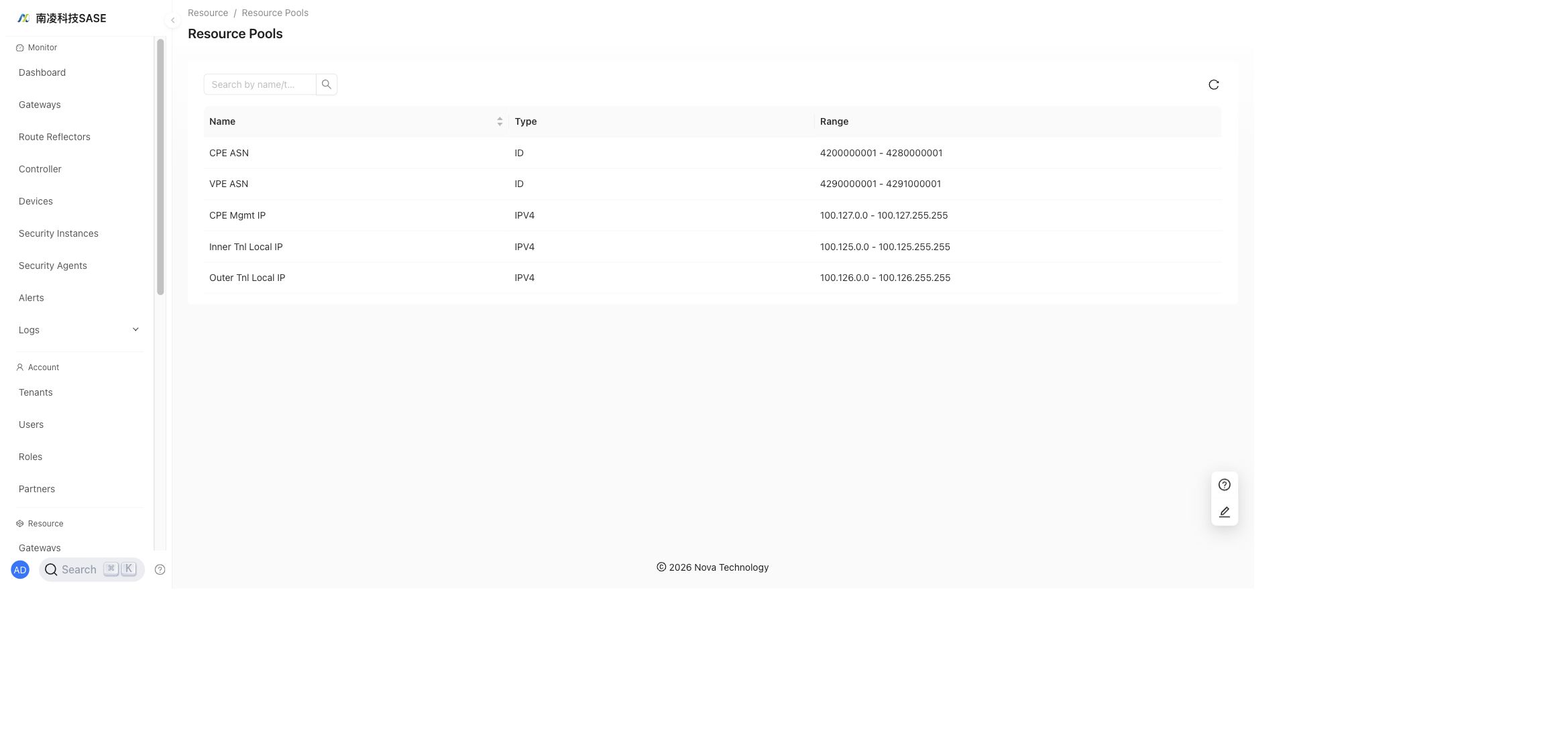
Resource Pools
"Administrator"→"Resource"→"Resource Pools"
Resource Pools show reserved global resource ranges, such as ASN ranges and management/tunnel IP pools.
Probe Tasks
"Administrator"→"Resource"→"Probe Tasks"
Create probe parameter profiles by selecting probe tools, target IPs, and target domains. Then create probe tasks by selecting a profile and tenant. Probe tasks can be one-time tasks or scheduled periodic tasks.
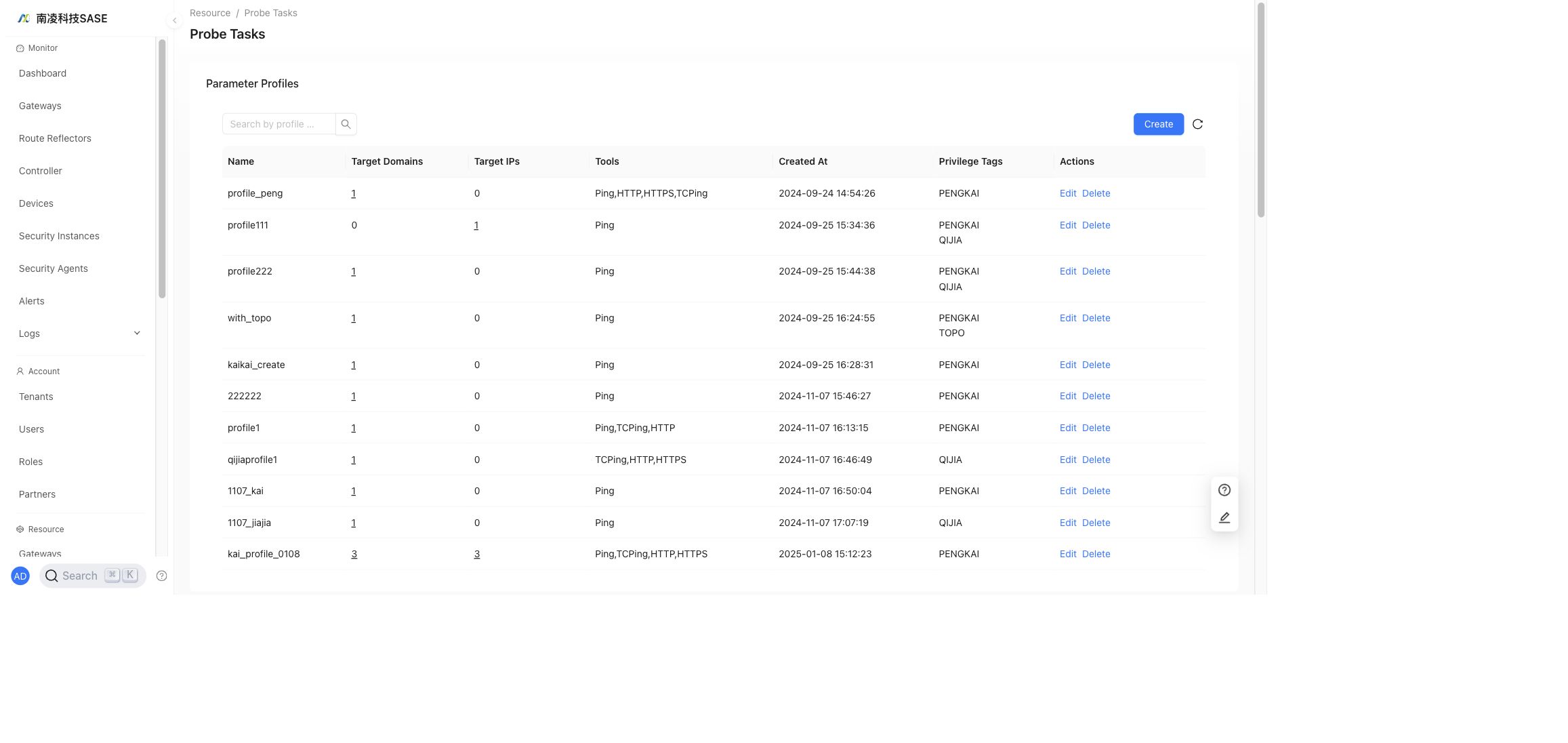
- Created probe tasks can be run manually without waiting for the scheduled start time.
- For periodic probe tasks, each result can be viewed and downloaded.
Diagnostics
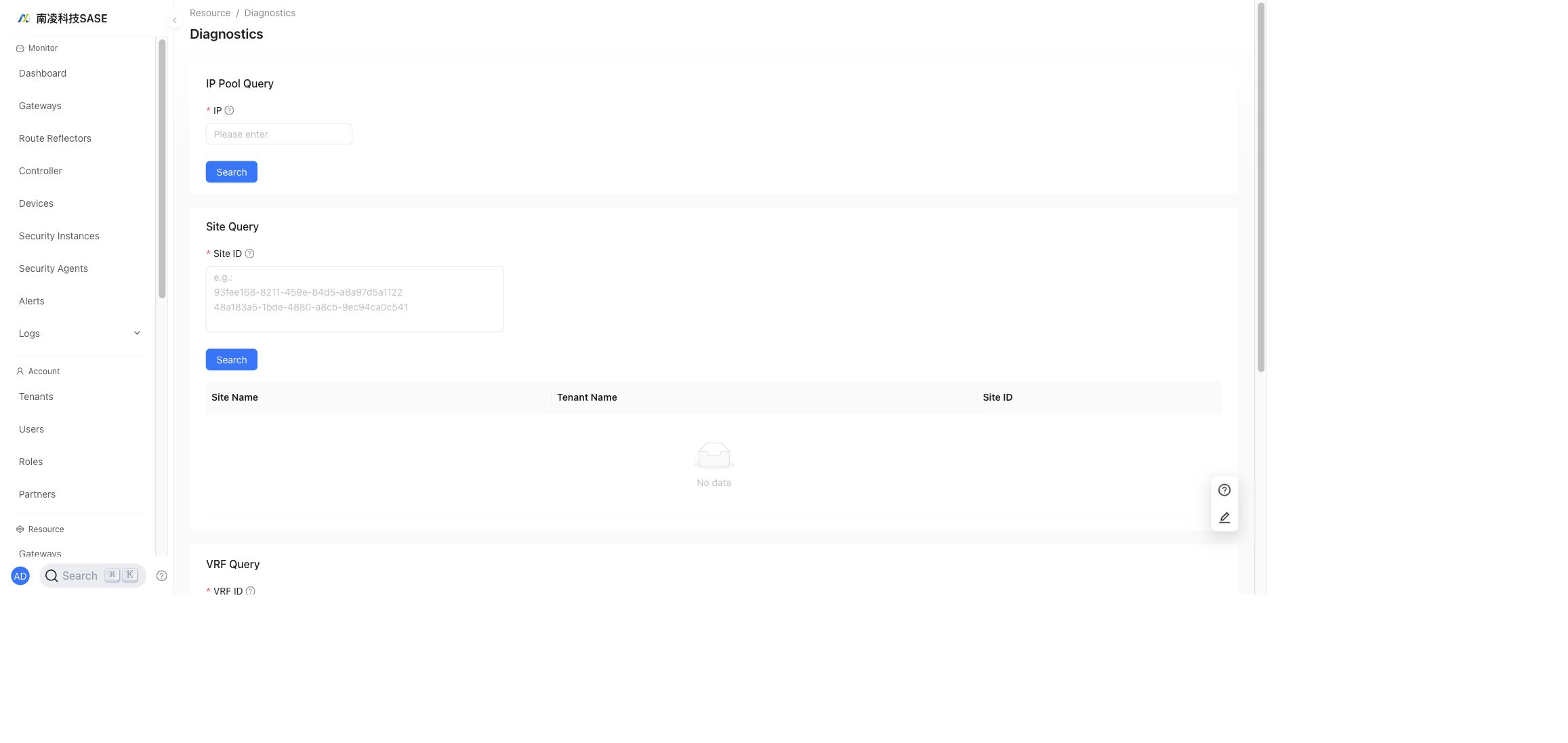
"Administrator"→"Resource"→"Diagnostics"
- NSS/NSP IP ownership query: search an IP globally, find the address pool and NSS/NSP that owns the IP, and display the tenant and VRF that reference the address pool.
- Site ID query: enter a site ID to query the corresponding site name and tenant name.
- VRF ID query: enter a VRF ID to query the corresponding VRF name and tenant name.