Alert
Alert Rules
"Tenant"→"System"→"Alert"→"New"→[New Alert Rule]
Create an Alert Rule
Create a new alarm rule form as shown in Figure 1
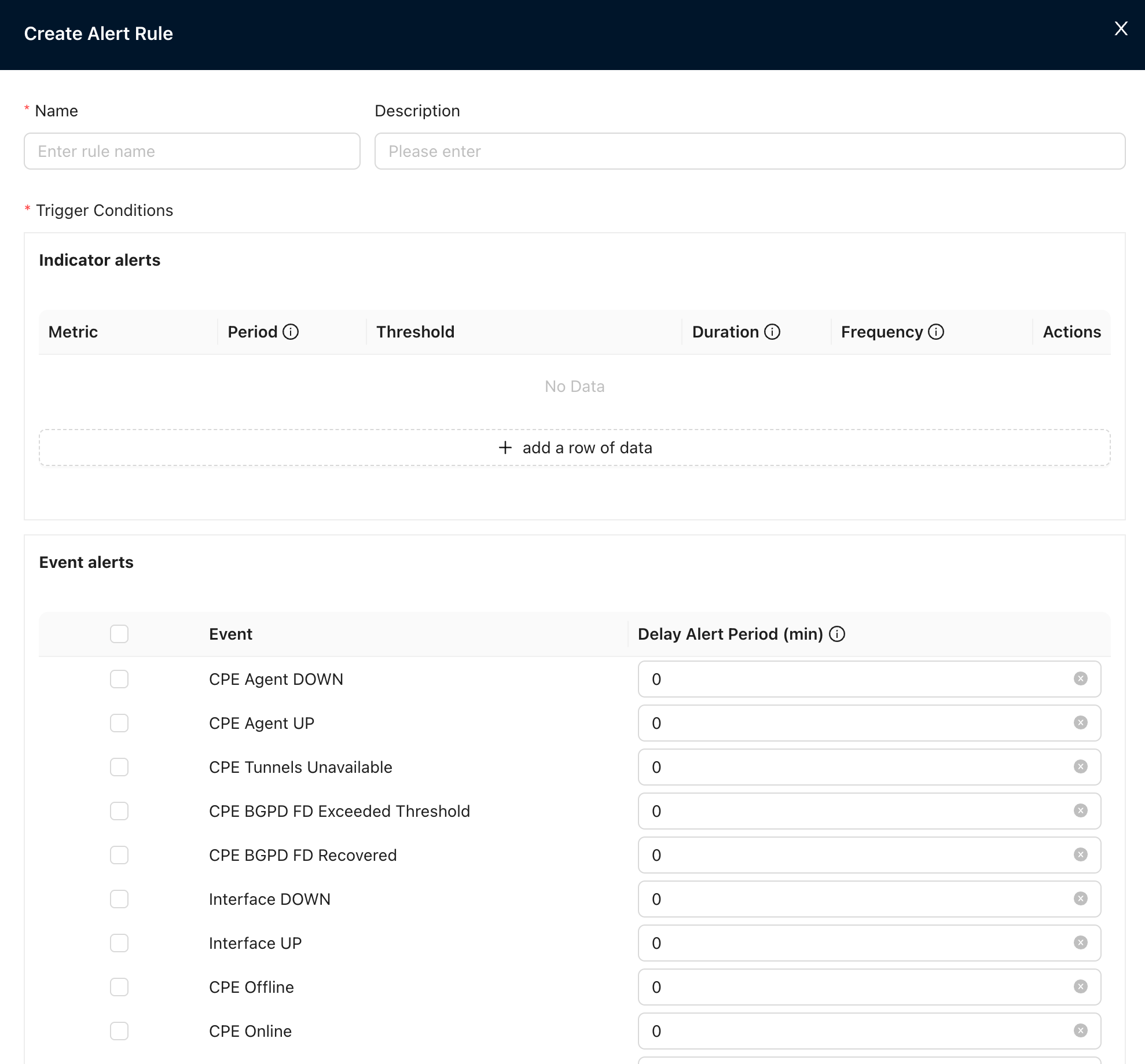
Figure 1 New alarm rule form diagram
Among the indicators, you can choose the following options:
- CPE CPU
- CPE hard drive
- CPE temperature
- CPE memory
- Number of VRF connections
- Security Services CPU
- Secure service memory
- Security Services Hard Drive
The alarm frequency can be selected from the following options:
- Alarm every 5 minutes
- Alarm every 10 minutes
- Alarm every 15 minutes
- Alarm every 30 minutes
- Alarm every 1 hour
- Alarm every 2 hours
- Alarm every 3 hours
- Alarm every 6 hours
- Alarm every 12 hours
- Alarm once a day
Flapping alarm events can choose the following options:
- CPE online/offline
- CPE upgrade success/failure
- port UP/DOWN
- Transport network UP/DOWN
- Interface detection recovery/abnormality
- link UP/DOWN
- link BGP neighbor UP/DOWN
- LAN side BGP neighbor UP/DOWN
- LAN side OSPF UP/DOWN
- Nova Gateway BGP neighbor UP/DOWN
- Link bandwidth recovery/congestion
- Link QoS bandwidth recovery/congestion
- CPE Agent UP/DOWN
- Device configuration restore/failed
- Security signature database upgrade success/failure
Alarm events can be viewed in "Tenant"→"Monitor"→"Alerts"→ [Event]
Alert Methods
"Tenant"→"System"→"Alert"→"New"→ [Email/SMS/Enterprise WeChat/Syslog/Webhook]