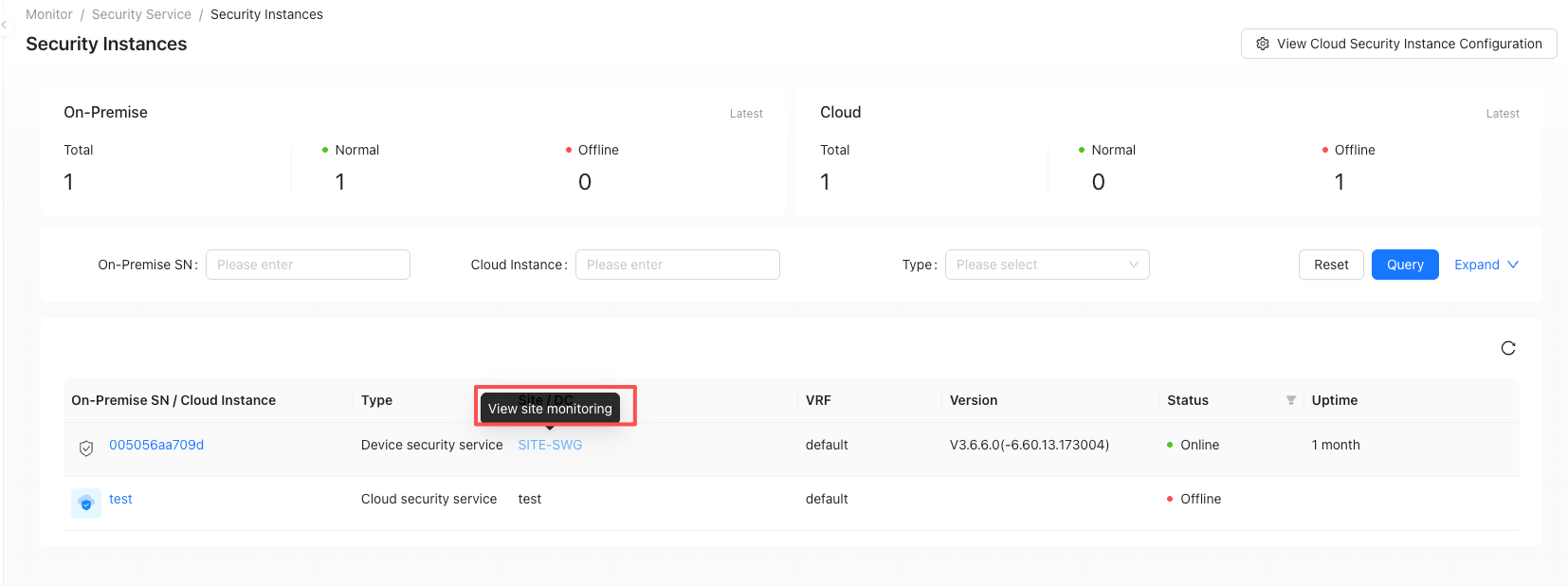
Security Instances
"Tenant"→"Monitor"→"Security Service"→"Security Instances"
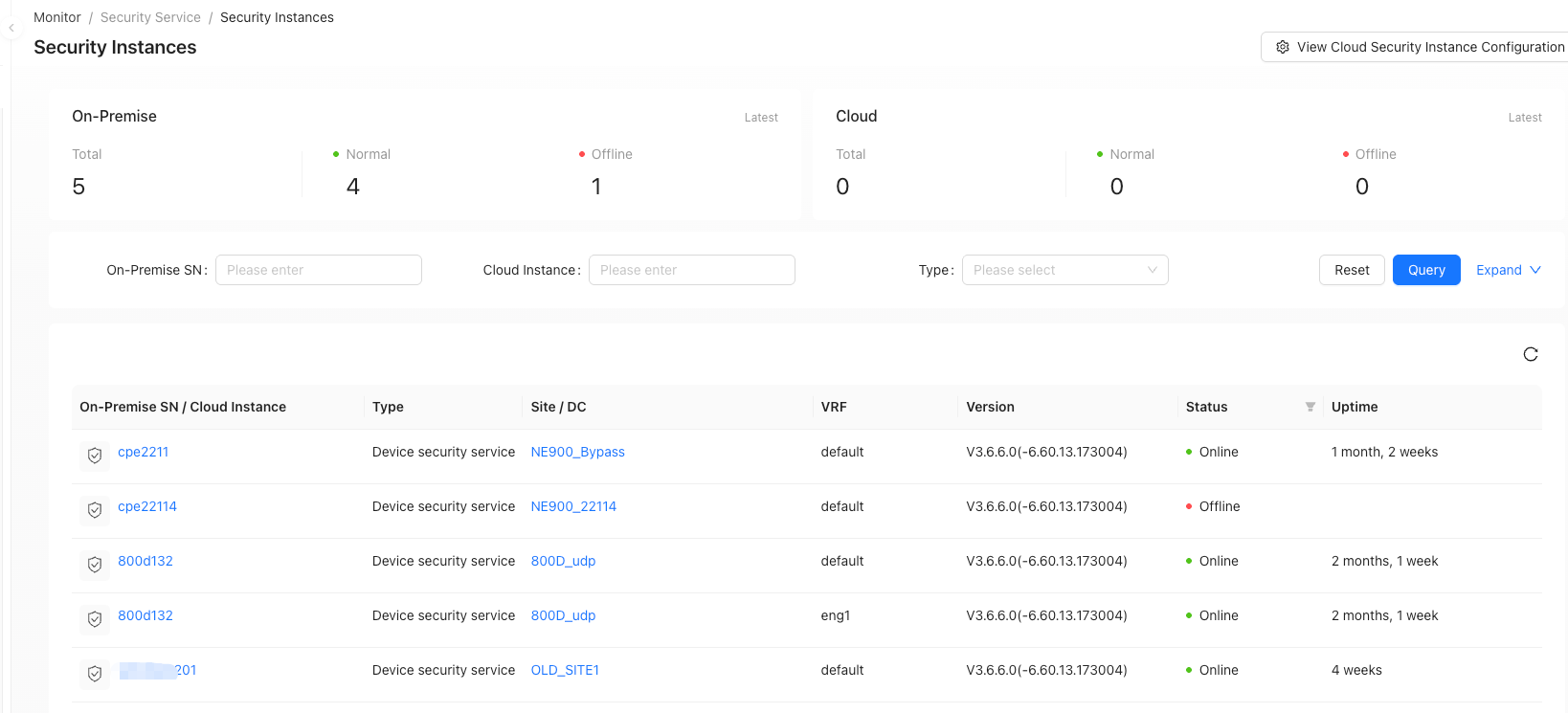
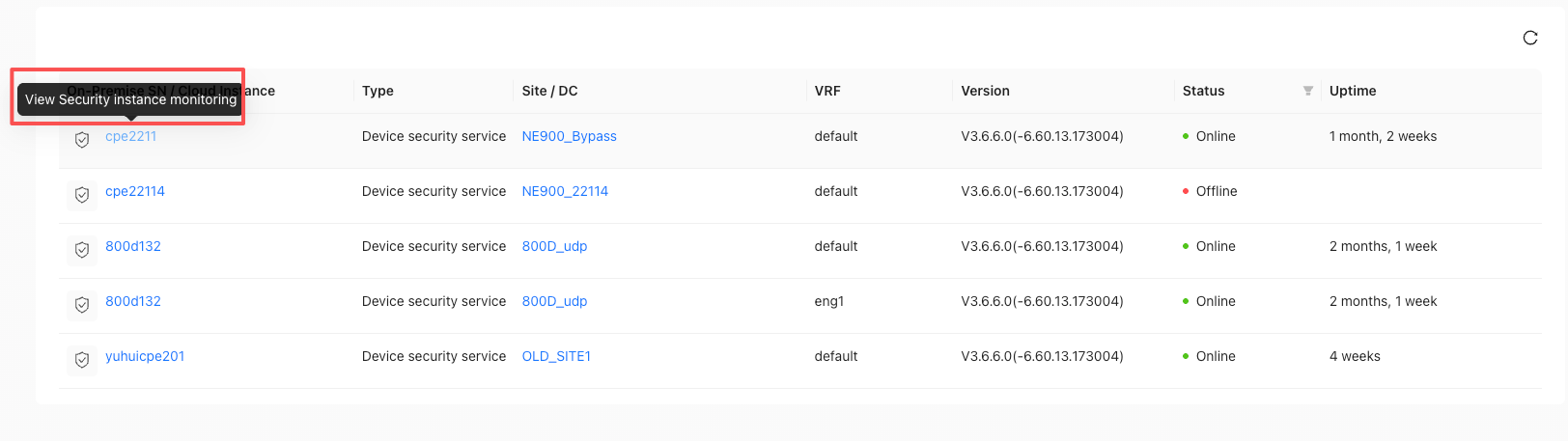
Security Cloud Instance Monitoring
Click the device SN/Security Cloud Instance name to jump to the Security Cloud Instance monitoring page.
This page provides detailed monitoring for a specific security instance, while 'Tenant' → 'Monitor' → 'Security Service' → 'Security Statistics' provides overall security instance monitoring.
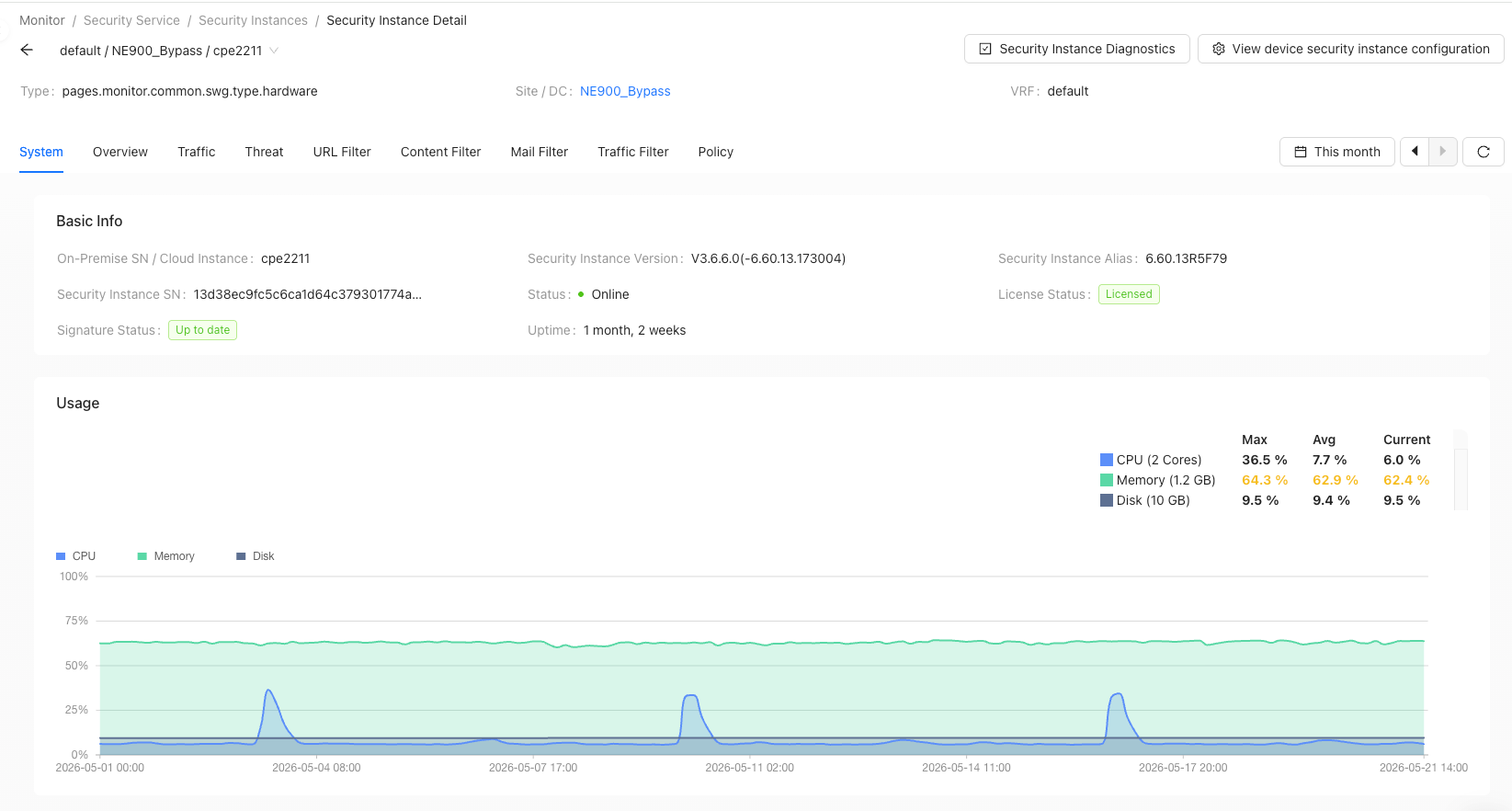
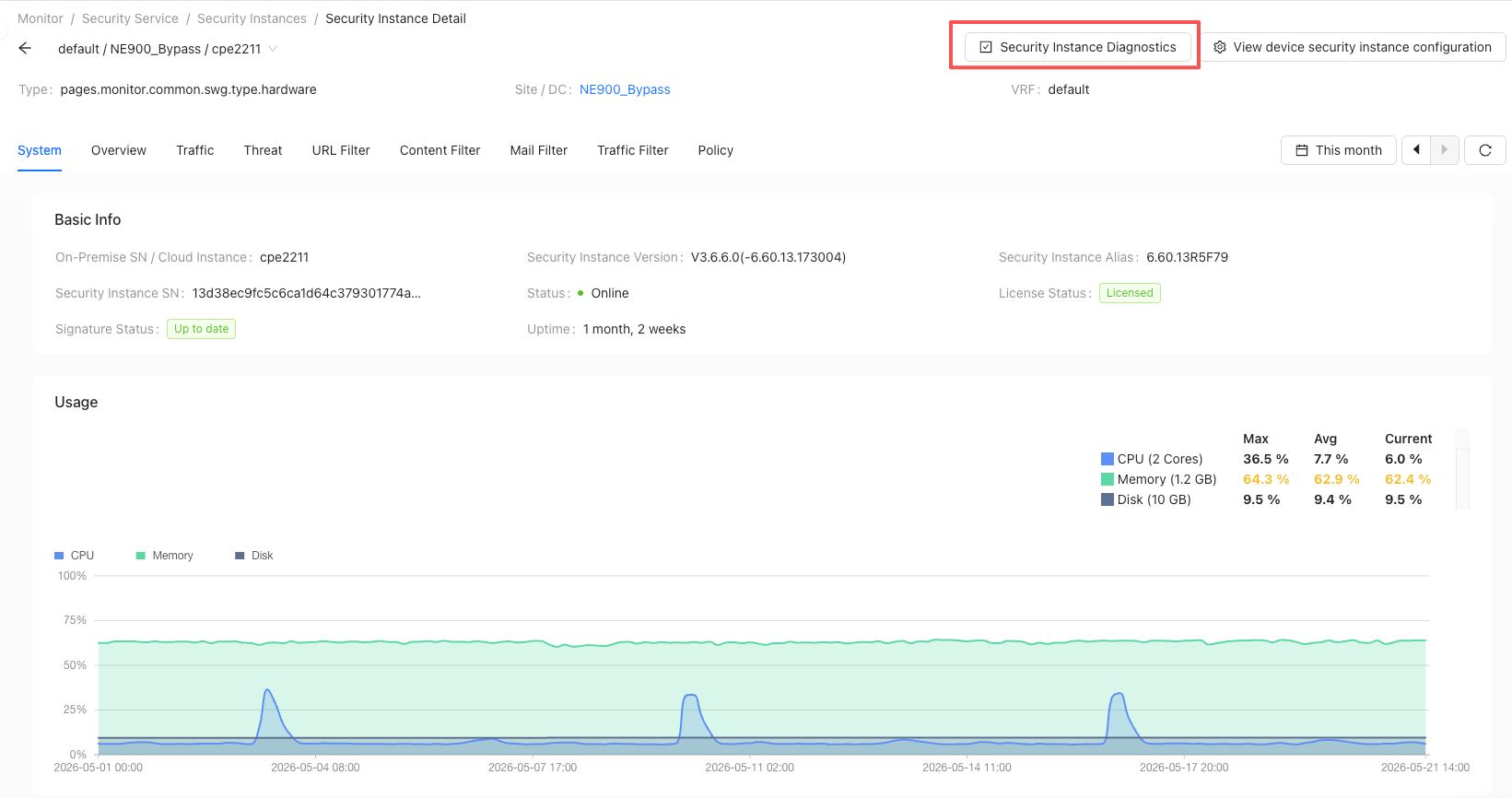
Security instance diagnostics
On the security instance details interface, click "Security Instance Diagnosis"
"Security Service hits" area
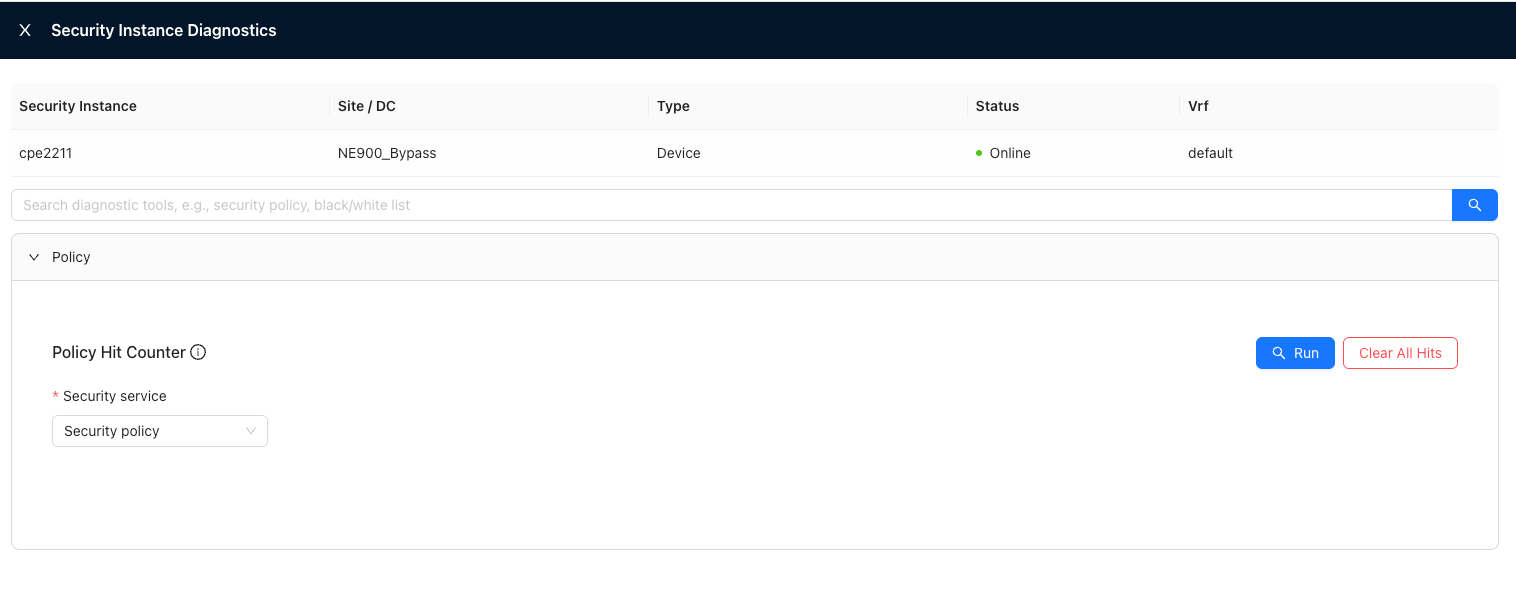
- The Security Service agent version requires 6.4.0 and above
- Function: Query/clear the cumulative hit count of security services
- Security services include: security policy, address blacklist, address whitelist, domain name blacklist, domain name whitelist, and batch black IP blocking
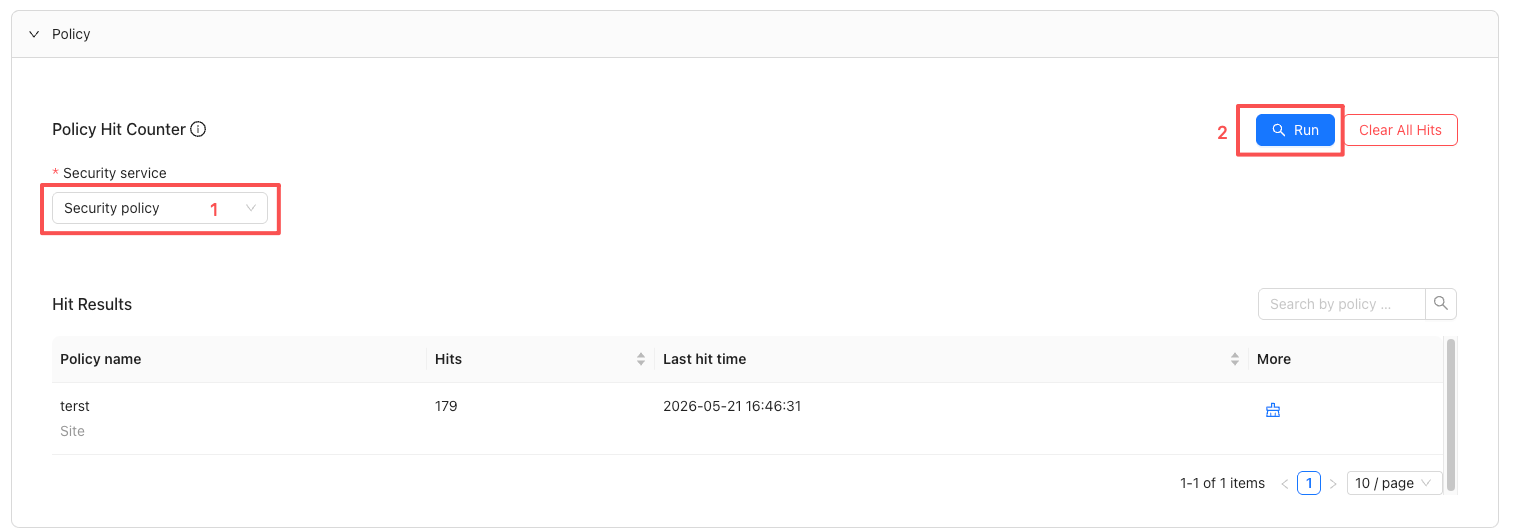
1.Query Security Service hit counts
In the Security Service Hit Count area, select "Security Service" and then click "Run"
2.Clear hit counts for specified security services
In the query results, click the "Clear" button at the specified entry
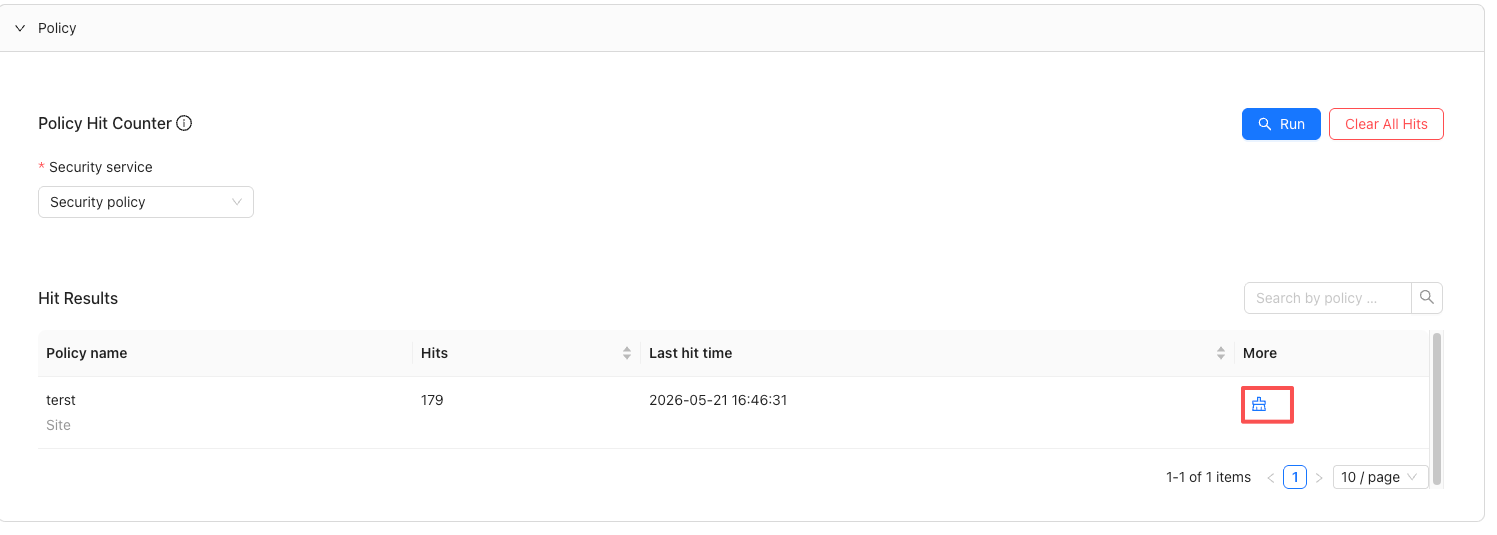
The hit count of this entry is cleared to zero
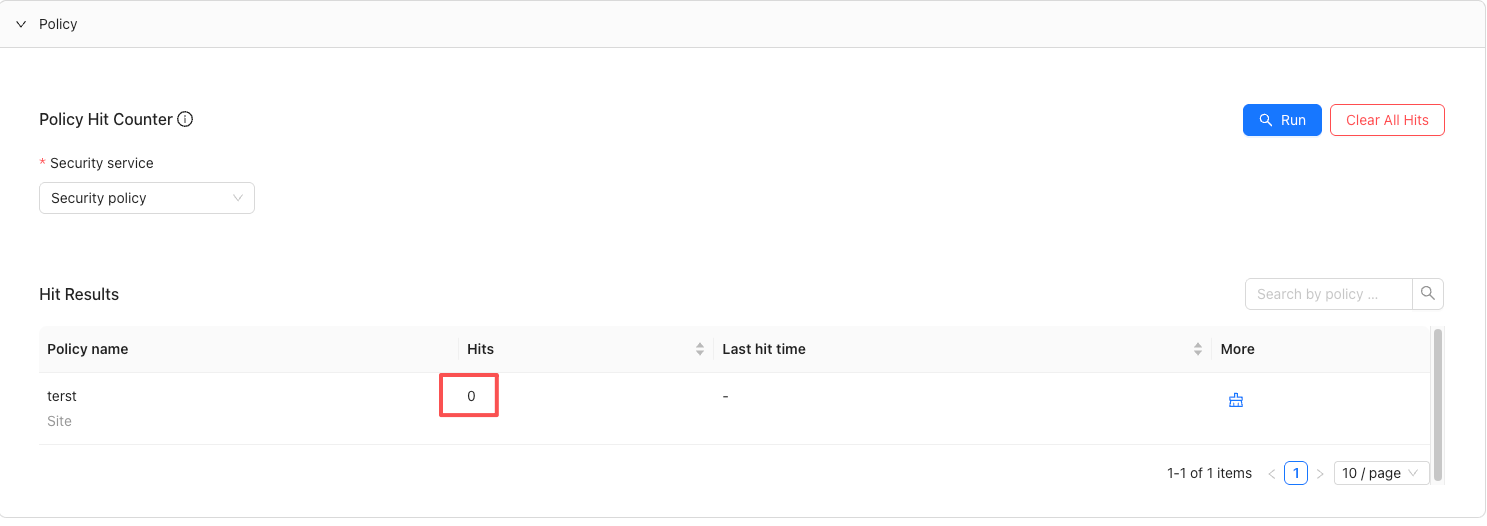
3.Clear all Security Service hit counts
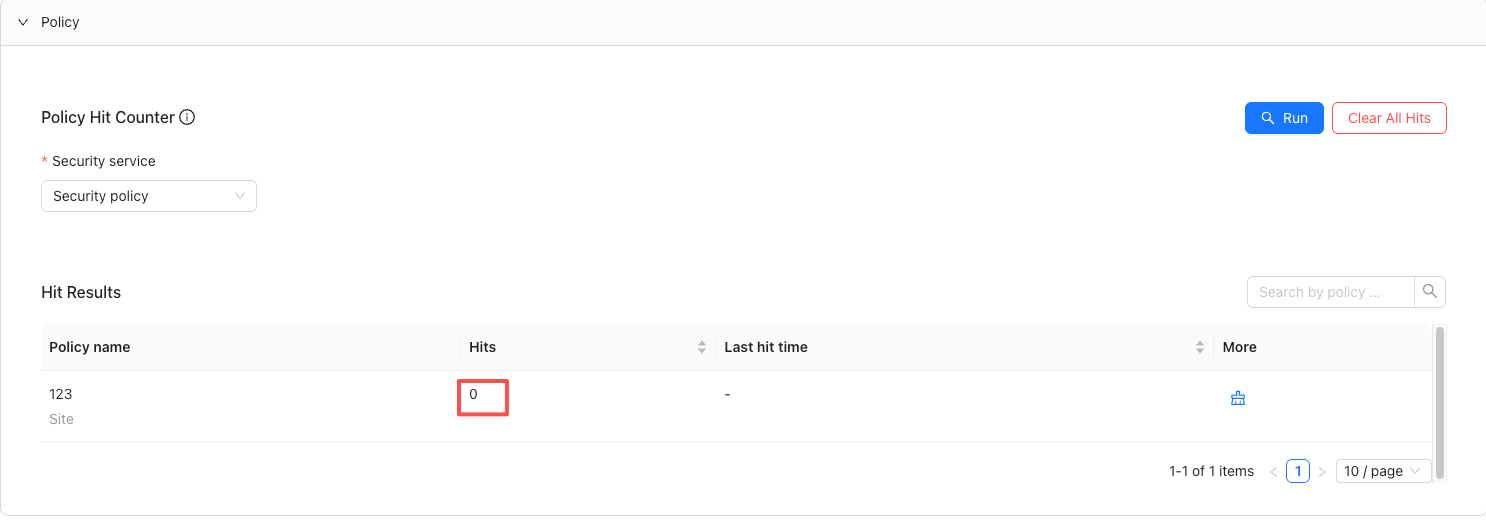
Click "Clear All Hits"
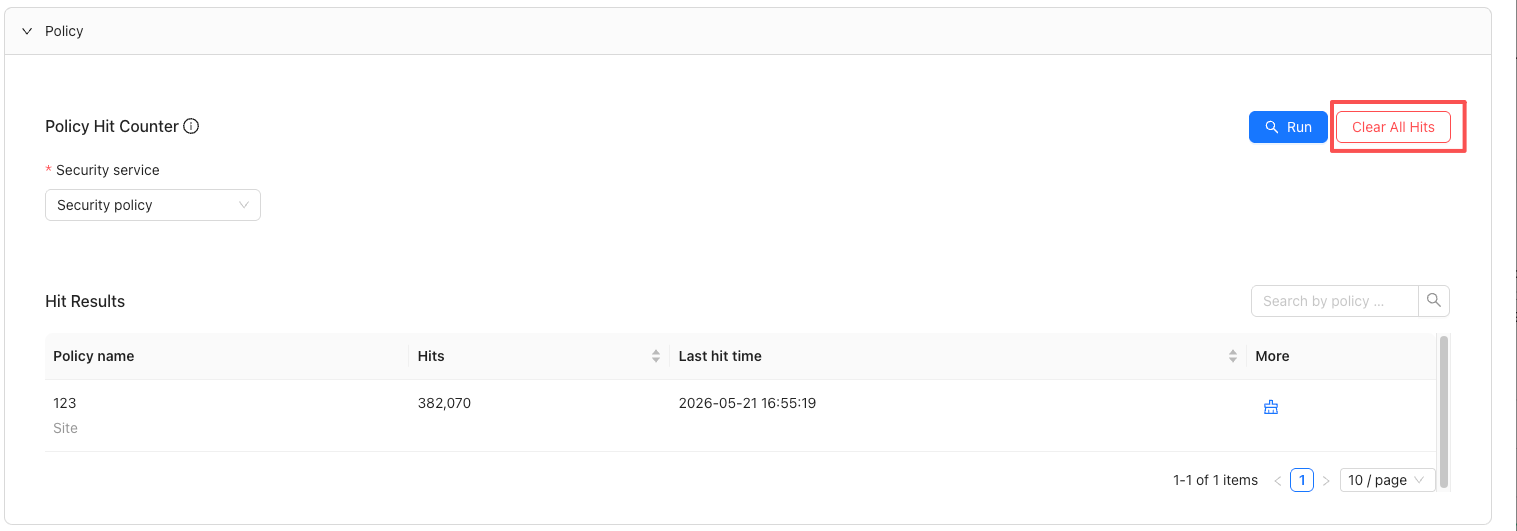
The hit count of all entries is cleared
Strategy
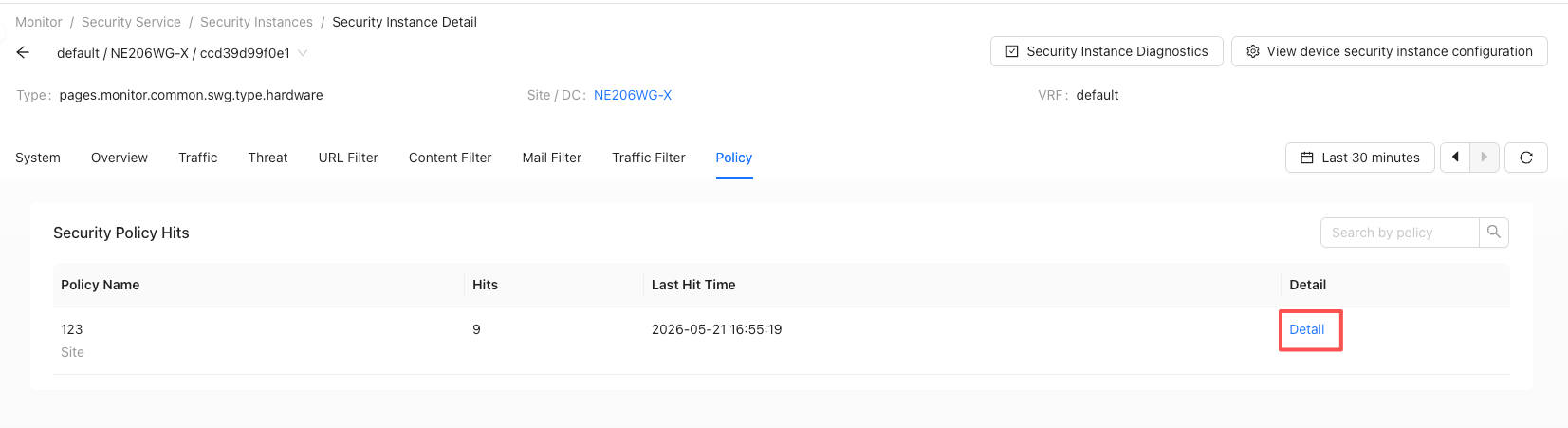
Security policy hits
Filter by time to view the number of hits and the last hit time of security policies within the selected time range.
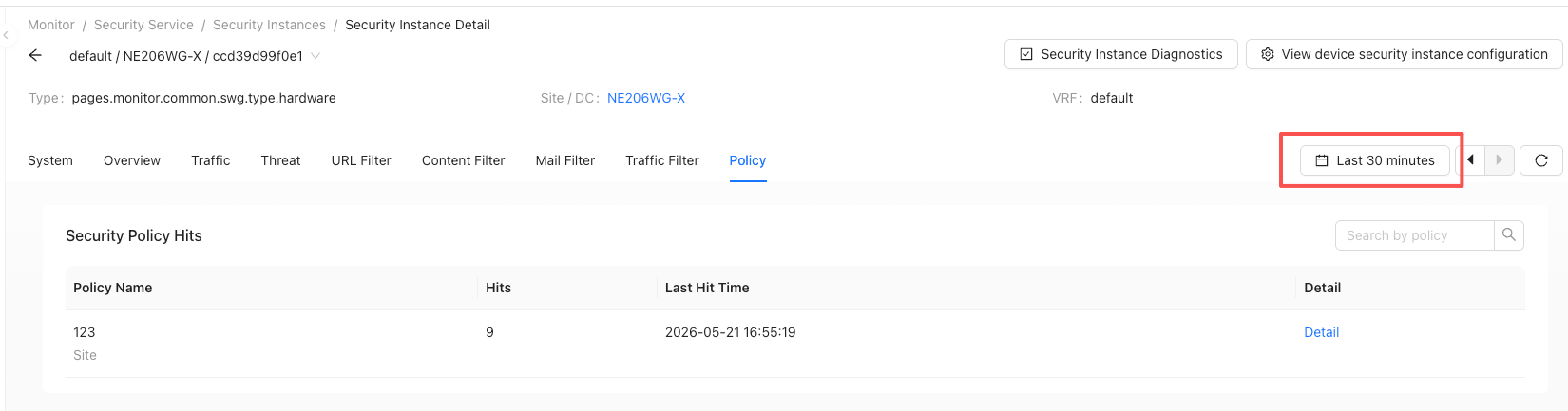
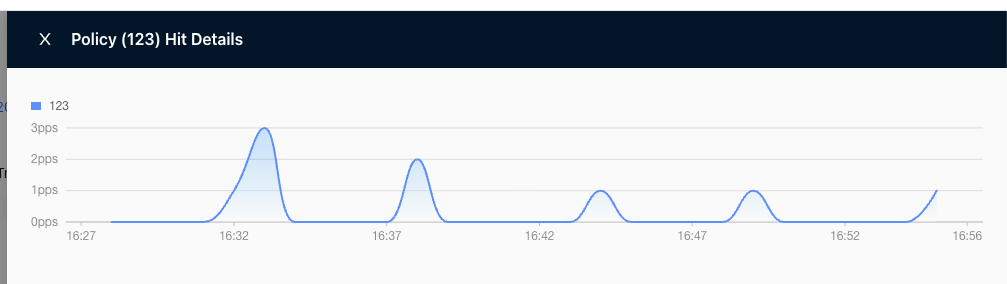
Click "Details" to view the number of hits at each time point within the time range
Affiliated site/data center monitoring
Click on the name of the site/data center to jump to ['Tenant' → 'Monitor' → 'Sites' → 'Site Name'], that is [Site Detail Page].