Security Logs
Security log definition
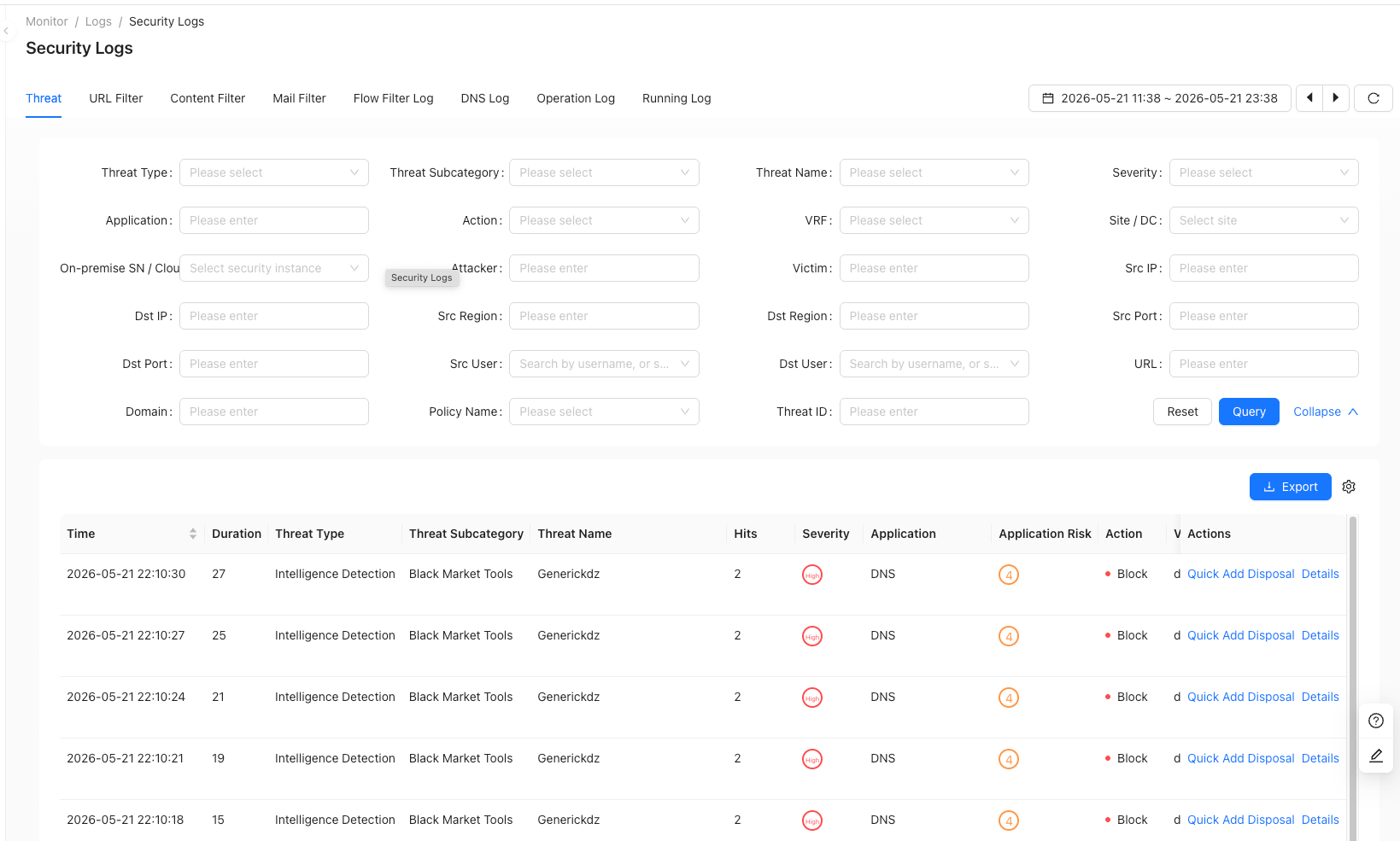
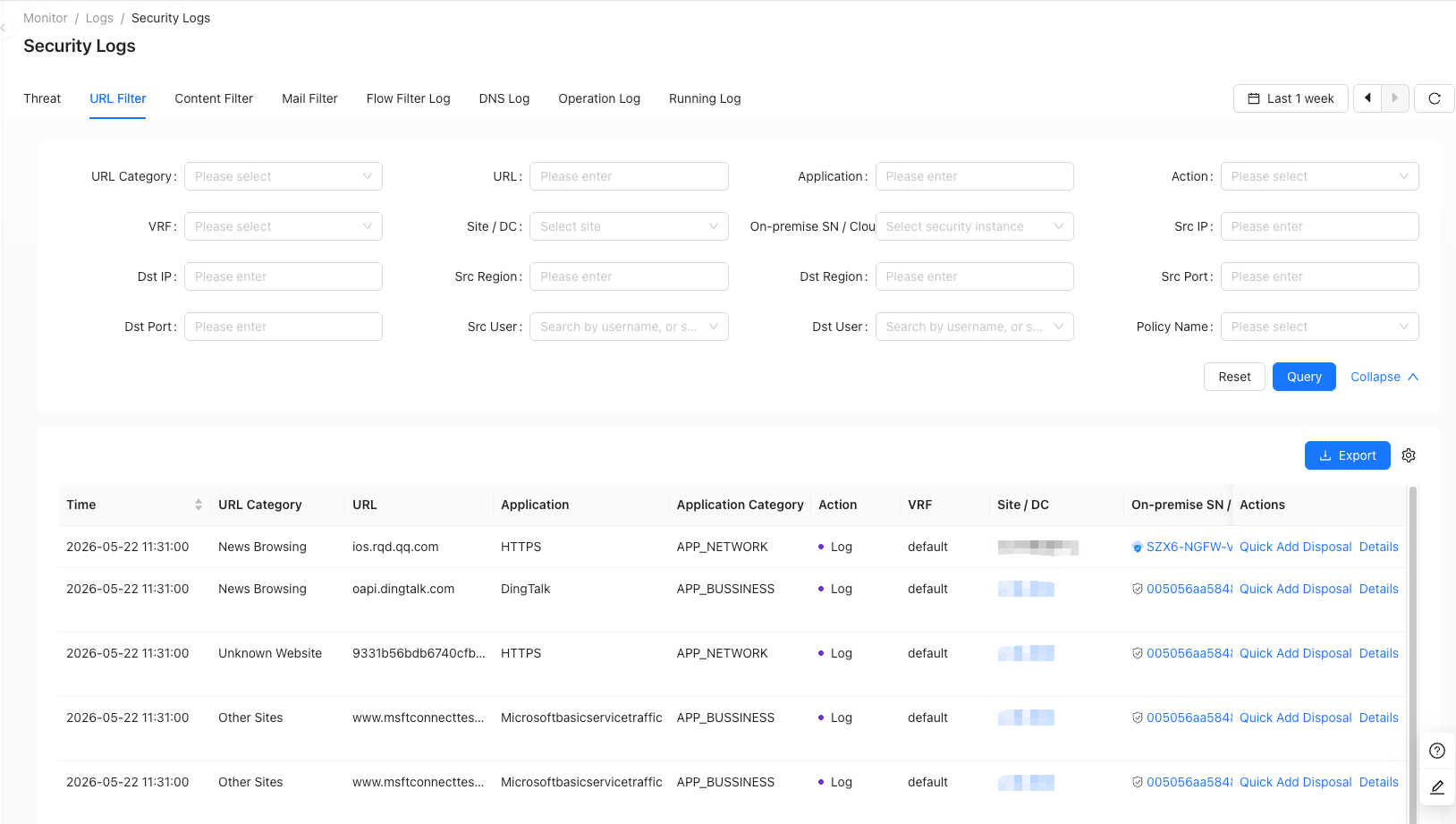
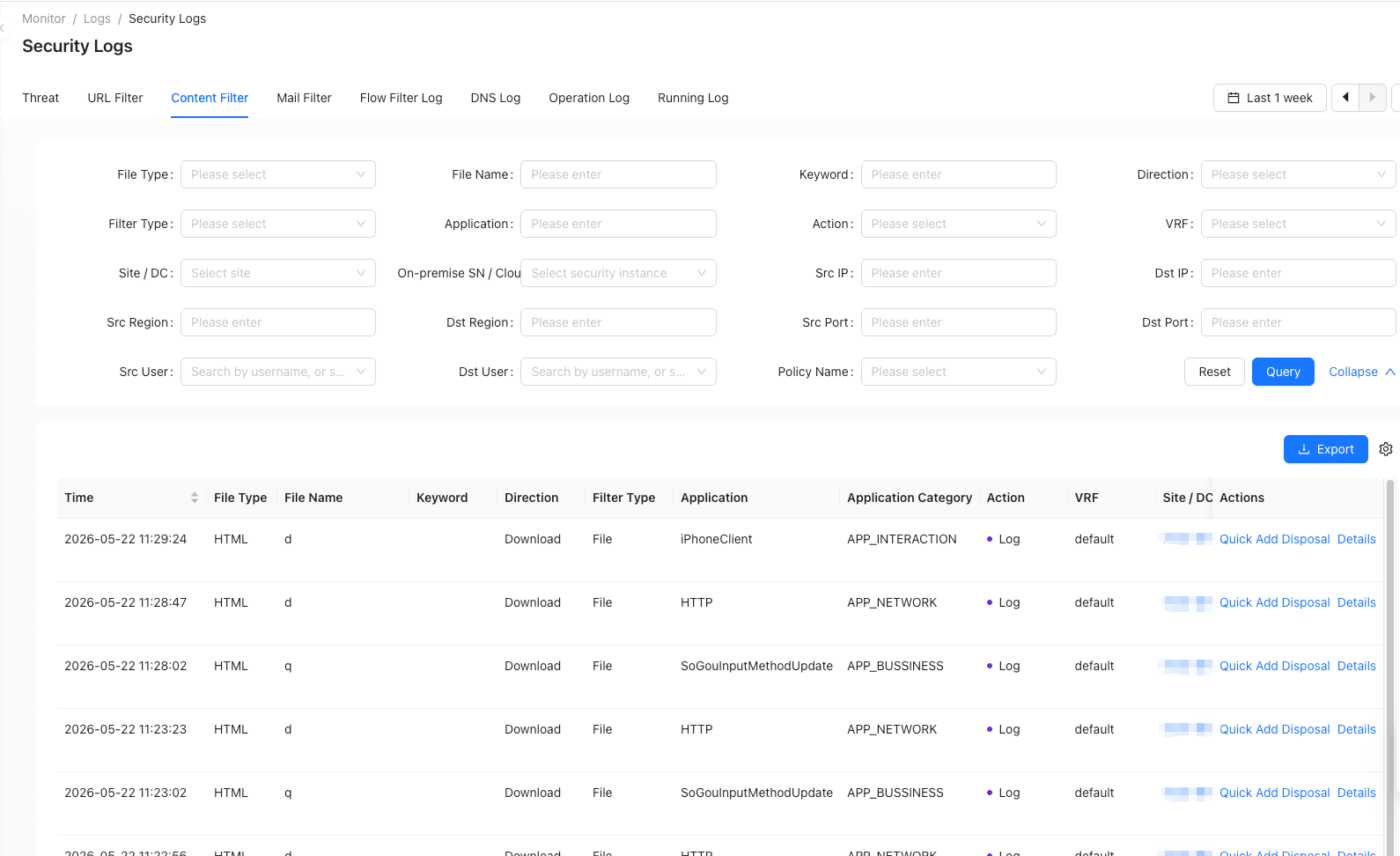
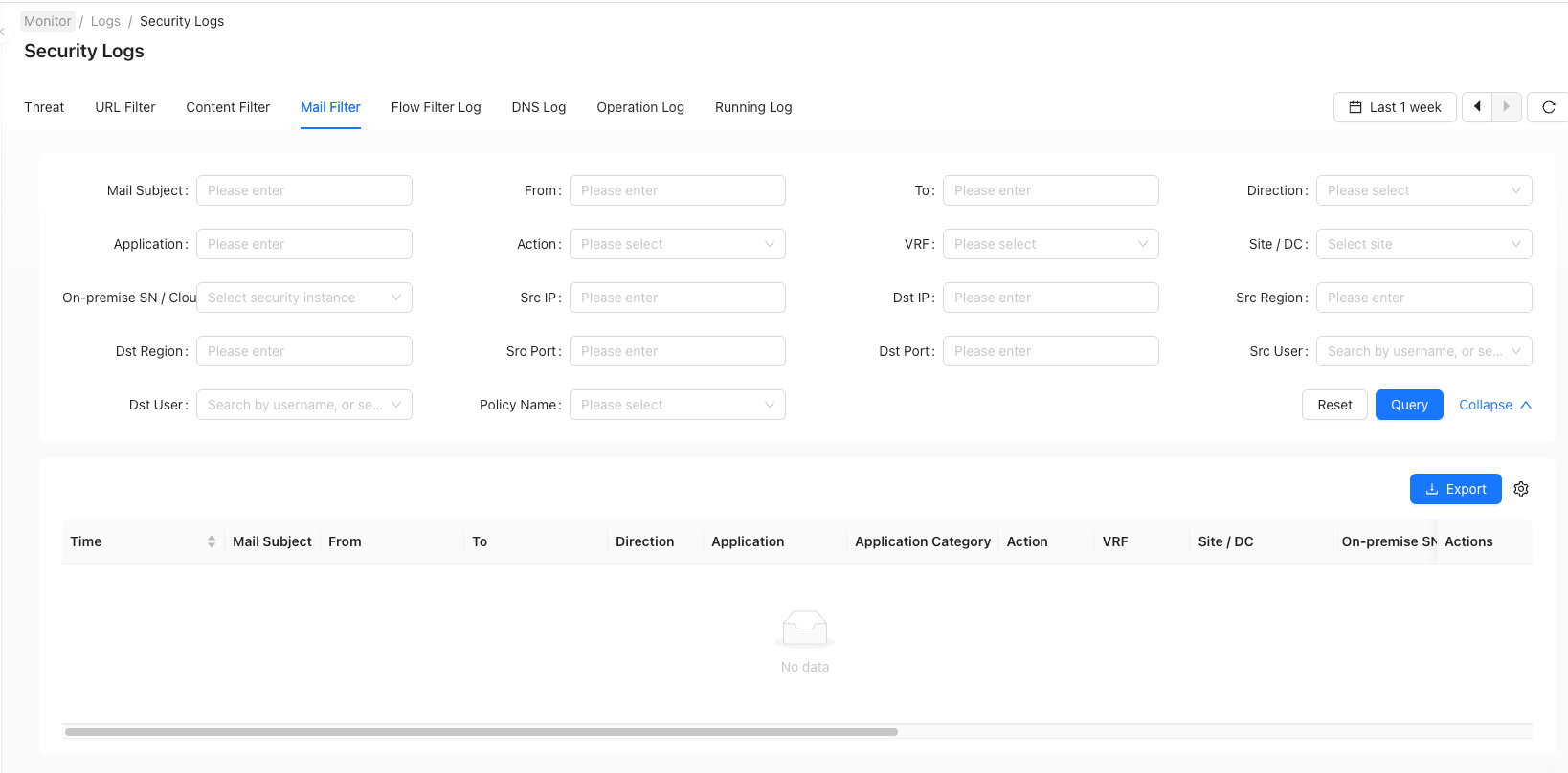
When traffic passes through the Nanling SASE device and hits a target including (intelligence detection library, vulnerability protection, anti-virus, anti-spyware, security protection) as well as URL filtering, file filtering, content filtering, and email filtering, a security log will be generated.
info
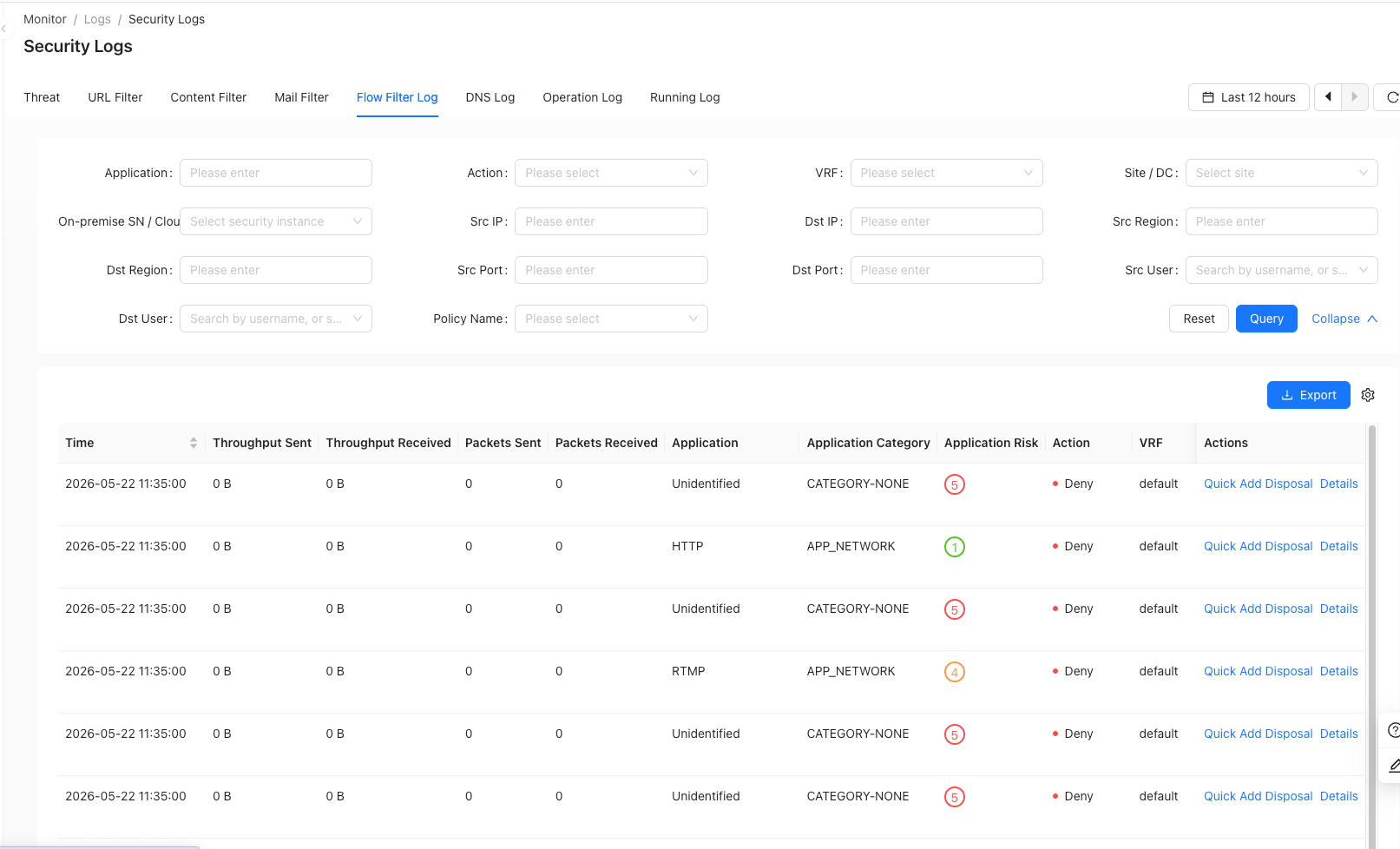
Logs detected in security logs can be quickly processed through the disposal button on the right side of the entry. The corresponding disposal results will exist at ['Tenant' → 'Monitor' → 'Security Service' → 'Disposal'] (/tenant/monitor-disposal-center)
- Select the "Quick Add Disposal" object:
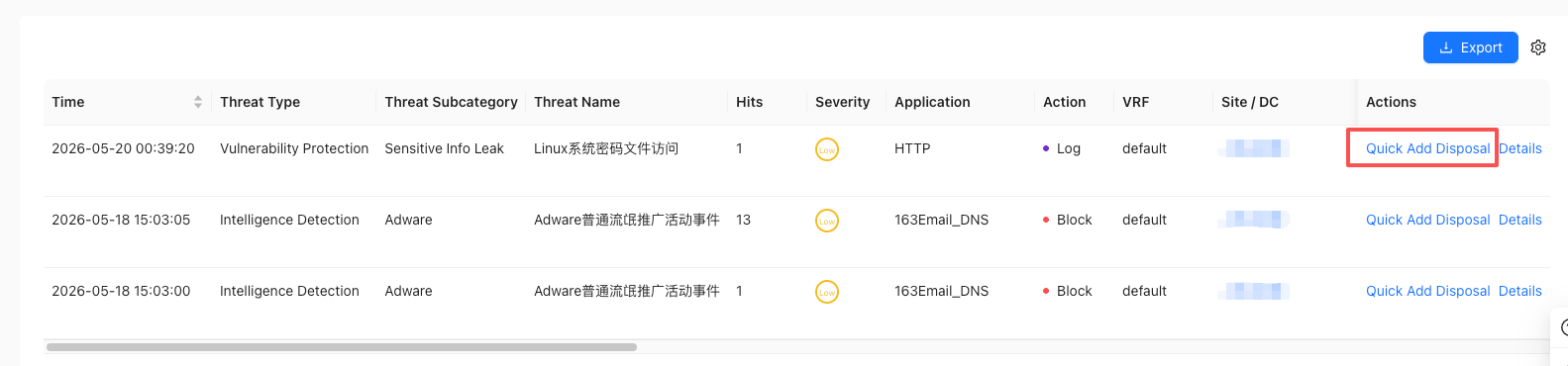
Start processing
- Process the disposal form:
- Selects which Security Service instance to dispose on
- Select disposal type
- Select disposition action
- Select the disposal effective time
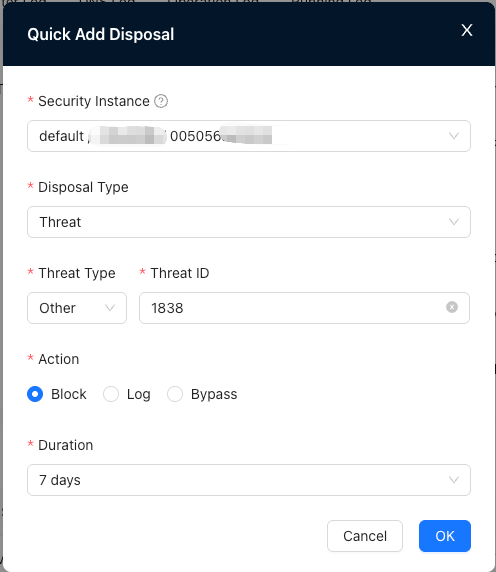
Disposition form
3. The newly created manual disposal entry can be viewed in the corresponding site disposal center.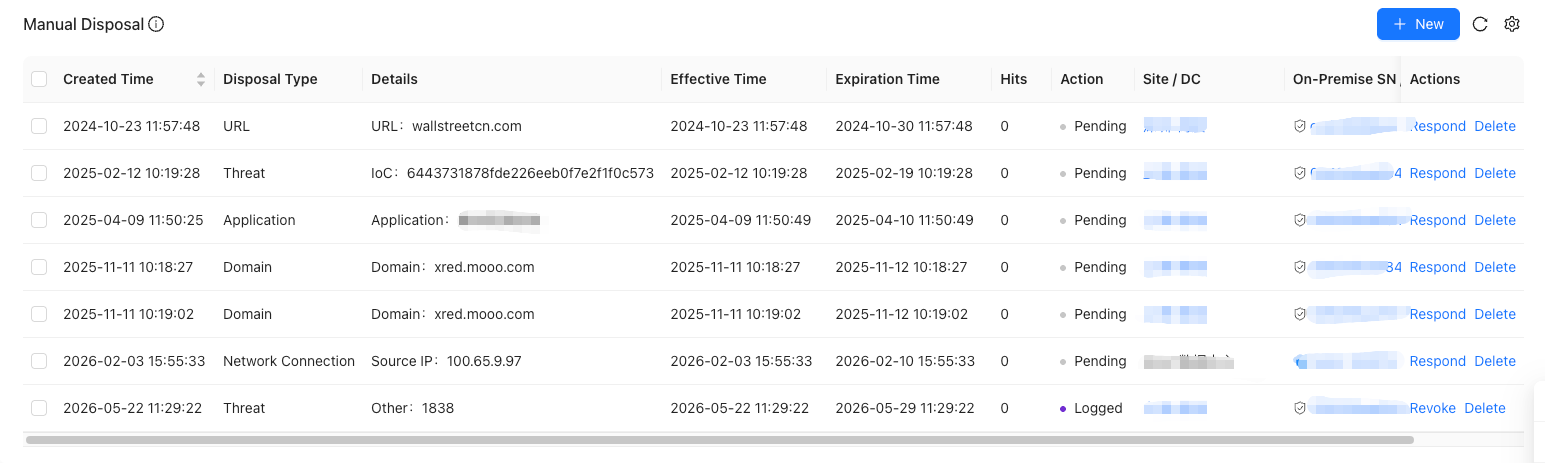
Add results
- Threat
- URL Filter
- Content Filter
- Mail Filter
- Traffic Filter
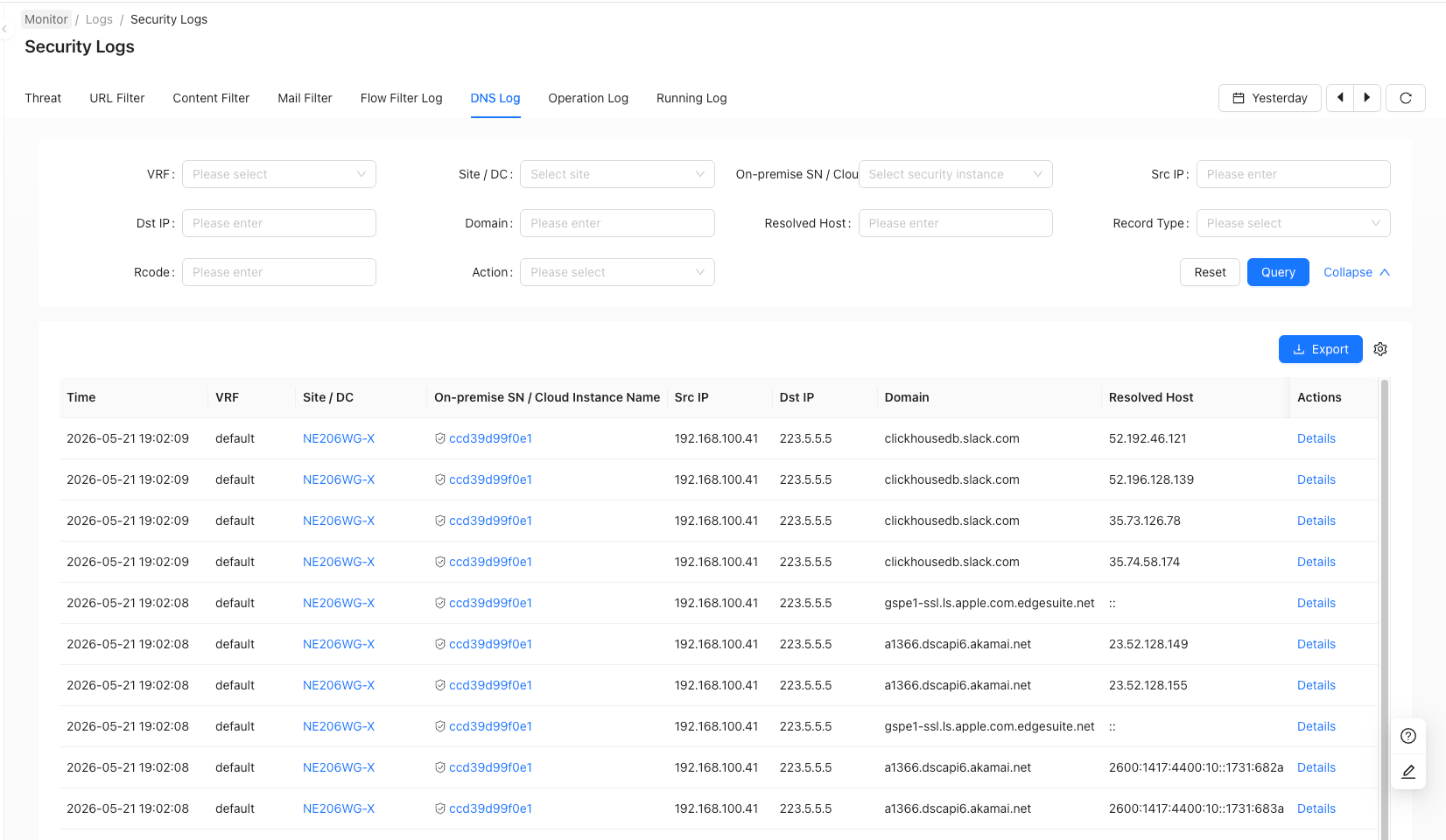
- DNS Log
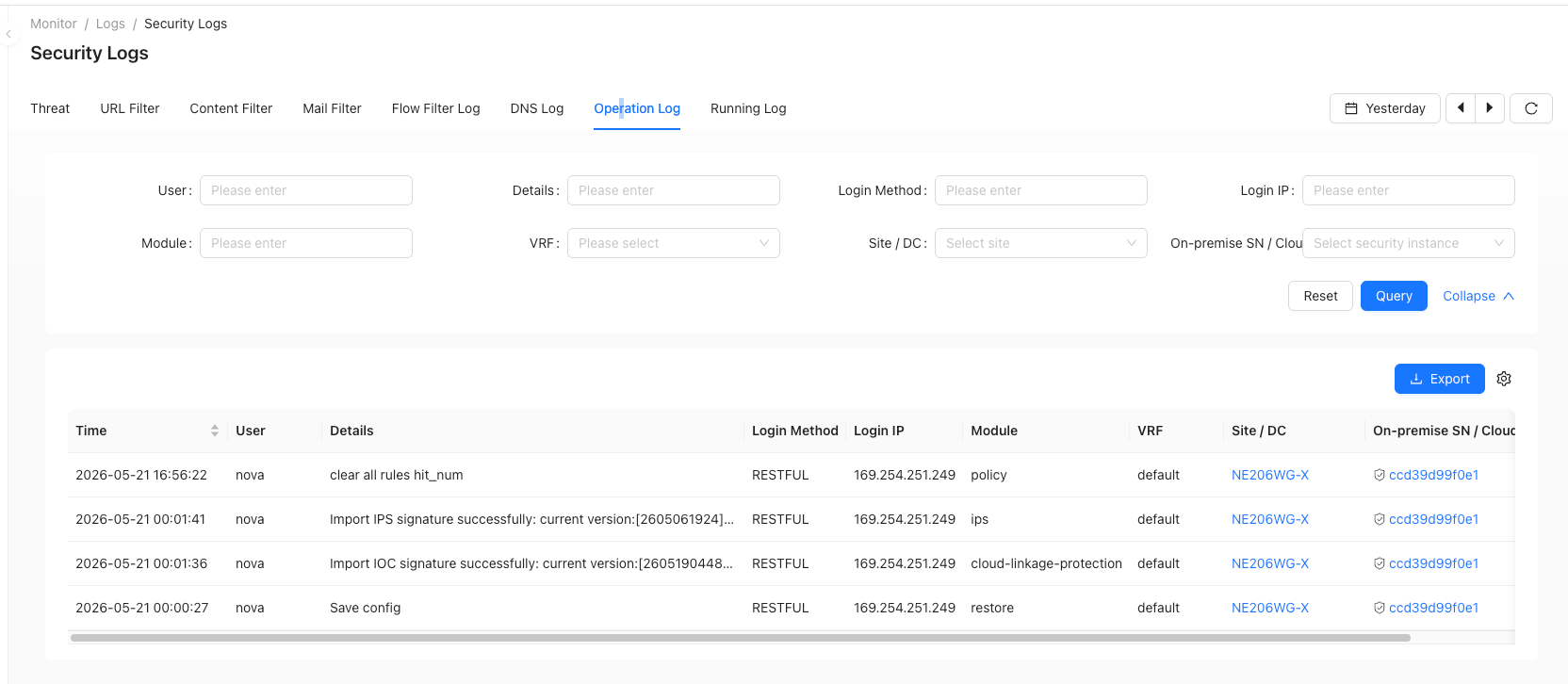
- Operation Log
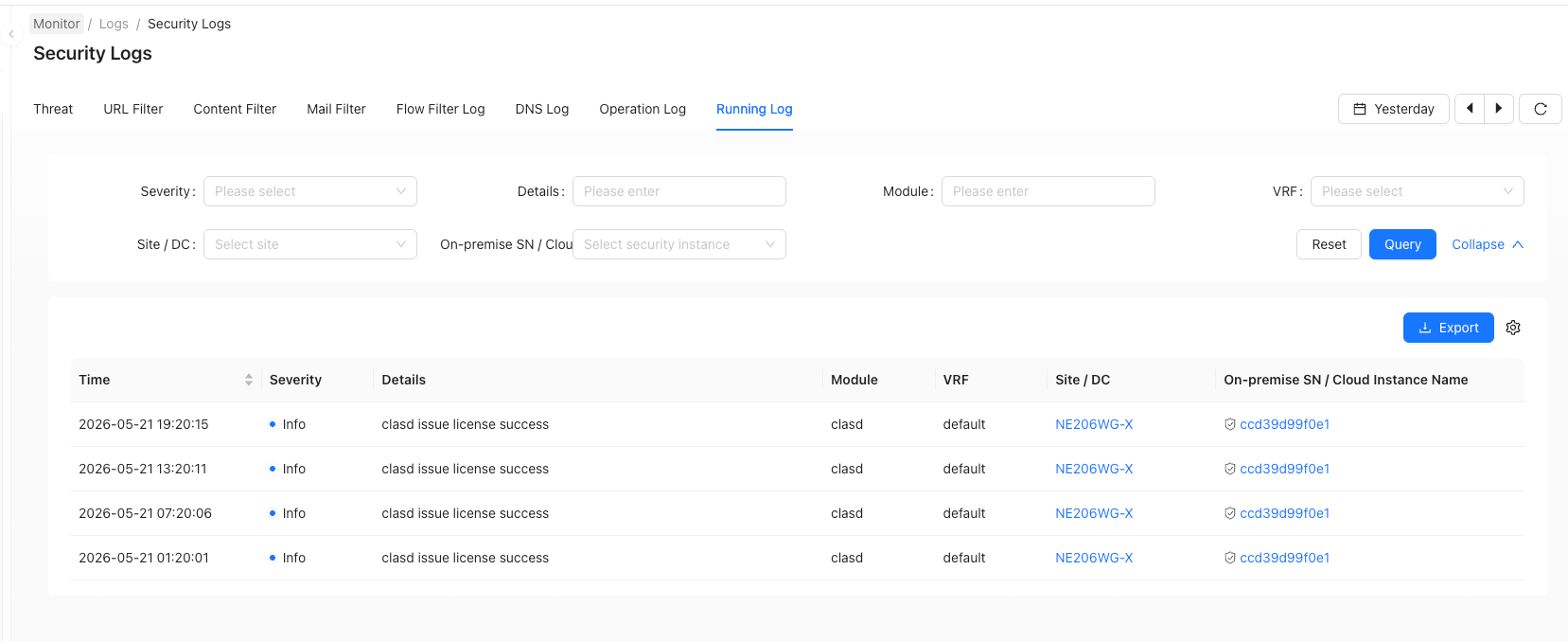
- Running Log