Network large screen v2
Enable
Please click here to enable it
Interface description
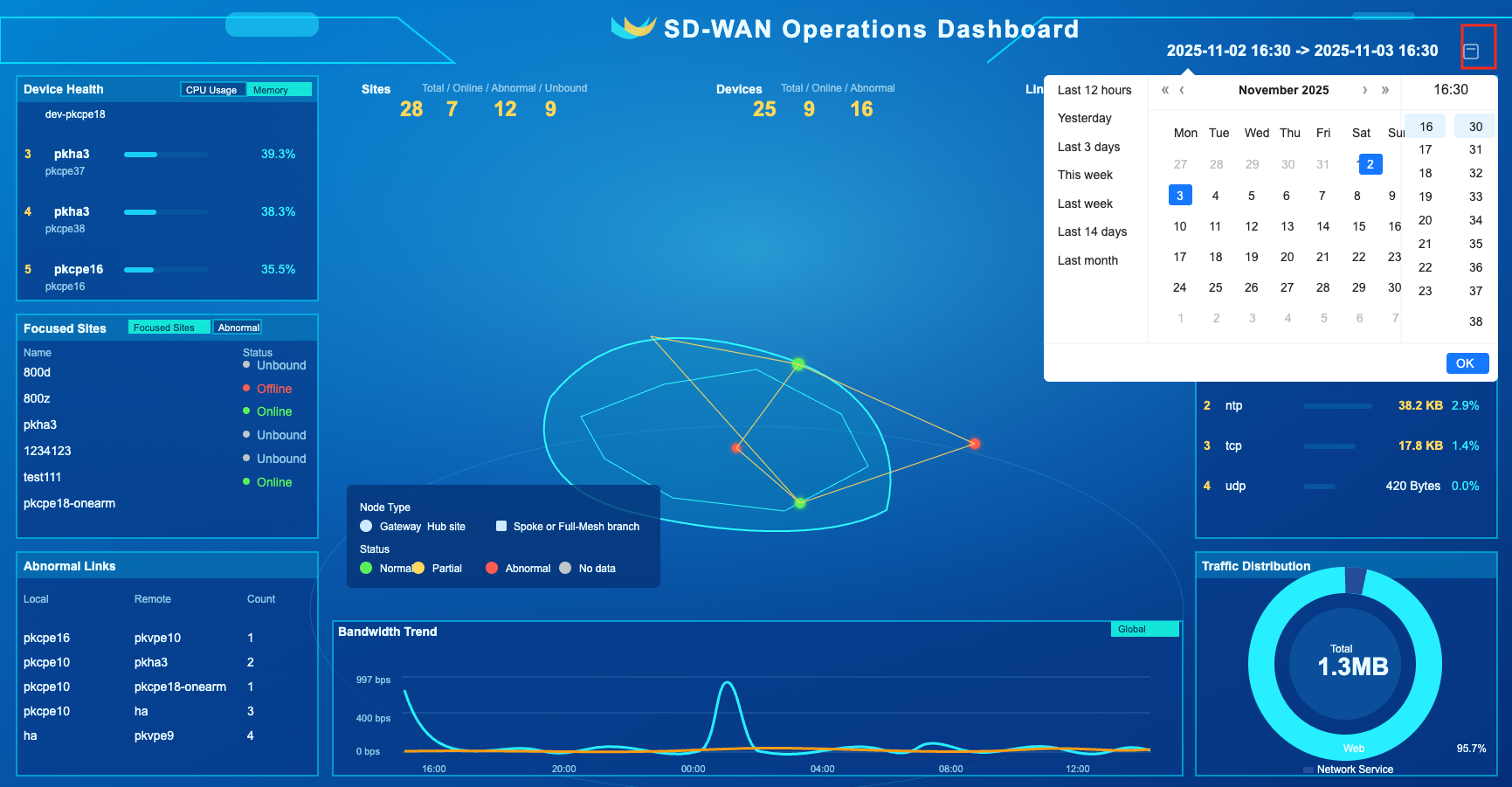
Time filter
The interface location is as shown below
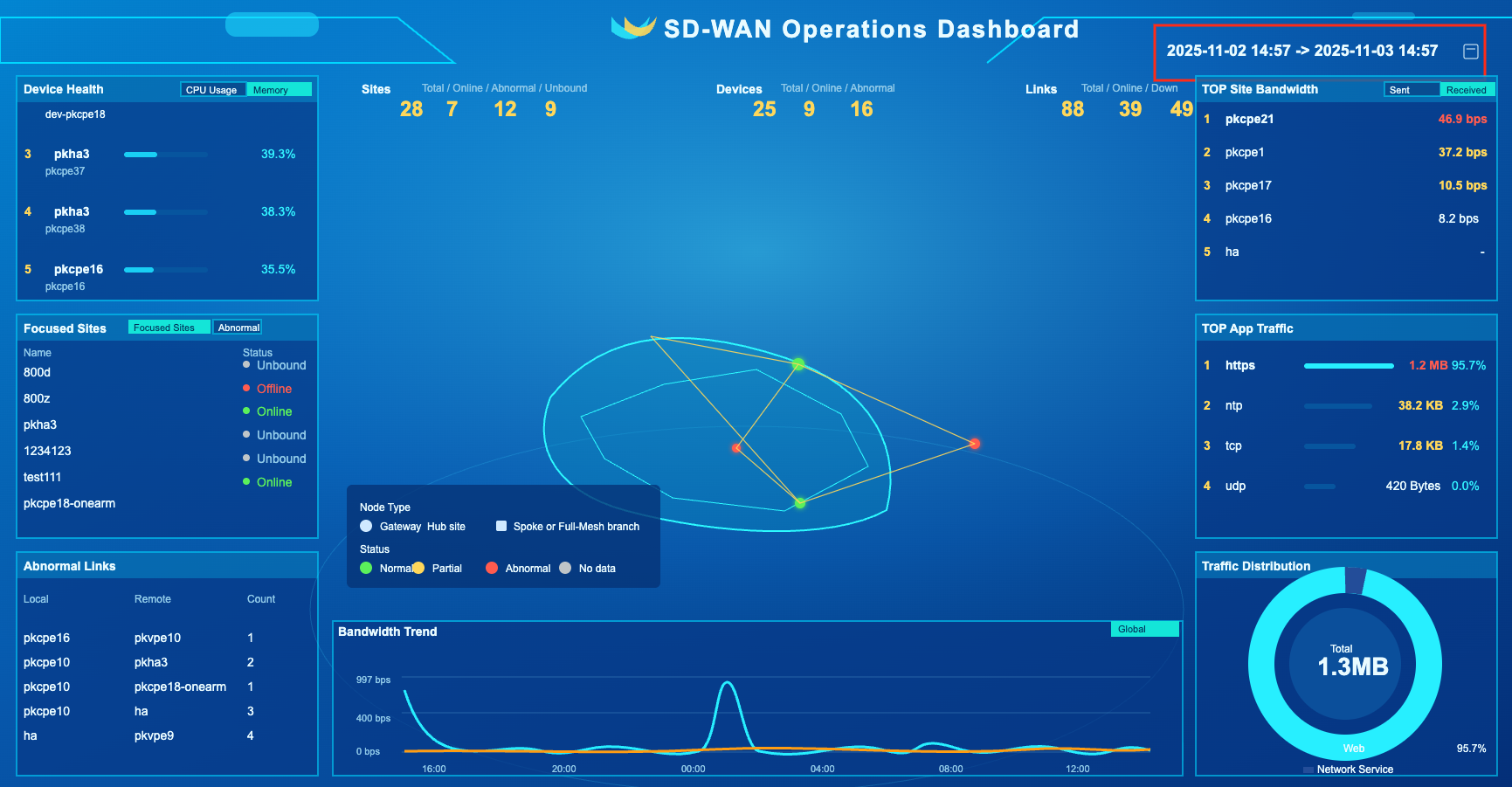
Click the icon below to pop up an interface where you can set predefined and custom time ranges
Overview
info
- Overview of network operations
The interface location is as shown below
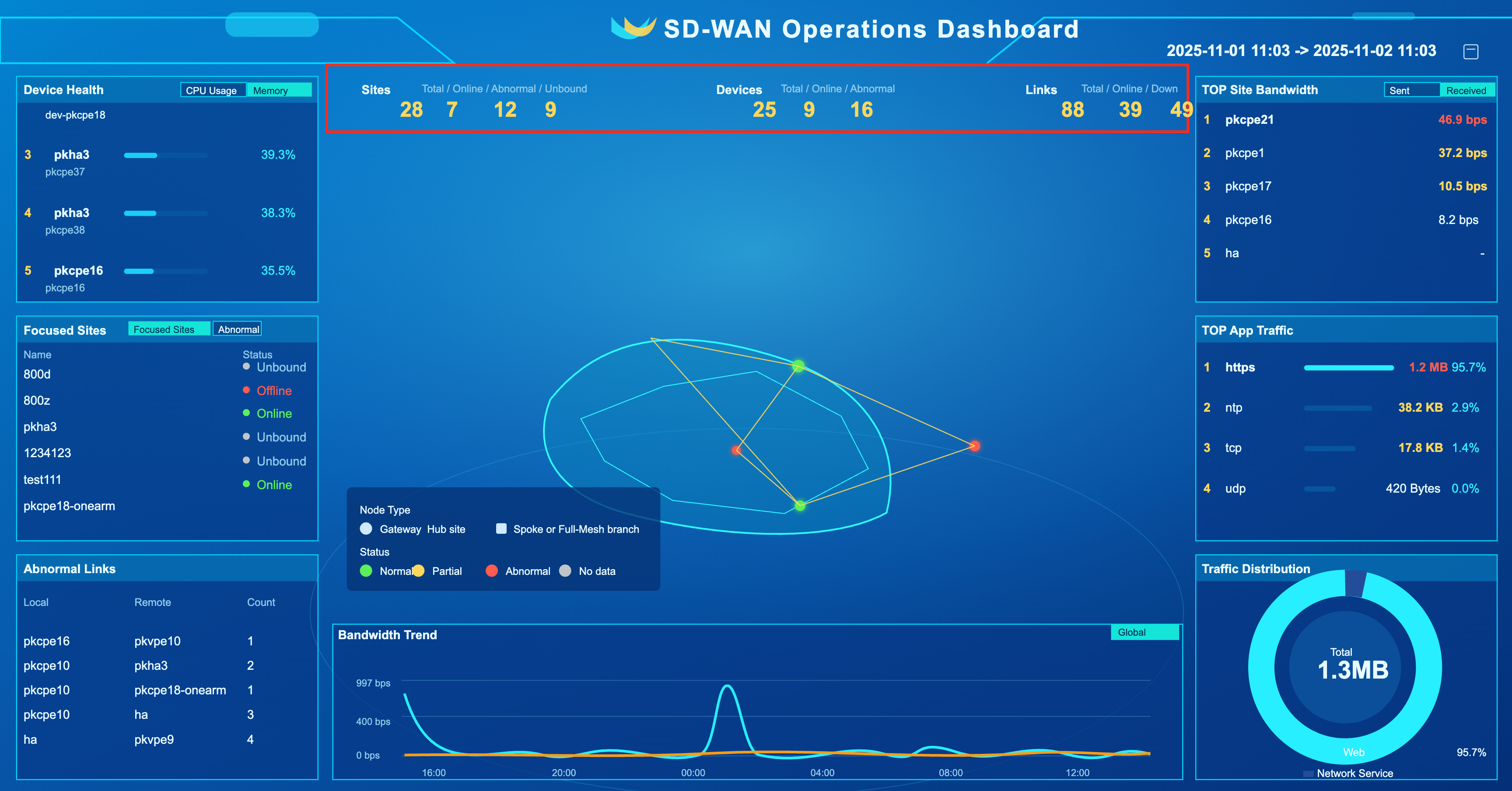
Site Overview
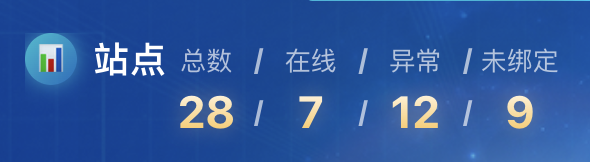
- Interface description
| Name | Description |
|---|---|
| Online | Number of online sites |
| Abnormal | Number of offline and partially online (HA) sites |
| Unbound | Number of unbound sites |
Device Overview

- Interface description
| Name | Description |
|---|---|
| Online | Number of online devices |
| Exception | Number of offline devices |
Link Overview
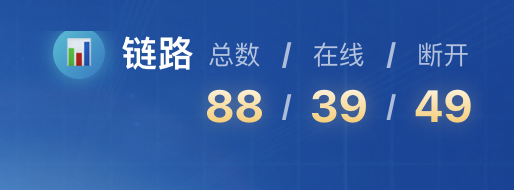
- Interface description
| Name | Description |
|---|---|
| Online | Number of online links |
| Disconnected | Number of offline links |
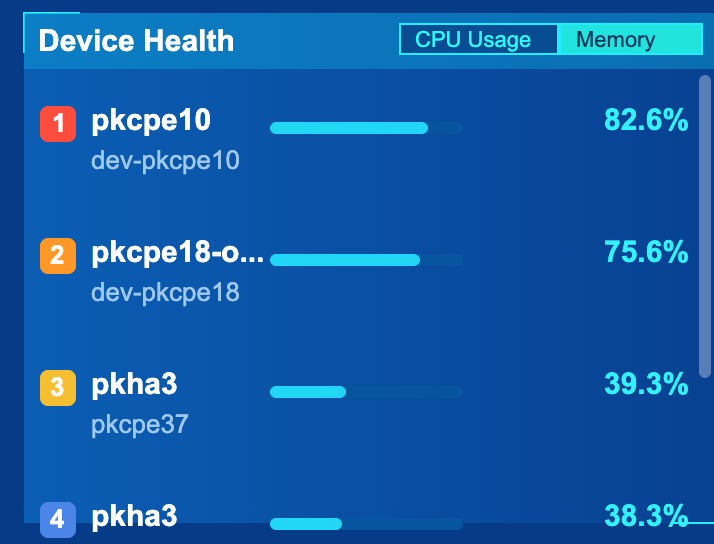
Device health
The interface location is as shown below
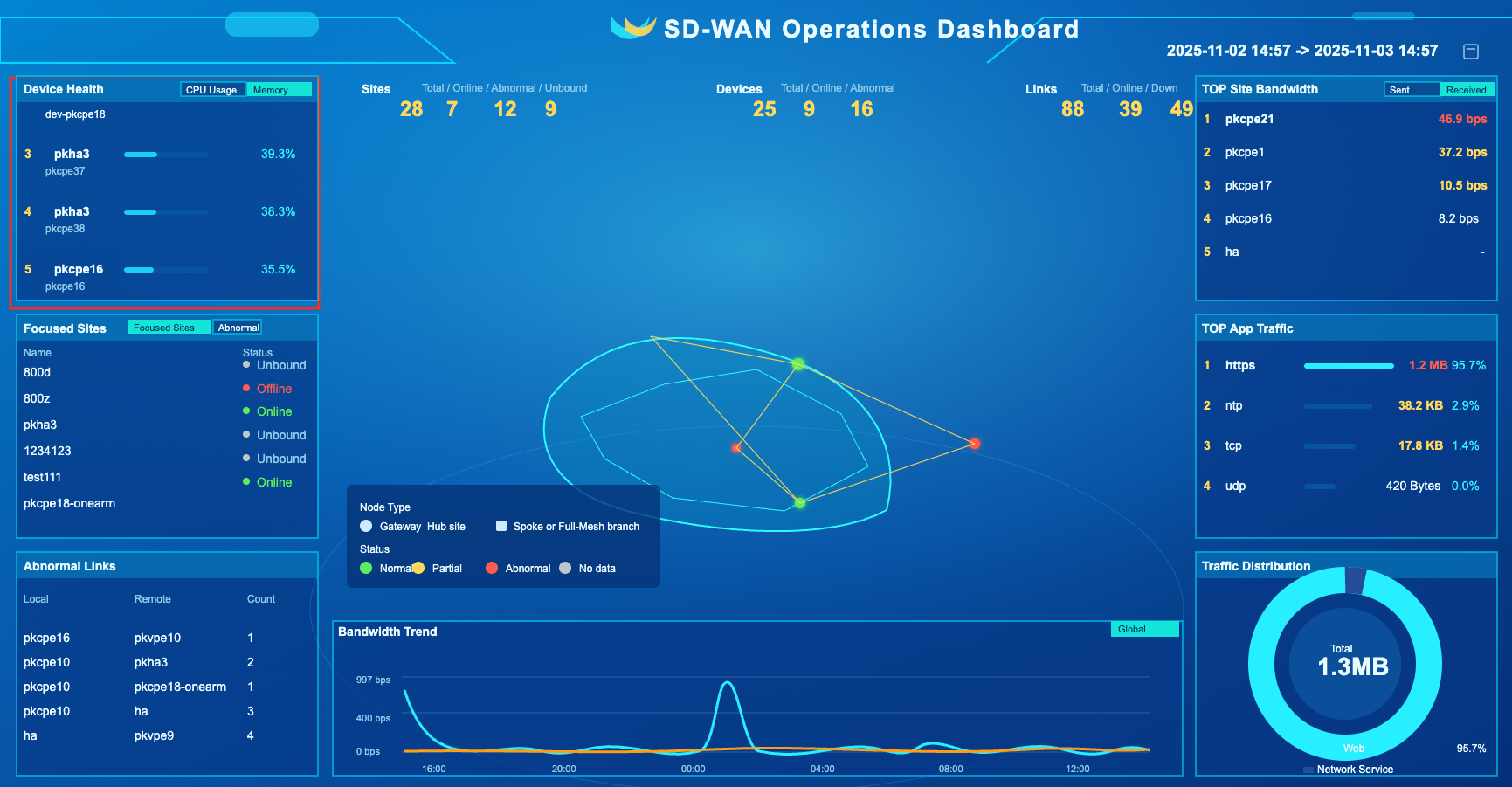
CPU usage
info
- Top 5 device CPU usage rankings within the time range
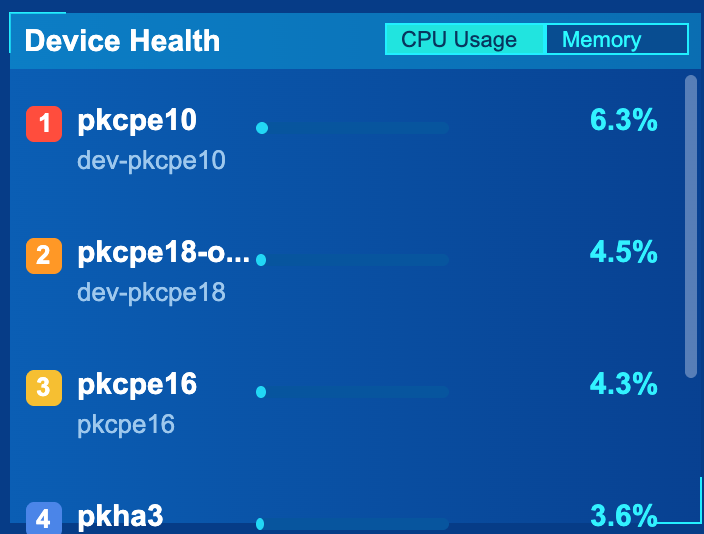
Memory usage
info
- Top 5 device memory usage rankings within the time range
Focus on sites
The interface location is as shown below
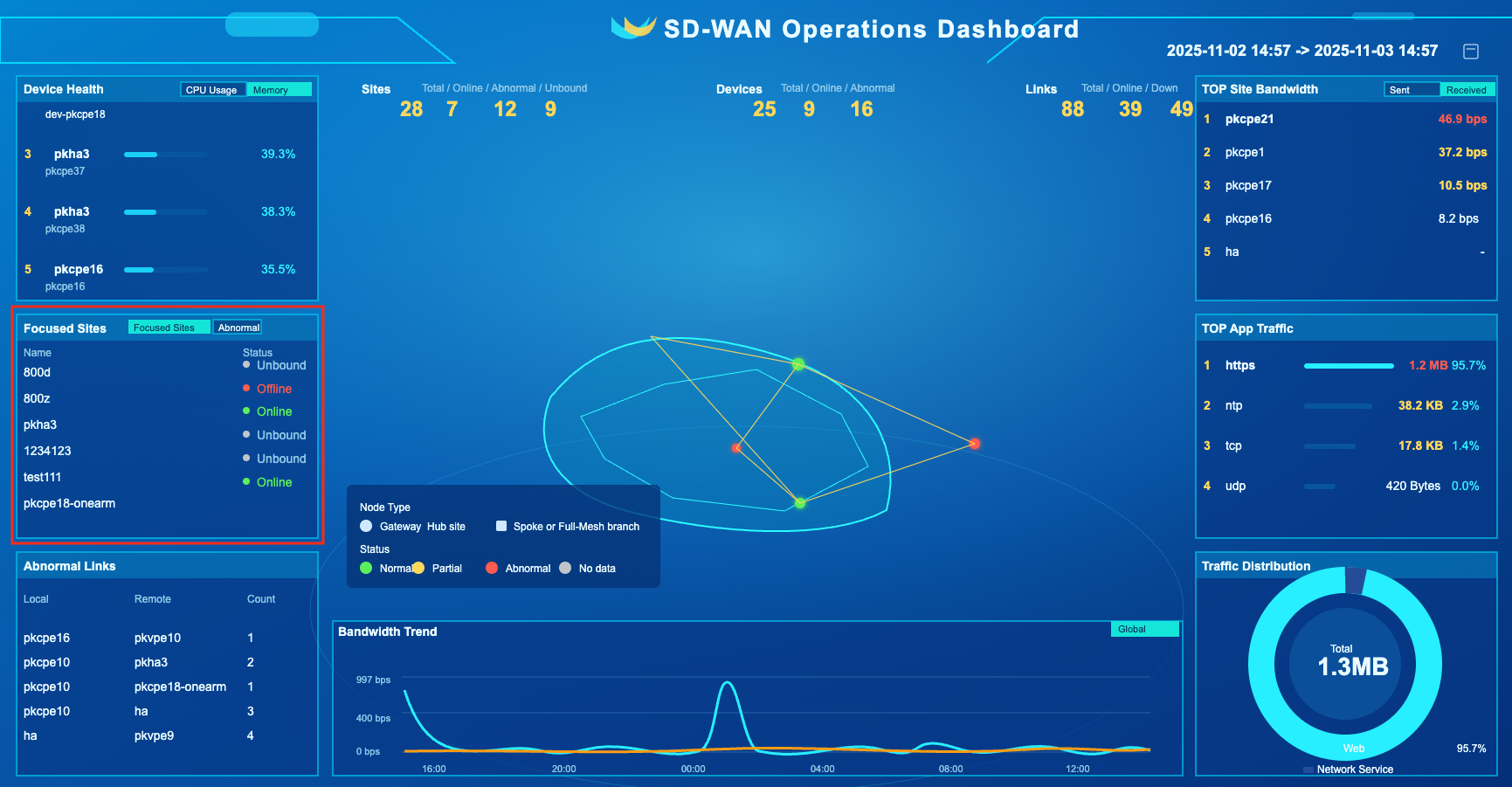
Focus on sites
info
- Focus on the status of the site, including: online, partially online (HA), offline, and unbound
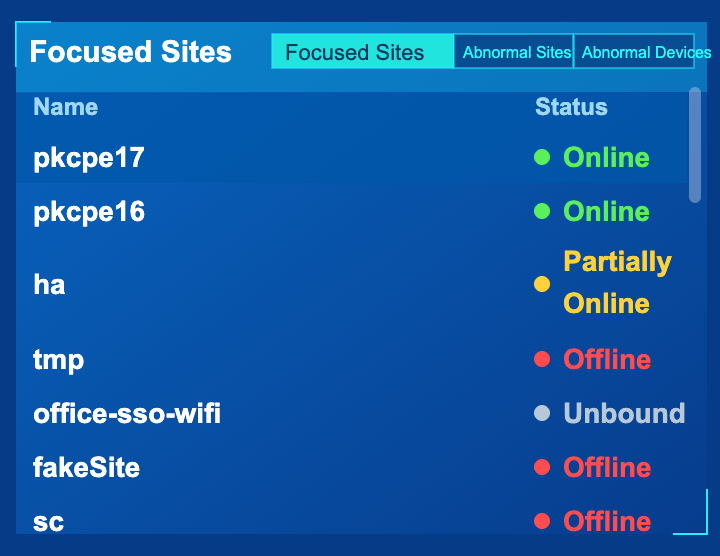
Abnormal site
info
- List abnormal sites, status includes: partially online (HA), offline
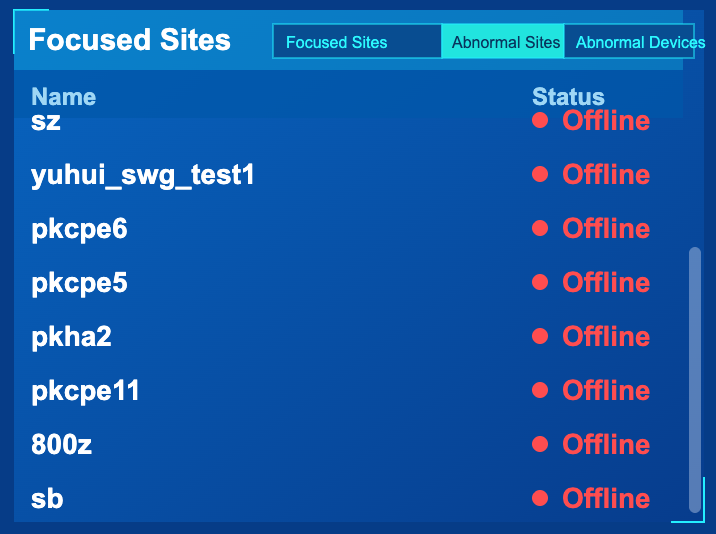
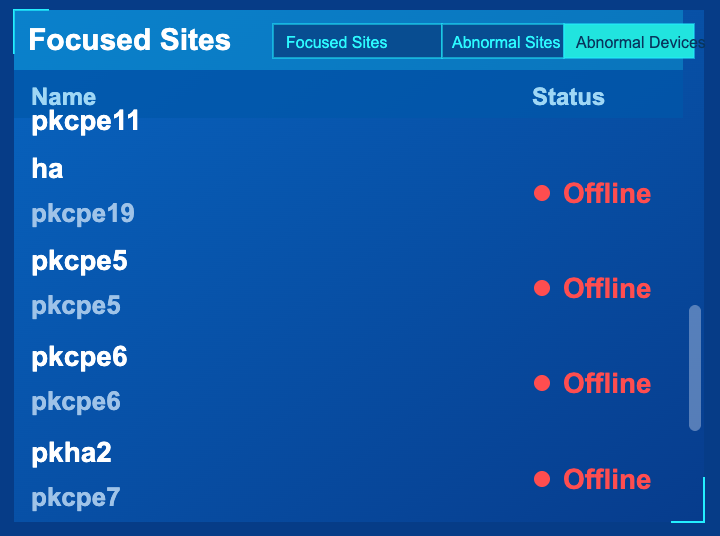
Abnormal device
info
- List offline devices
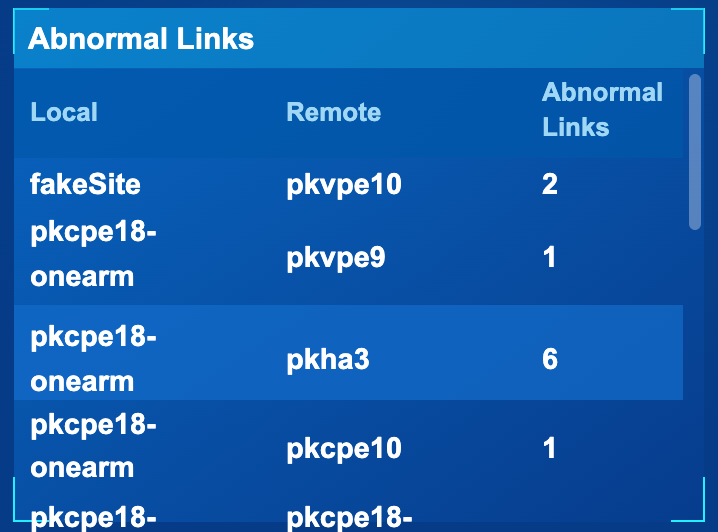
Abnormal link
The interface location is as shown below
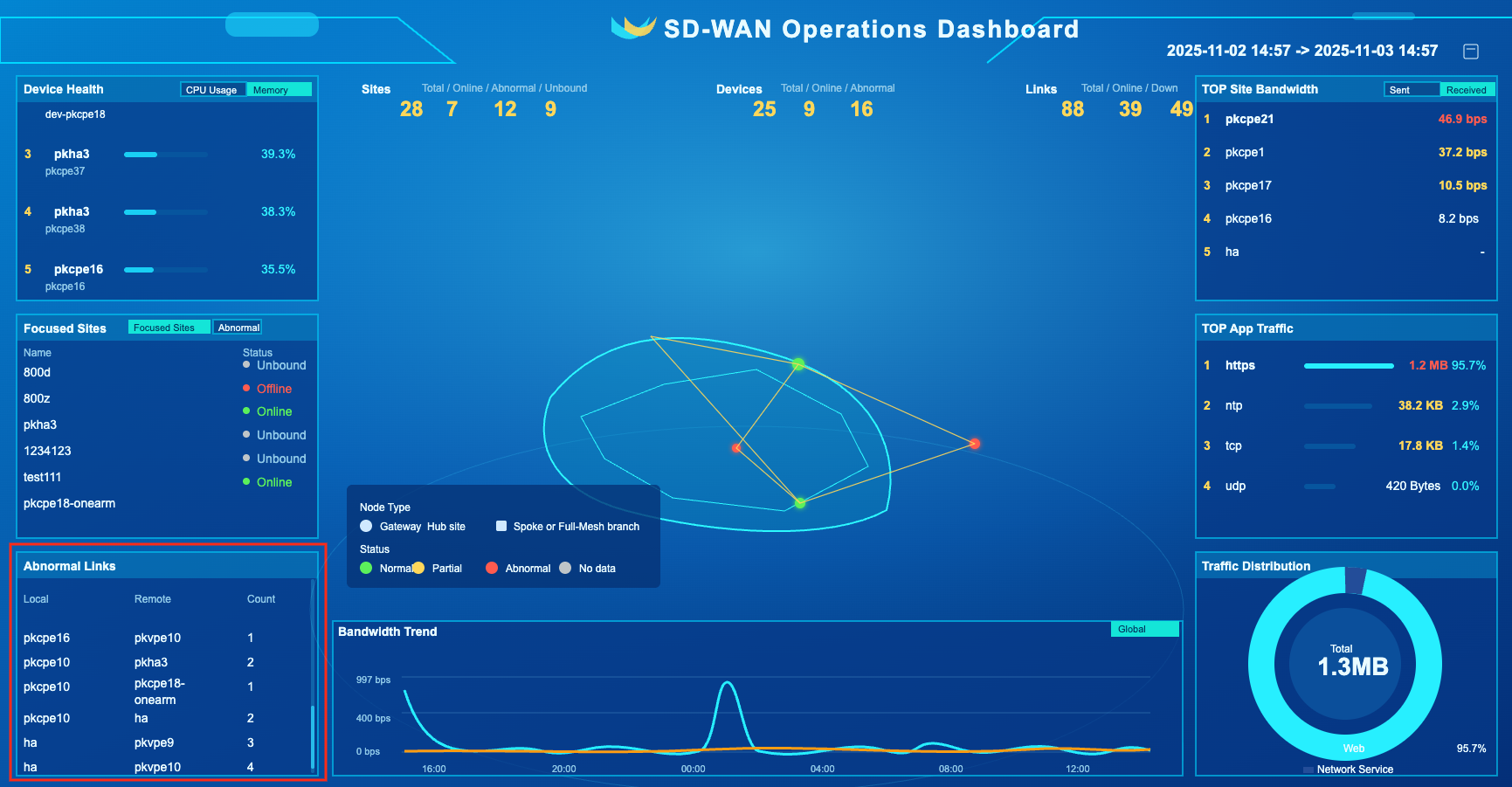
info
- List the number of abnormal links on the same local end and the opposite end
Network topology
The interface location is as shown below
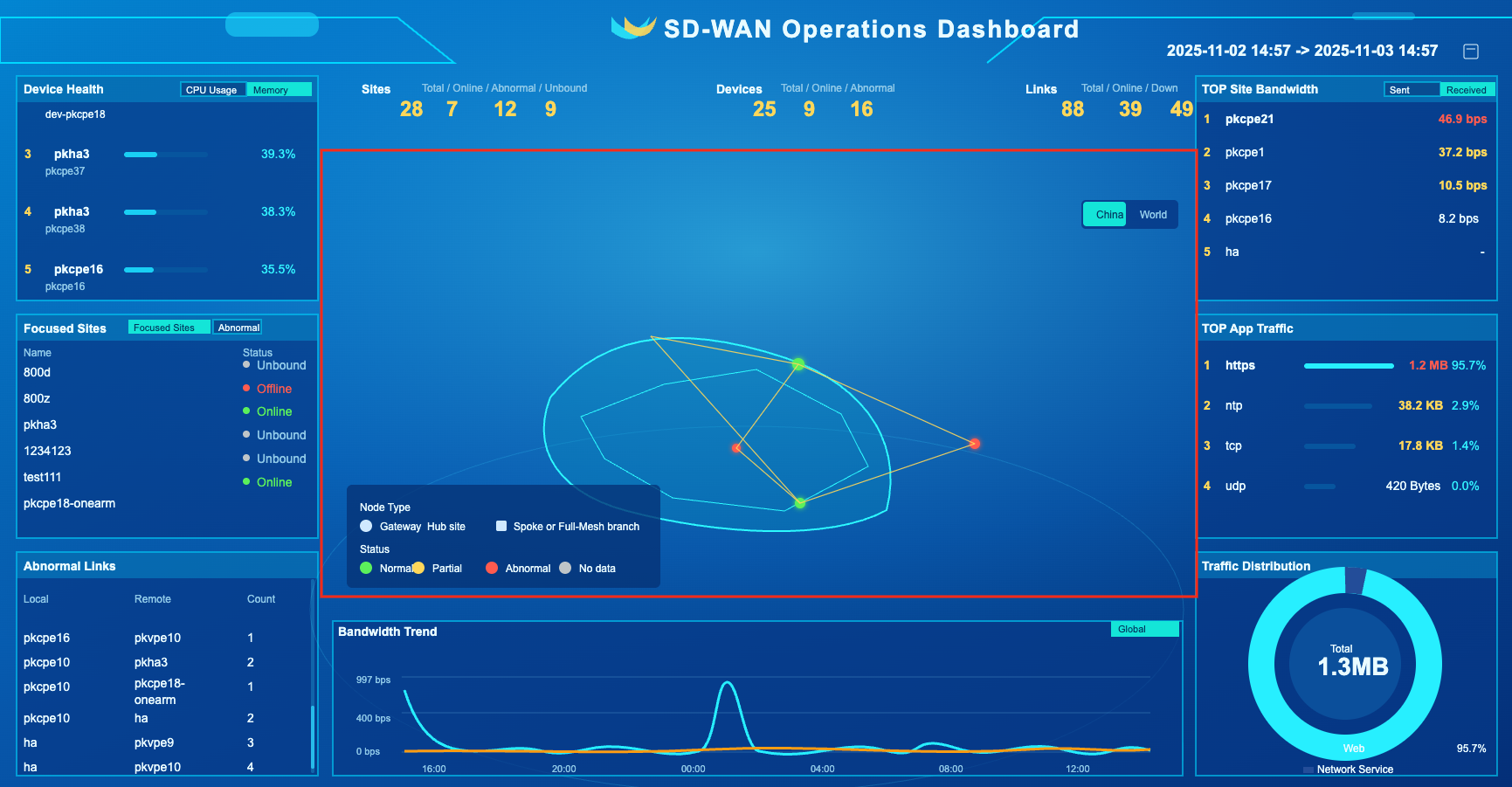
info
- Identify nodes and link information on the map, including: location, status, etc.
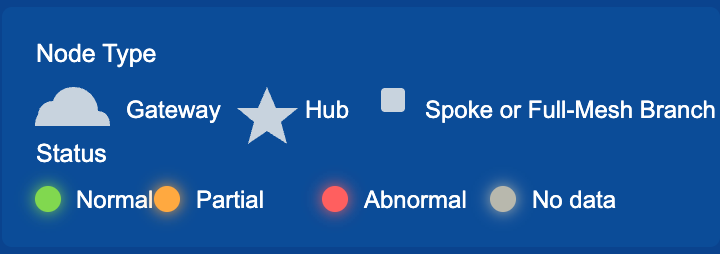
The graph and status of the node are as follows
Bandwidth Trends
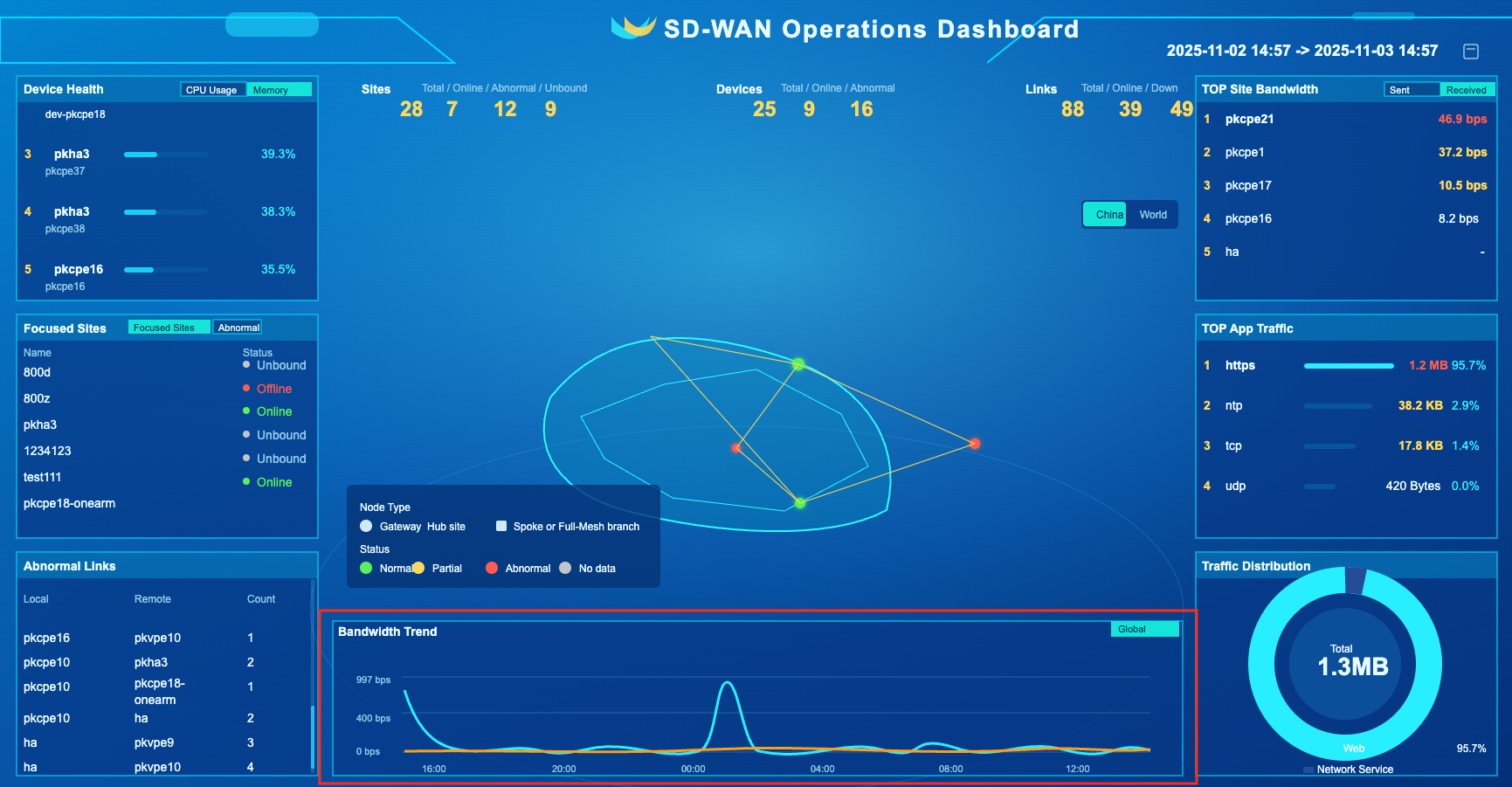
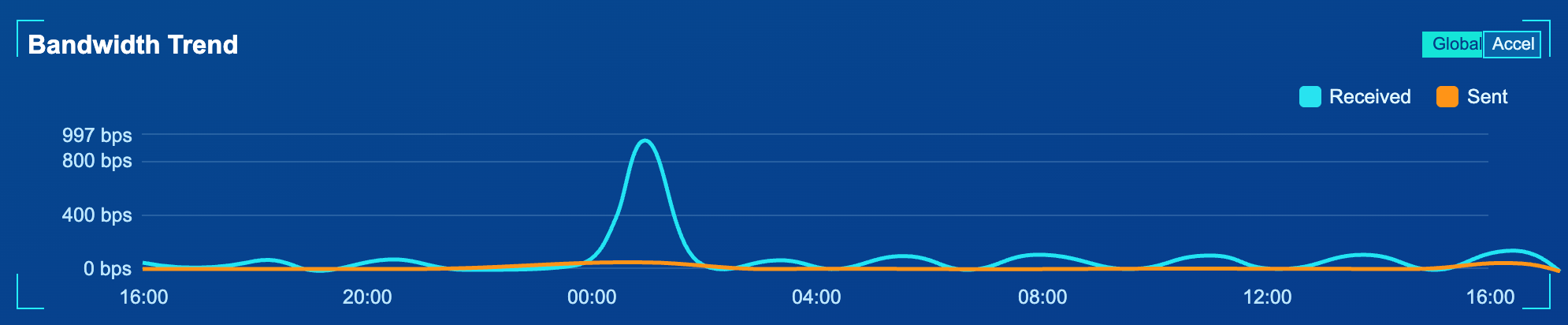
The interface location is as shown below
info
- Bandwidth trend within time range, unit: bps. Including: sending bandwidth, receiving bandwidth
TOP site bandwidth
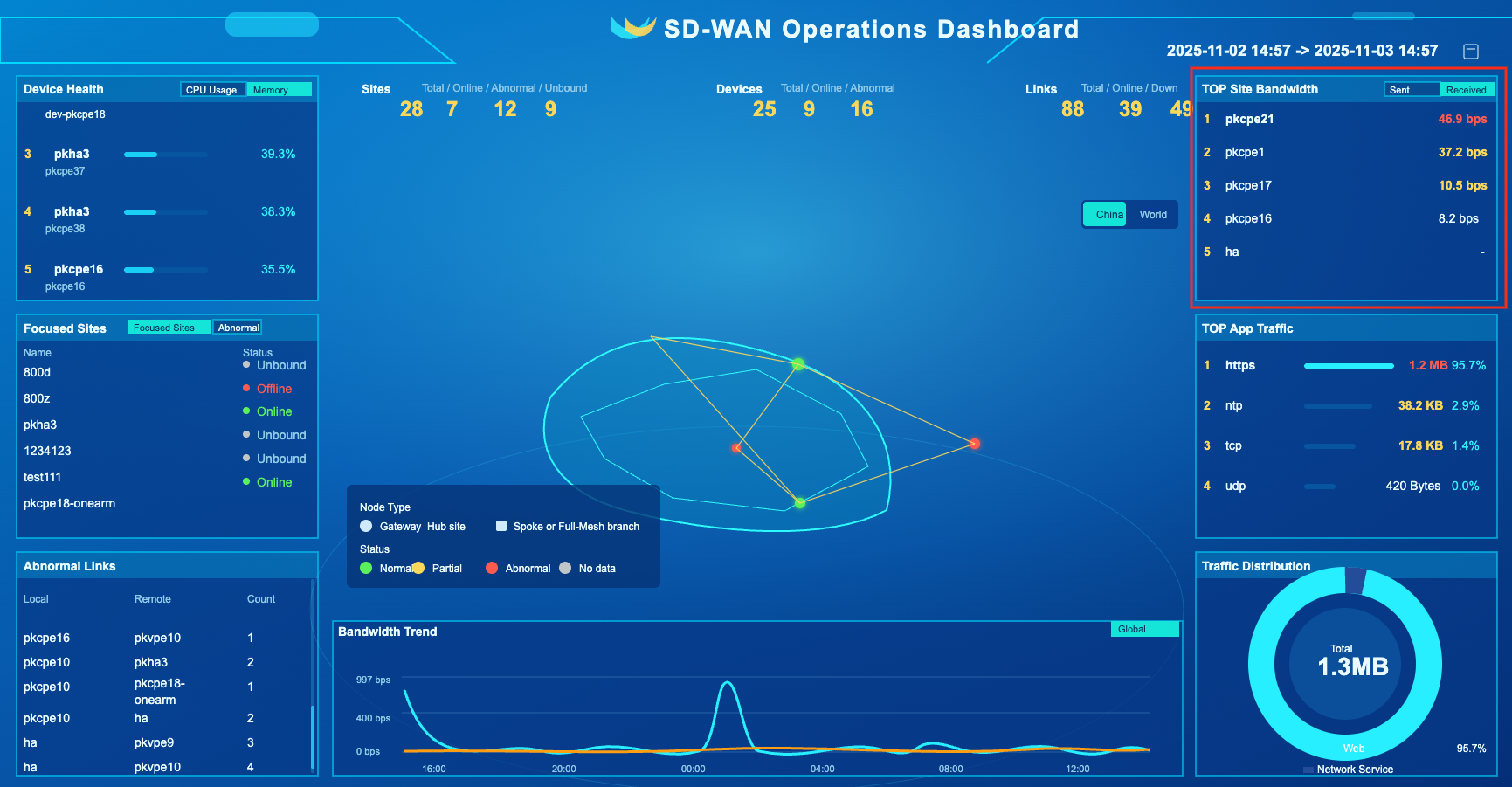
The interface location is as shown below
info
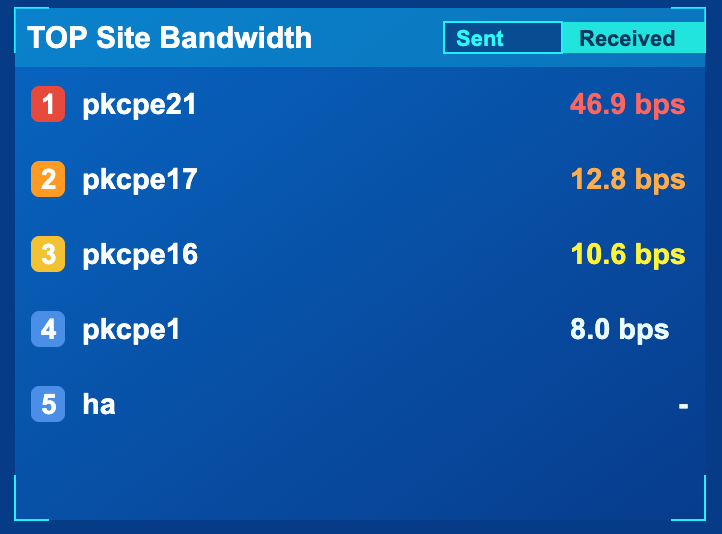
- Within the time range, the top 5 rankings of site bandwidth, unit: bps. Including: sending bandwidth, receiving bandwidth
TOP application traffic
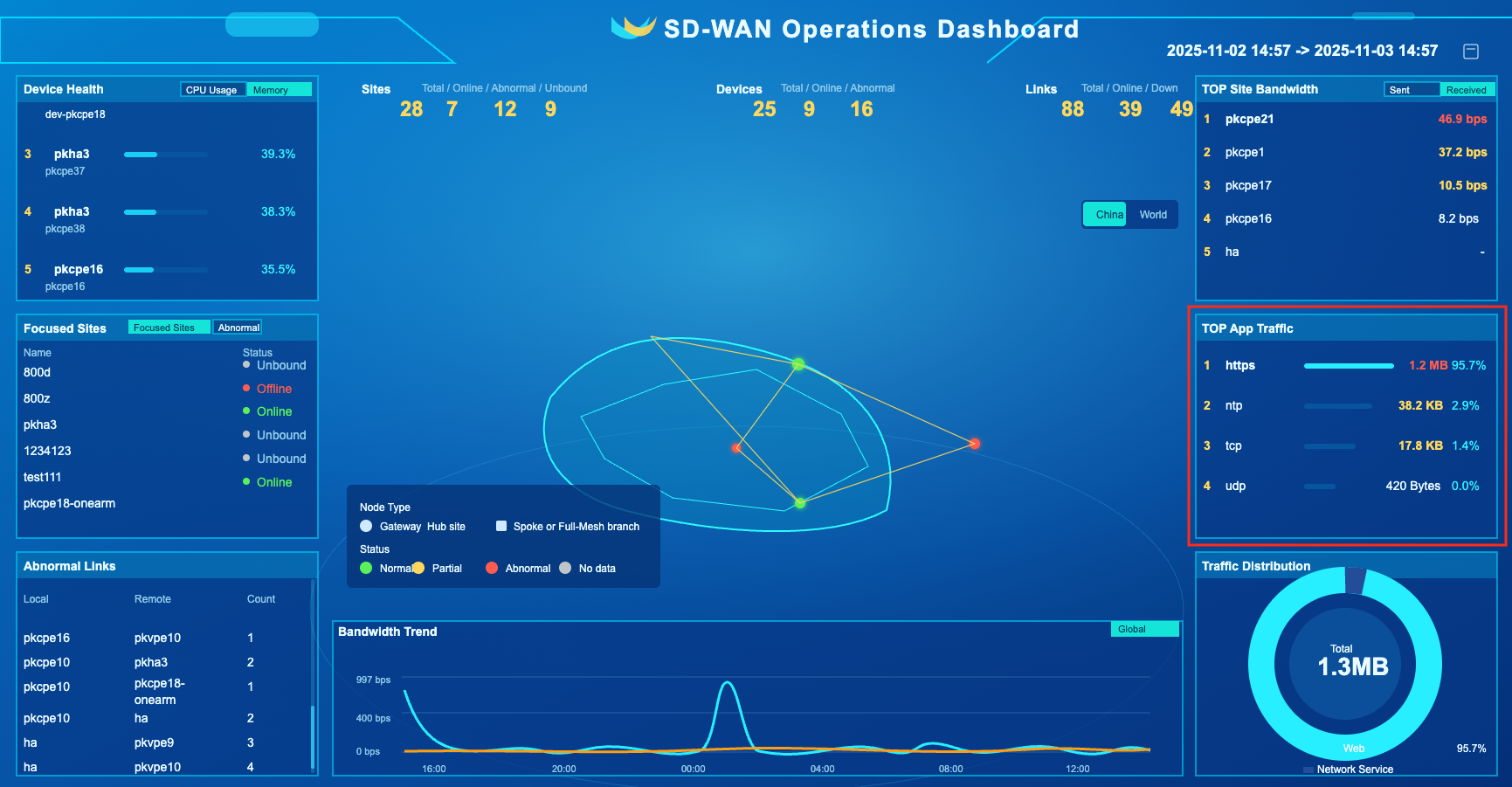
The interface location is as shown below
info
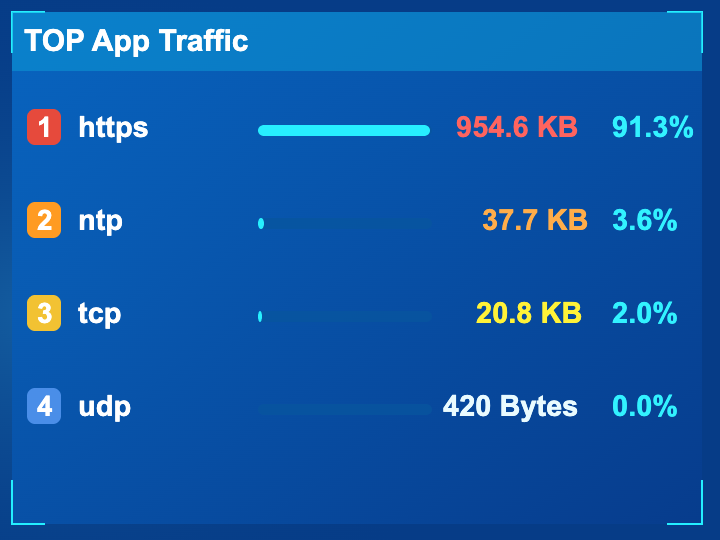
- Within the time range, the top 5 traffic rankings by application, unit: Byte
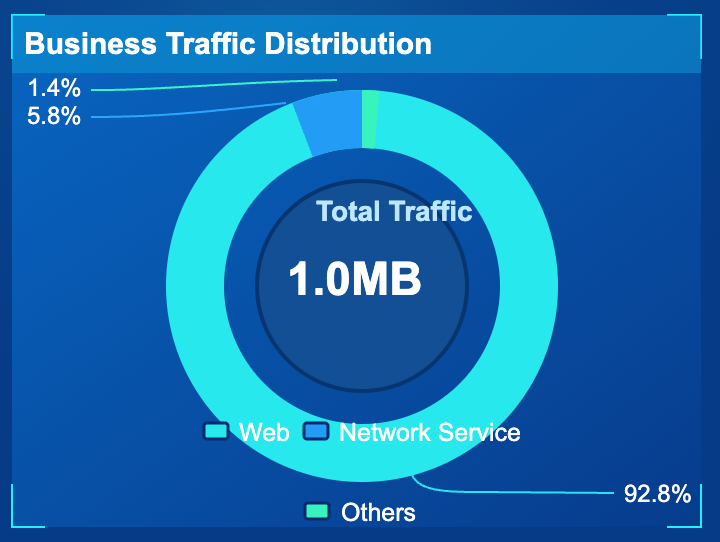
Business traffic distribution
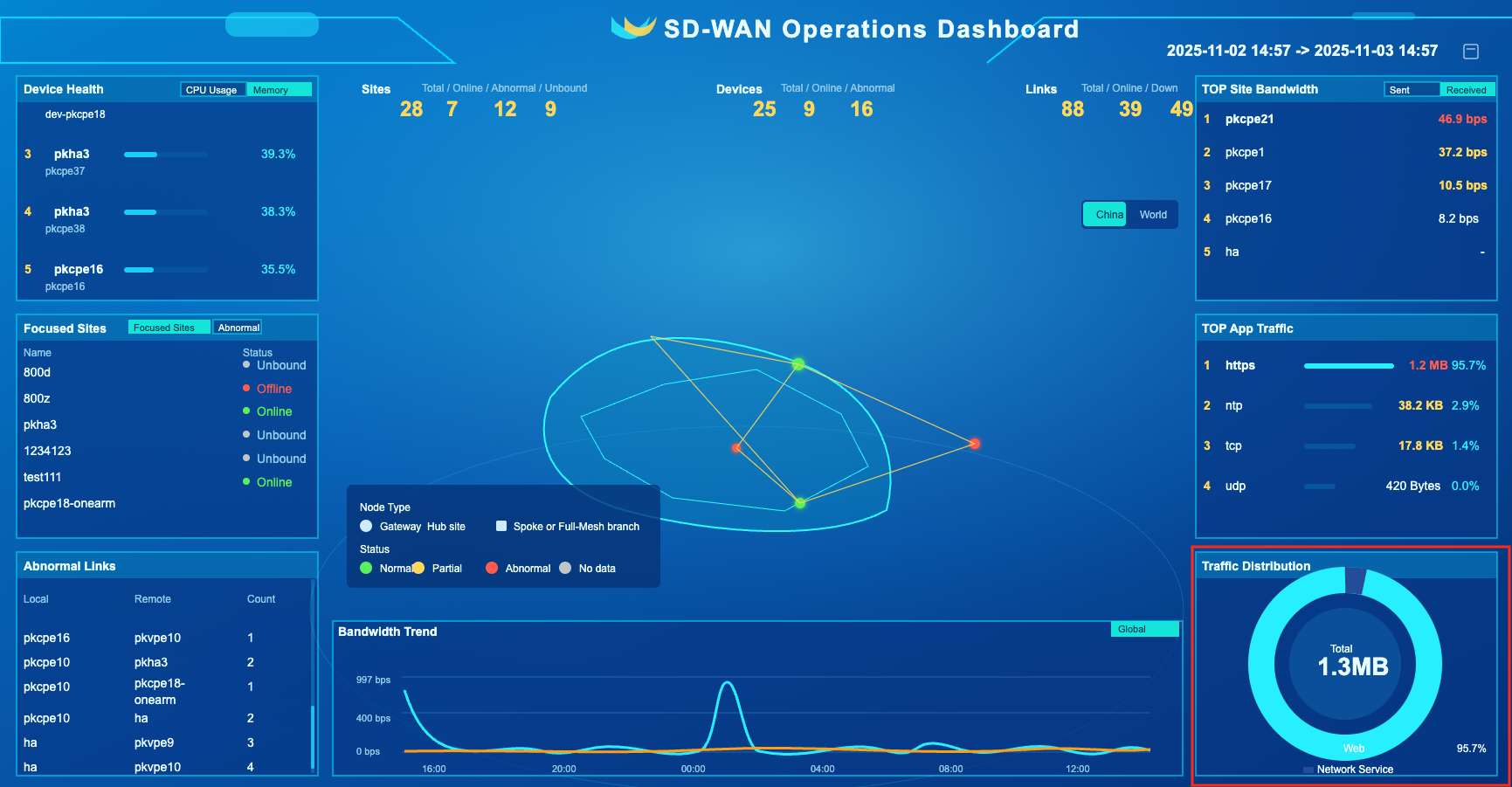
The interface location is as shown below
info
- Pie chart of traffic divided by business within time range